
Preview default AI music examples
These playable examples come from the default AI music generator. Use the 8-bit music generator above as a retro game music generator for a dedicated chiptune track from your own prompt.

Glass on the Avenue

Palm Skin Summer

Pressure Forward

Paper Cups and Rain

Skyline Morning

Midnight Slipstream
Create 8-bit music from text prompts
Shape the exact chip vocabulary before generation. The AI chiptune generator responds to waveform cues, arpeggio density, percussion texture, and loop intent so each prompt lands closer to a usable track.
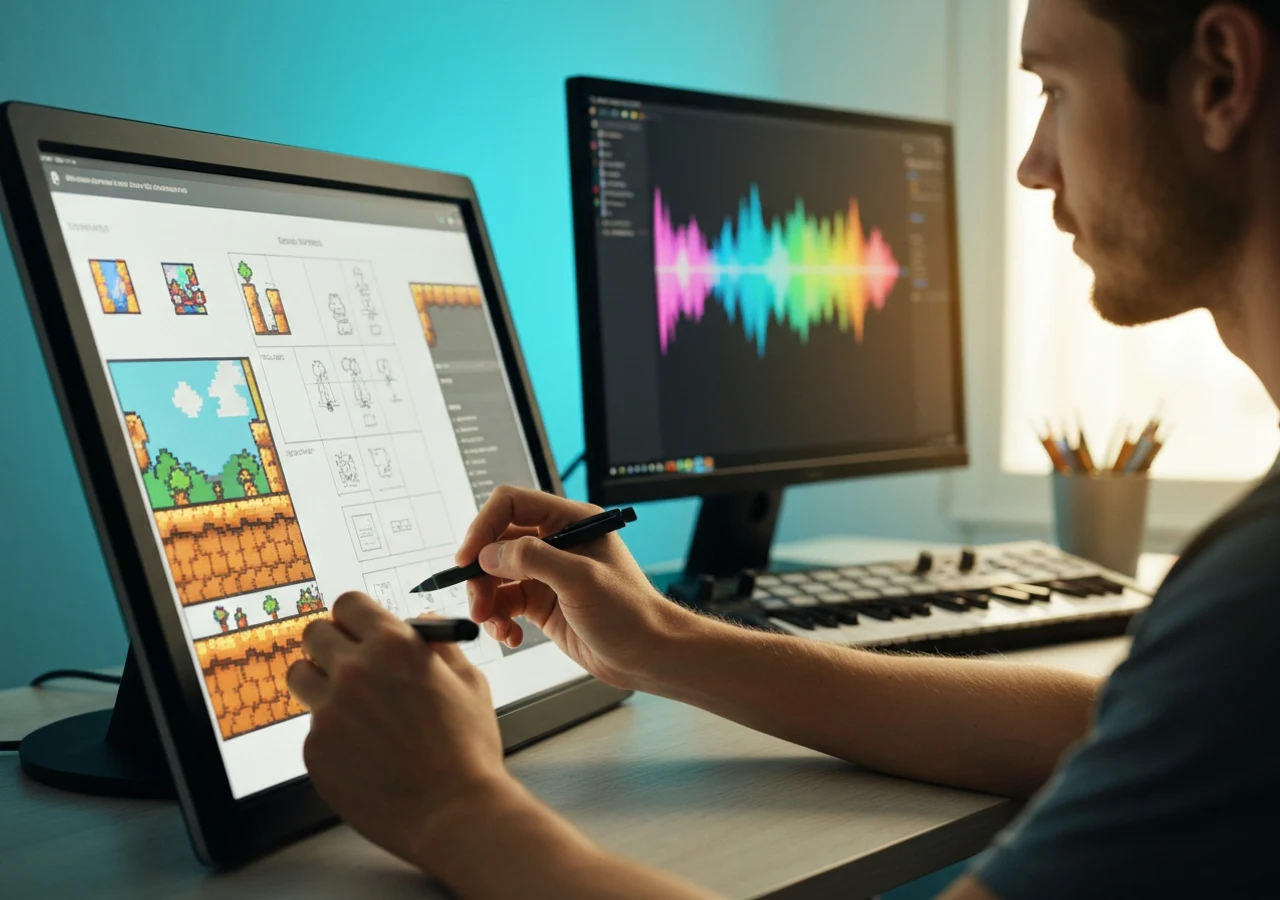
Turn game scenes into chiptune
Describe a level, boss fight, menu, or pixel world and generate a track direction with classic 8-bit character.
Generate a chiptune idea
Build loop-ready background music
Use prompts for menu loops, level themes, dungeon ambience, racing stages, and short fanfares that fit repeatable game moments.
Make a loop prompt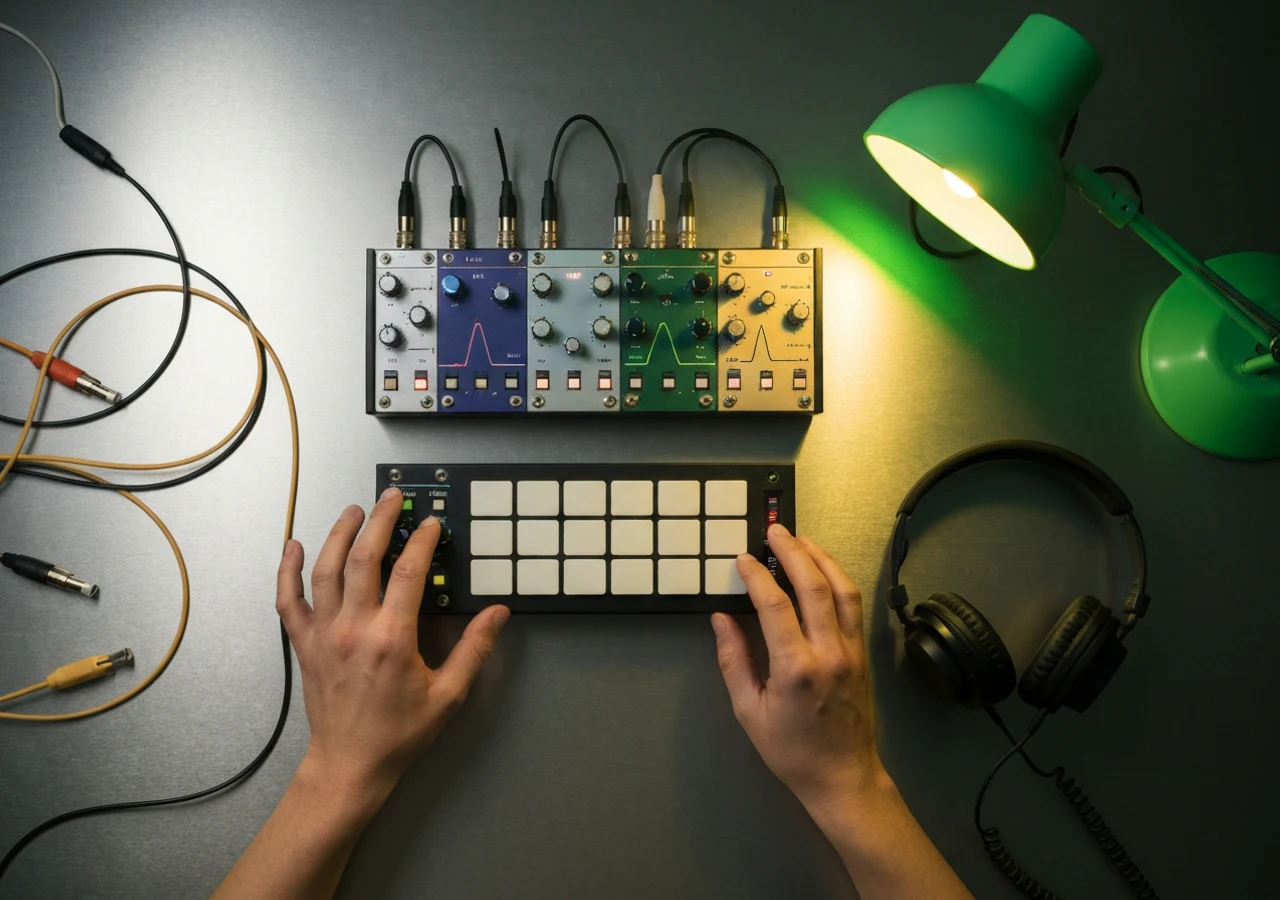
Control the chip sound vocabulary
Choose tags for square wave lead, pulse bass, triangle bass, fast arpeggio, noise drums, NES color, and handheld console tone.
Try chip sound tagsWho uses an 8-bit music generator?
Indie developers, streamers, video editors, and retro music fans use this retro game music generator when they need a clear 8-bit sound without arranging every channel by hand.
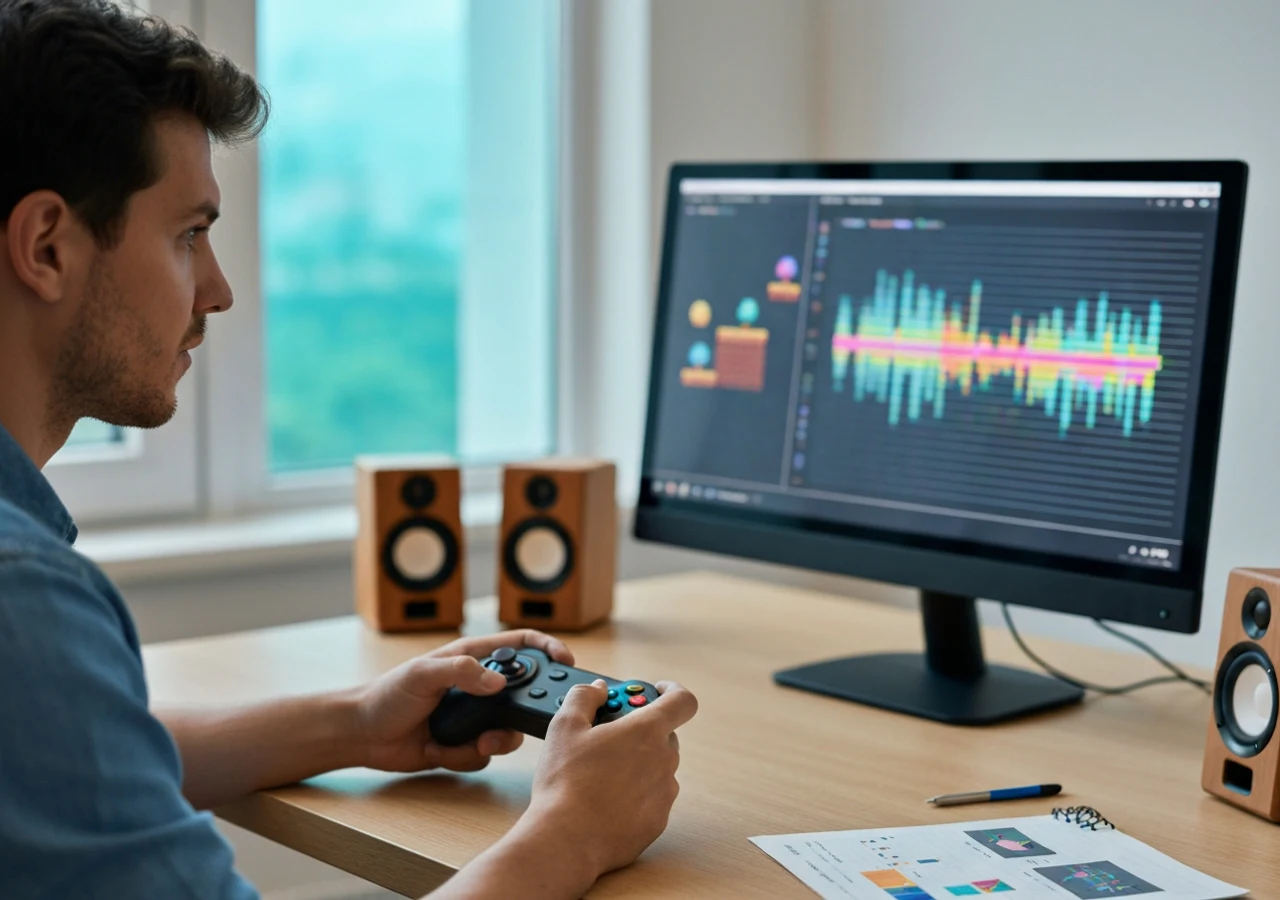
Indie game developers
Sketch level themes, menu loops, boss cues, and prototype soundtracks for pixel games before production music is final.
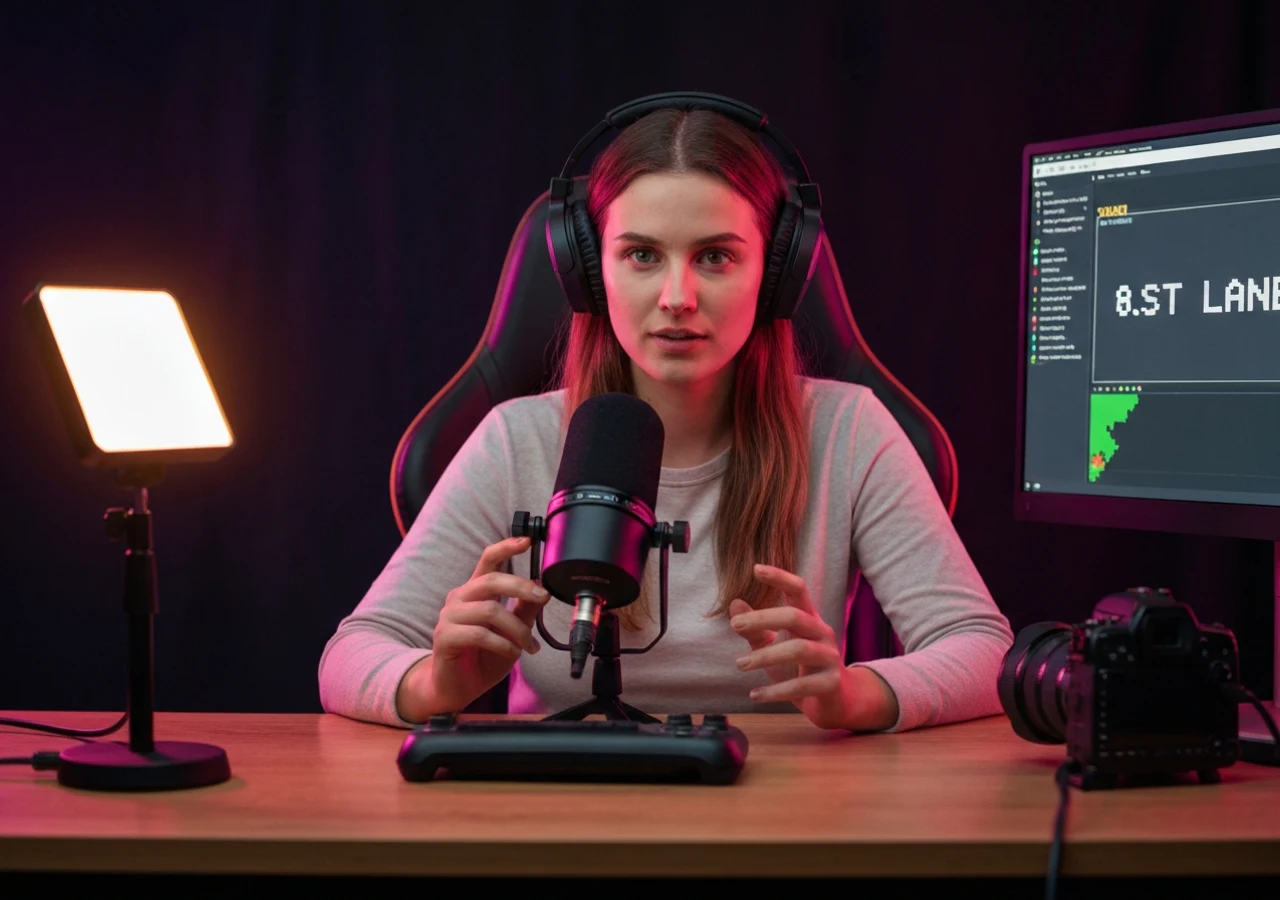
Video creators and streamers
Generate chiptune background ideas for pixel art videos, gaming edits, livestream scenes, shorts, and channel segments.
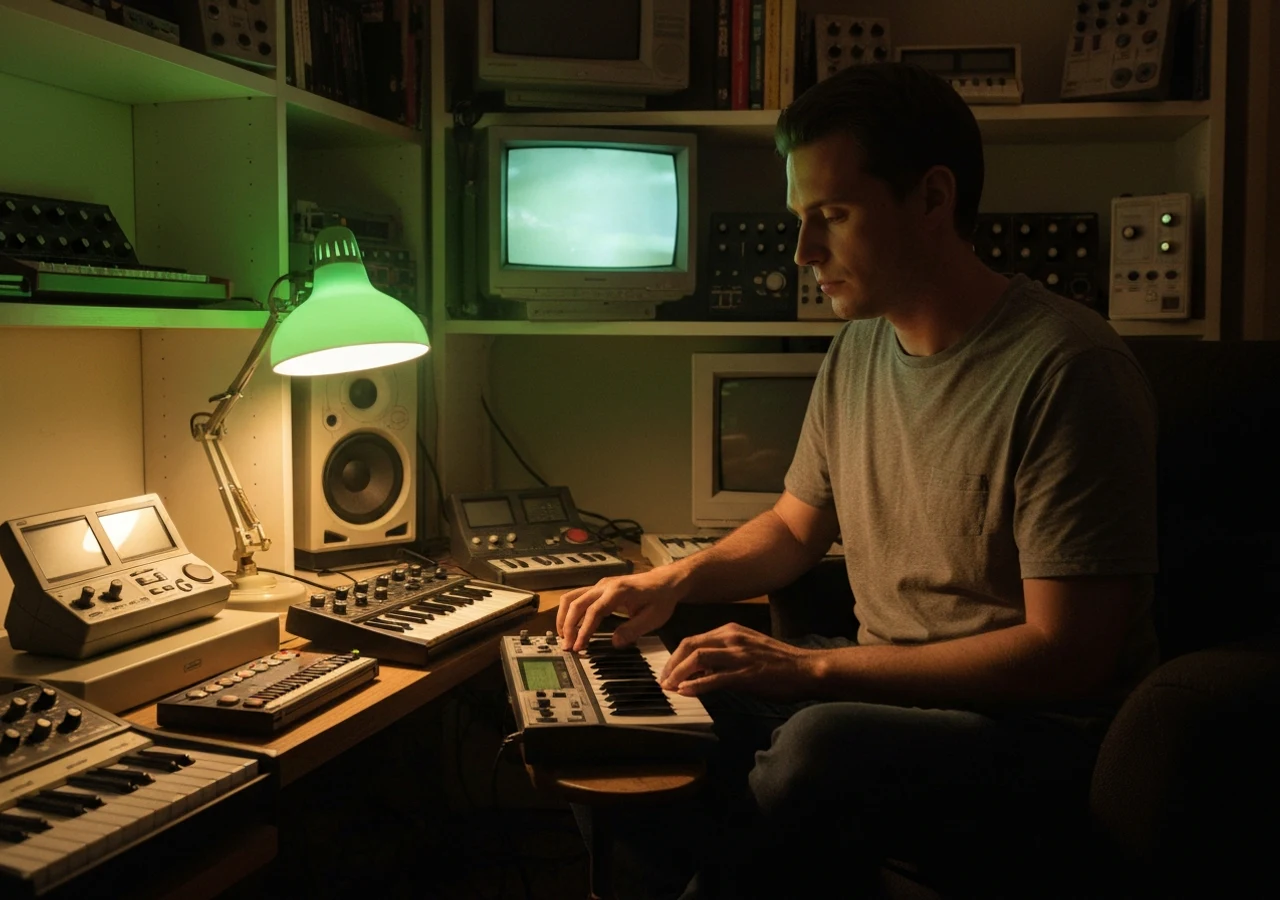
Retro music hobbyists
Explore chip melody ideas, arcade rhythms, and old-console textures without needing tracker commands or hardware limits.

Game jam teams
Draft quick 8-bit music directions for theme reveals, prototype menus, deadline builds, and playable pitch scenes.
How to generate 8-bit music
Start with the scene, refine the chip sound, then generate a track you can preview and revise.
Describe the game moment
Write the scene, emotion, and use case: platformer intro, dungeon loop, victory fanfare, RPG town, or boss battle.
Add 8-bit tags
Pick tags for square-wave lead, pulse bass, noise drums, arpeggios, tempo, and mood. The chiptune music generator uses these choices to keep the arrangement in the right 8-bit lane.
Generate and review
Create the track, listen for loop fit and energy, then adjust the prompt for your game, video, stream, or creative project.
Chiptune Prompt FAQ
Answers about prompts, chiptune tags, loopable music, and usage rights.