
Preview AI-generated music before writing your EDM brief
Listen to real AI-generated examples for inspiration, then focus your own brief on EDM subgenre, rhythm, bass, synth texture, vocals, and energy movement. These general examples are not presented as dedicated EDM demos.
Glass on the Avenue

Palm Skin Summer
Pressure Forward
Create a complete track with an AI EDM Music Generator
The AI EDM Music Generator turns a focused production brief into a complete music track. Describe the electronic dance style, intended use, energy curve, rhythmic foundation, bass character, synth palette, vocal role, and arrangement priorities instead of relying on one broad EDM label.
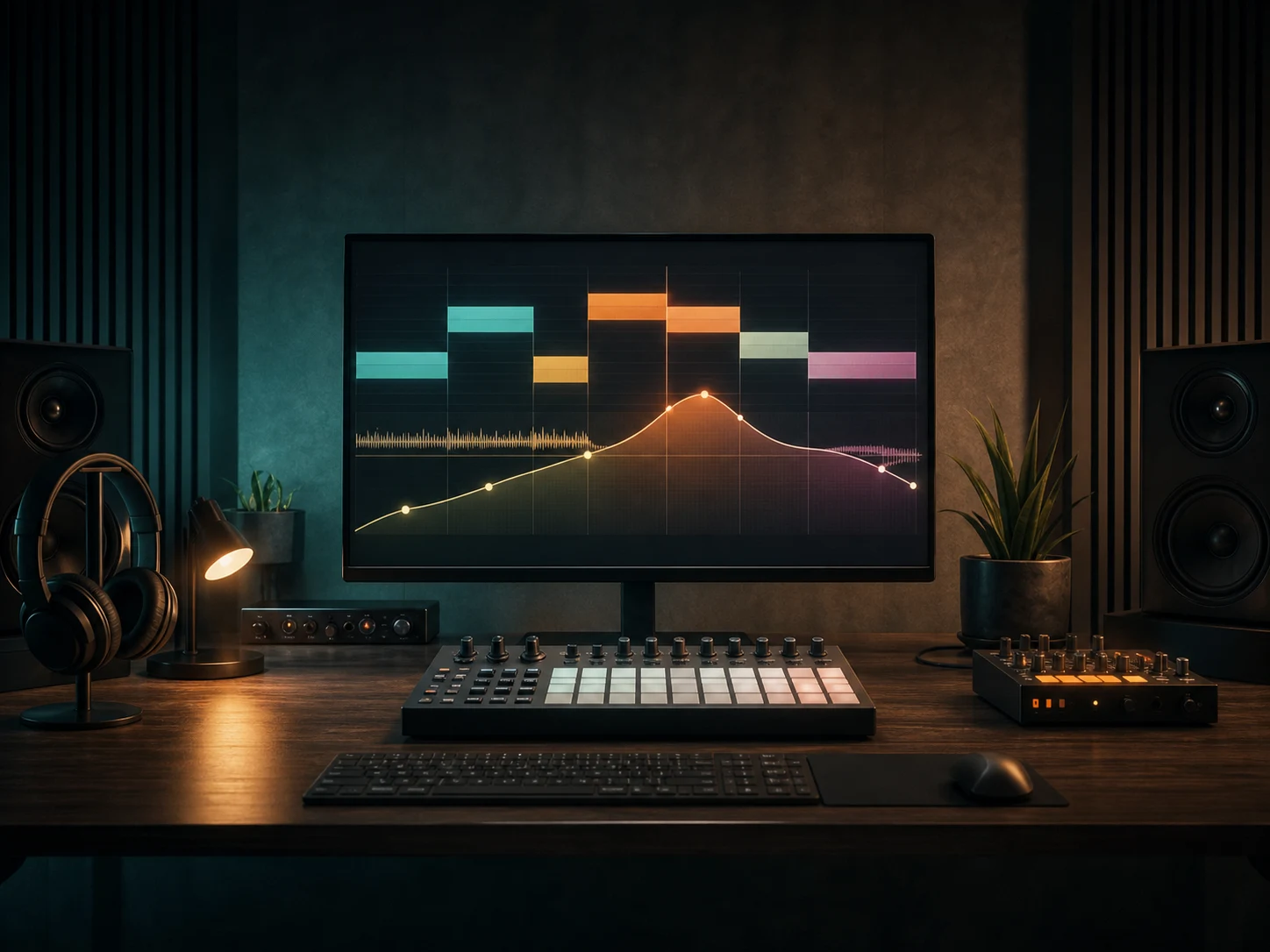
Map the build, drop, and energy curve
Start with the moment the track must support: a festival opening, club peak, game chase, workout interval, product reveal, or late-night background. Then describe how the energy should move through the intro, build, drop, breakdown, return, and ending. The AI EDM Music Generator treats this as creative direction, so prioritize the two or three transitions that matter most.
Write the energy brief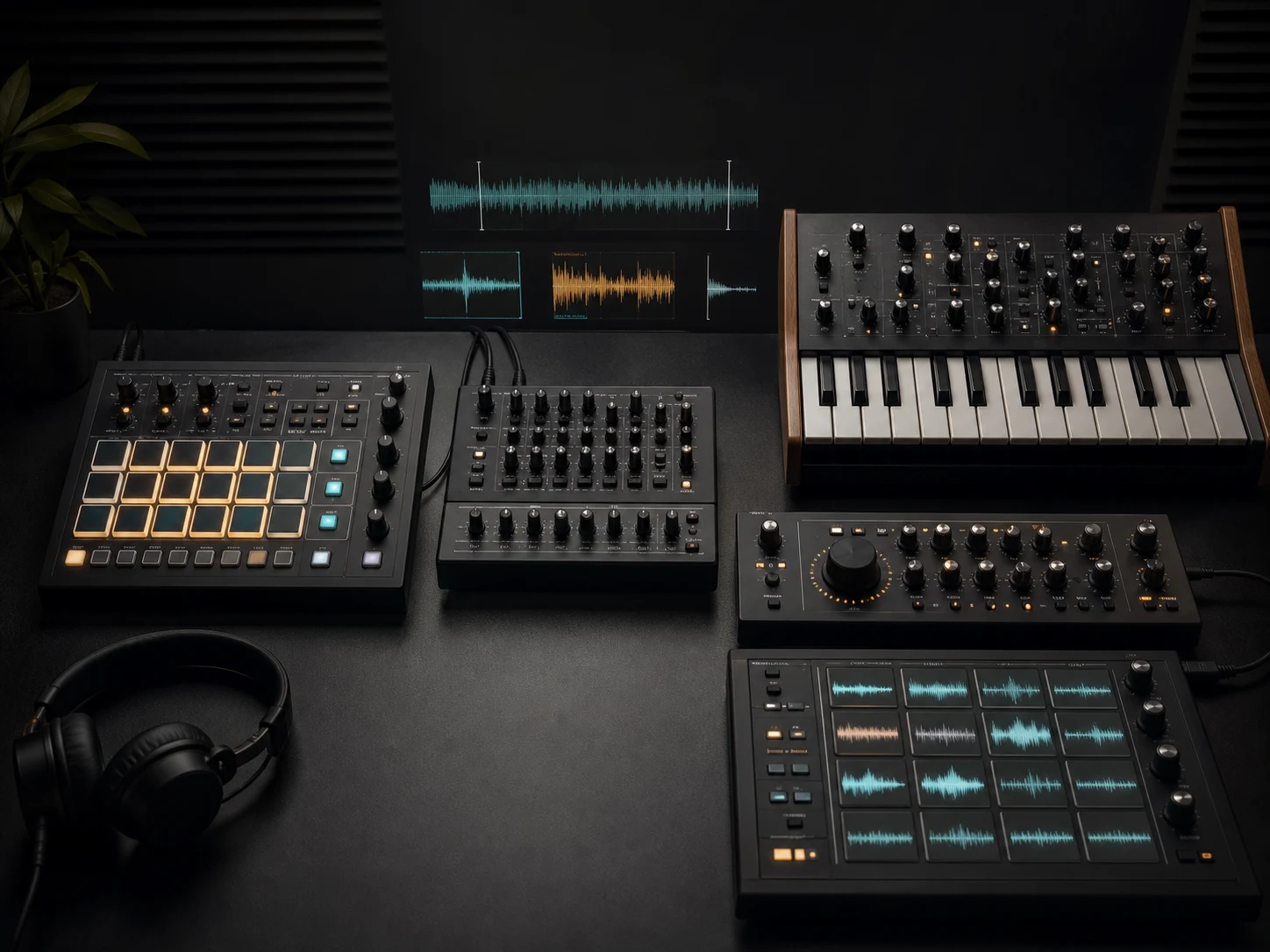
Choose a focused drum, bass, and synth palette
Name the rhythmic feel and a compact set of sounds: four-on-the-floor kick, rapid breakbeat, half-time drums, rolling sub bass, reese bass, acid sequence, supersaw lead, vocal chops, plucks, pads, or metallic percussion. A focused palette gives the AI EDM Music Generator clearer priorities than a long list of conflicting production terms.
Shape the EDM sound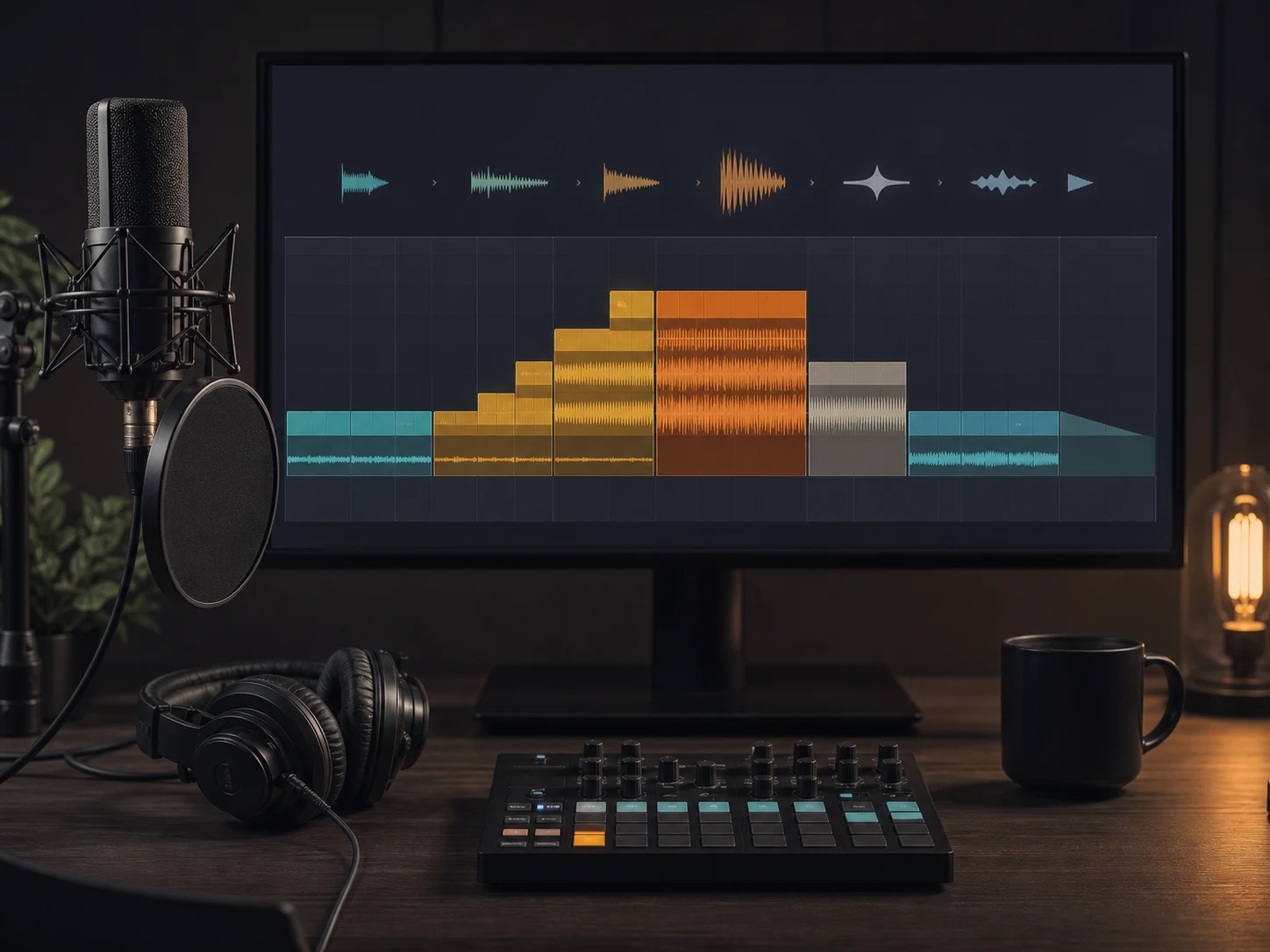
Direct vocals and arrangement without a DAW
Choose instrumental mode or provide your own lyrics, then describe the vocal role, section contrast, melodic hook, transition density, and ending. Use the broader AI Music Generator when you want to explore styles beyond electronic dance music or begin from a less specific musical idea.
Explore the AI Music GeneratorWho uses an AI EDM Music Generator?
An AI EDM Music Generator helps creators hear an electronic dance direction before committing to detailed production. The same tool can support a club-oriented sketch, a loopable game cue, a video edit, or a focused workout track when the brief defines a different energy curve and success condition.
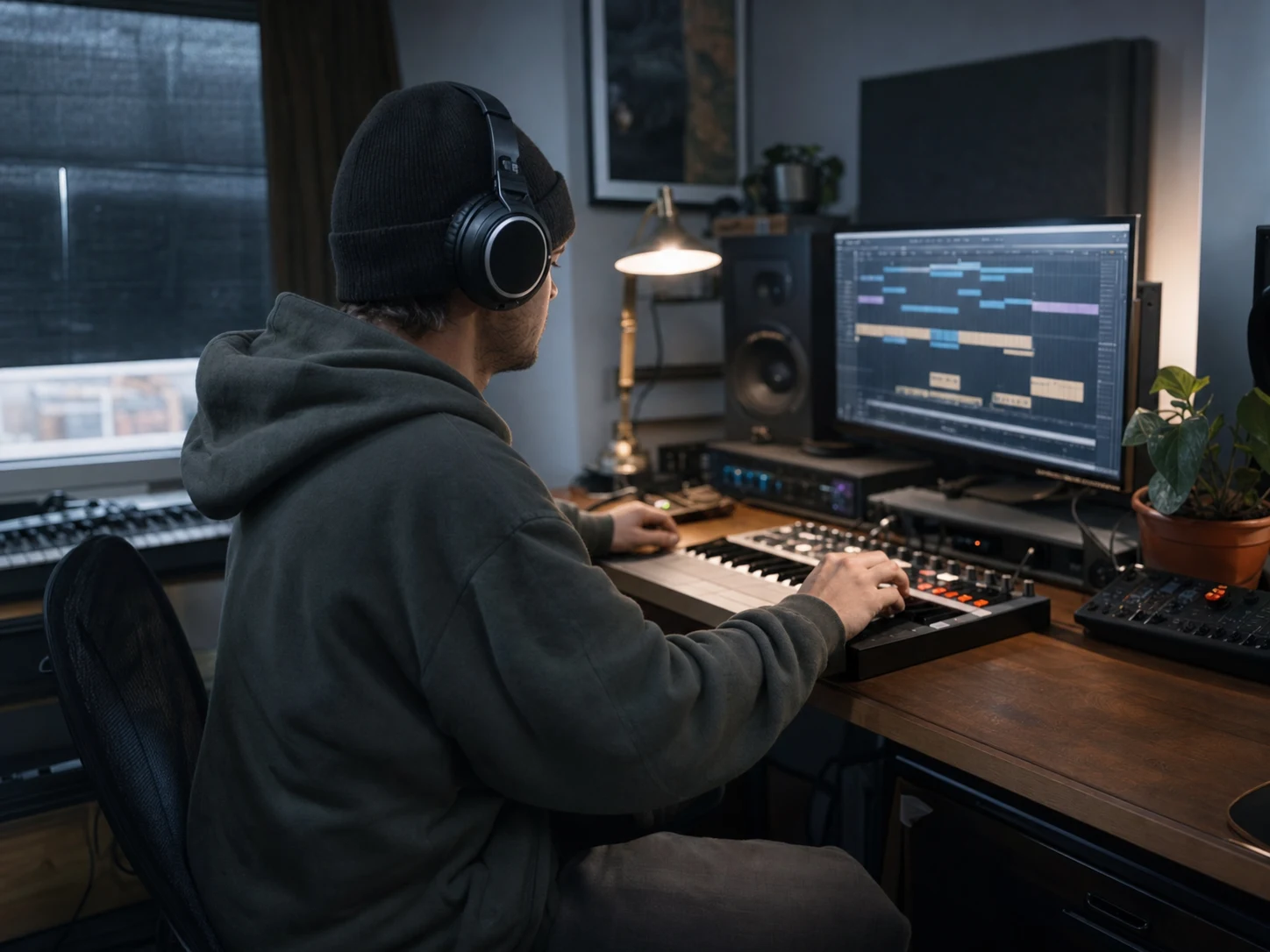
Electronic producers and beginners
Compare Progressive House, Techno, Trance, Dubstep, Drum and Bass, Future Bass, Deep House, and Electro House directions without building every idea from an empty session. Test how a kick pattern, bass role, synth texture, vocal hook, and drop shape work together before choosing what to develop further.
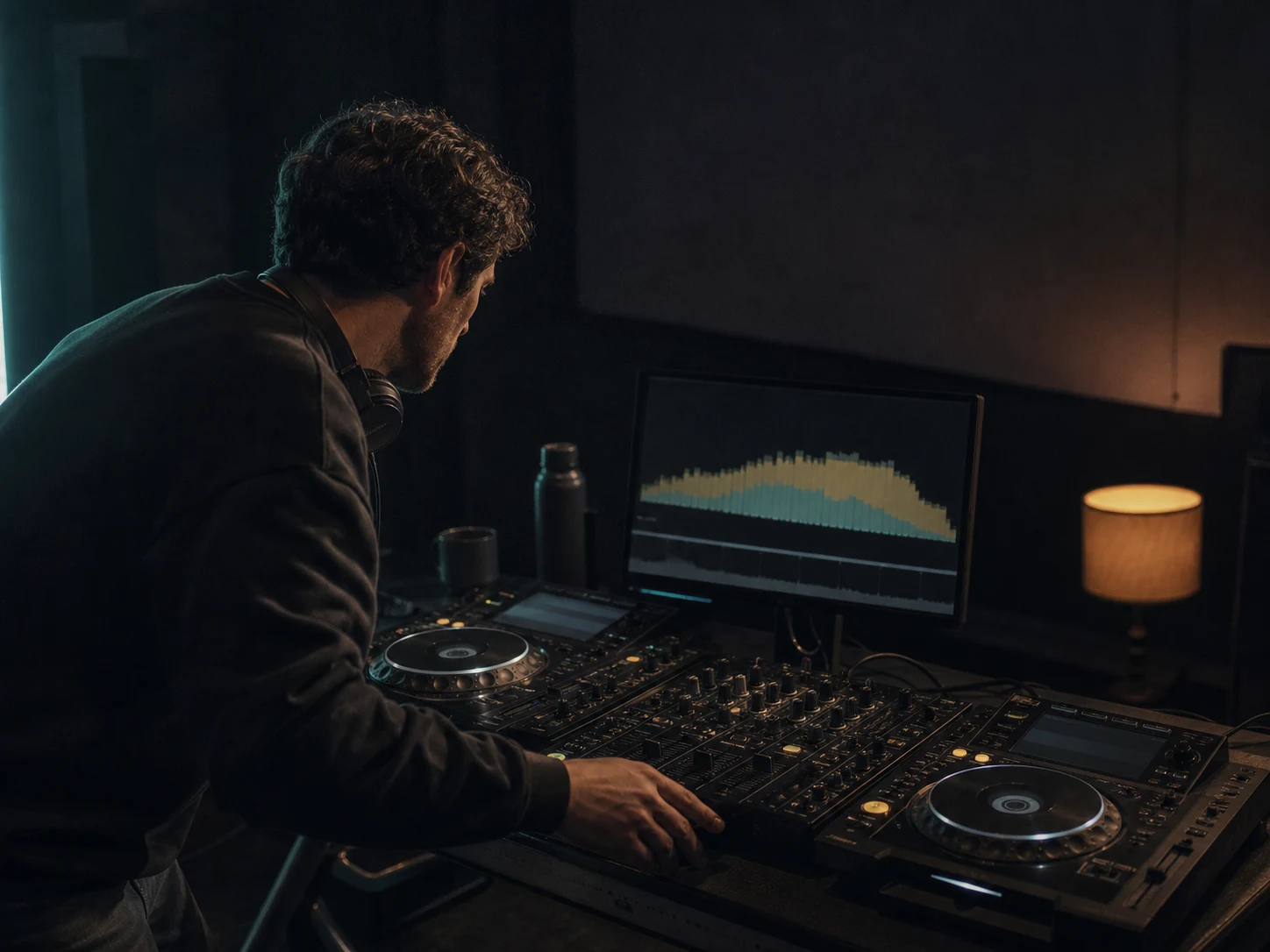
DJs and live-set planners
Explore opening tension, mid-set momentum, peak energy, breakdown length, and a decisive outro for set planning or transition ideas. The AI EDM Music Generator can provide a direction to study and revise, but it does not replace beat-grid preparation, final mastering, or performance-ready stem work.
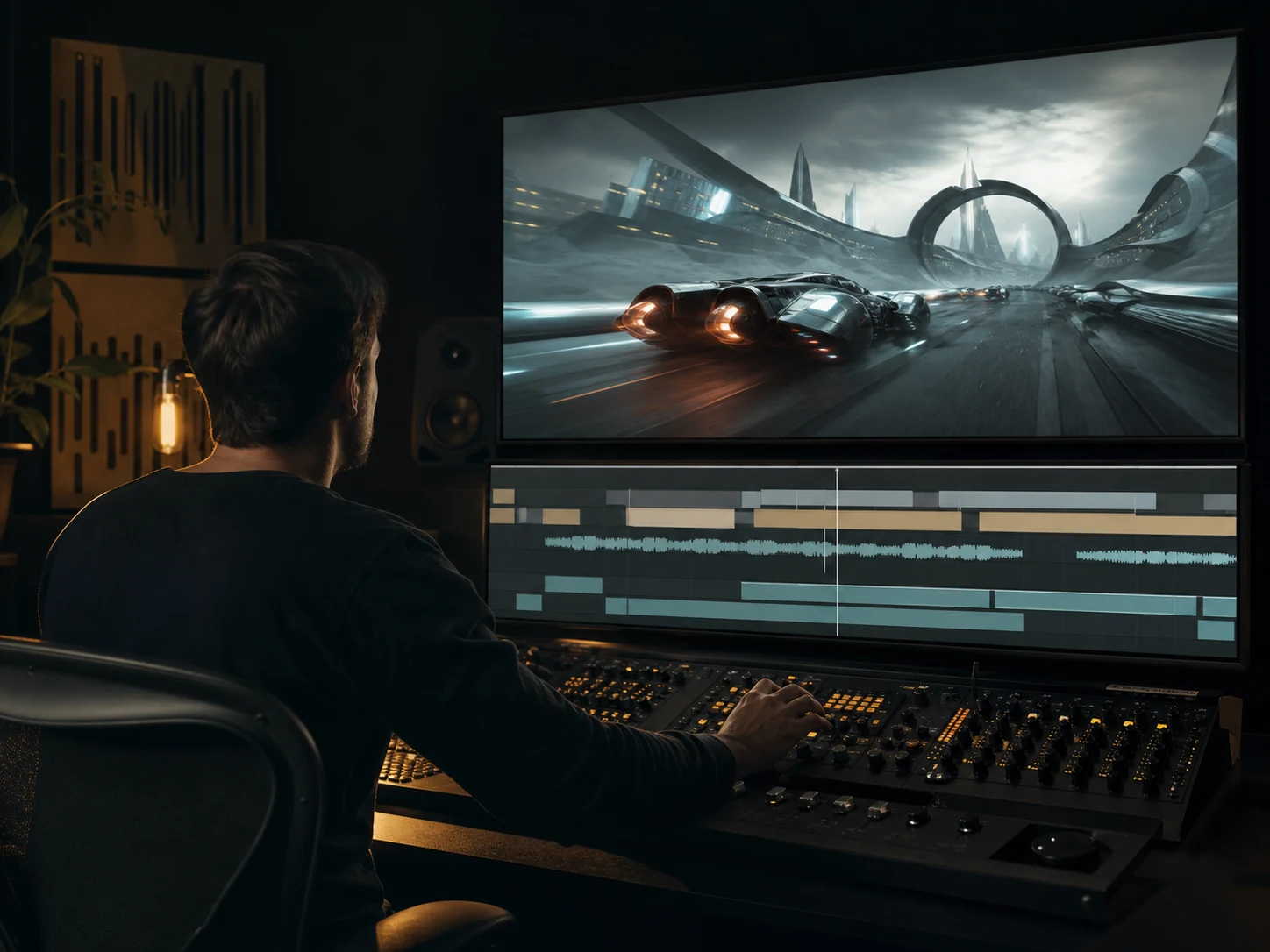
Video and game sound designers
Create electronic directions for trailers, fashion edits, product reveals, racing games, cyberpunk environments, menus, chase scenes, and achievement moments. State whether the cue must loop, leave room for dialogue, hit a visual cut, or finish with a clean stop so the musical shape supports the scene.
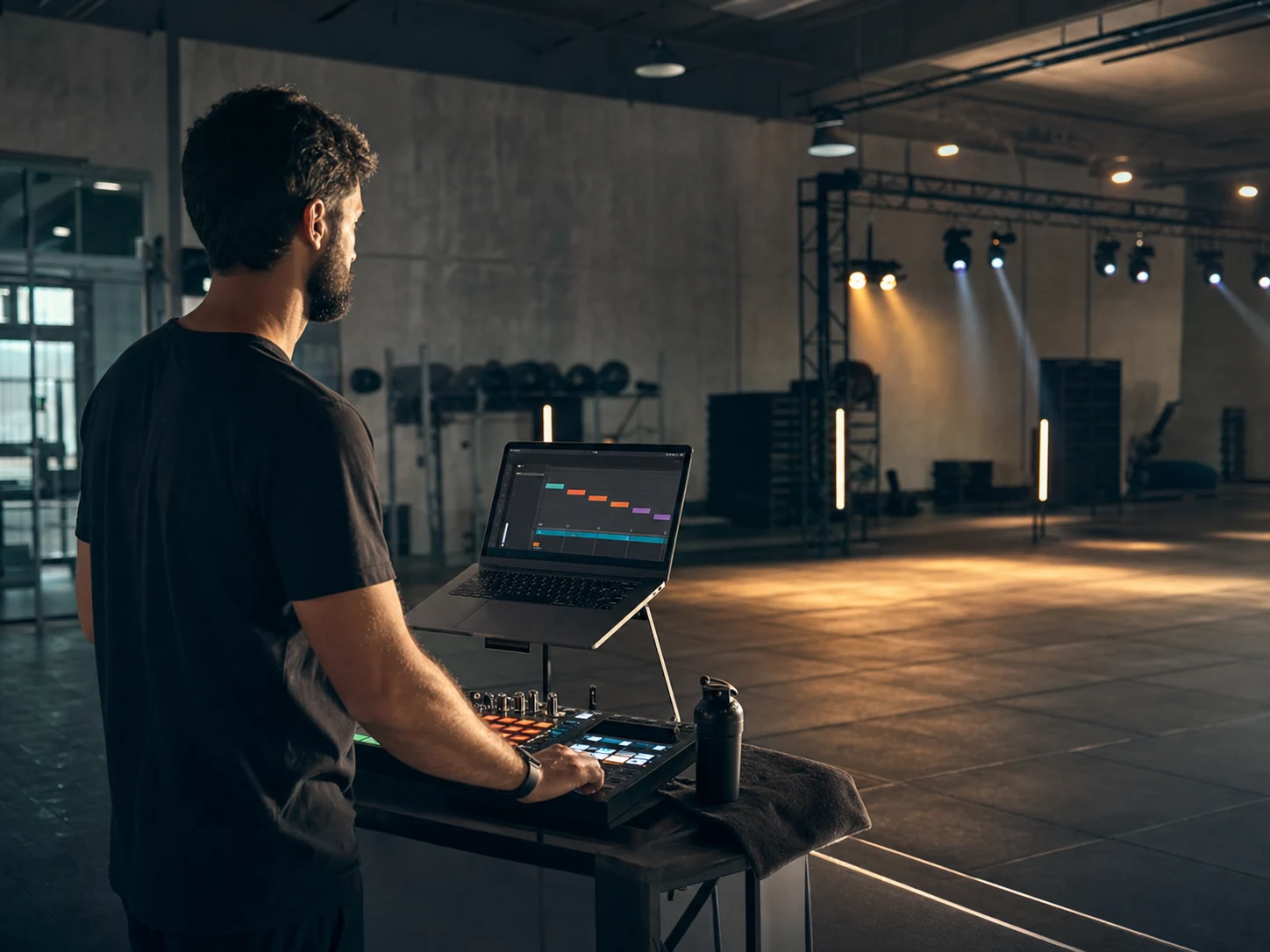
Fitness and event creators
Sketch warm-up, interval, peak, recovery, entrance, countdown, and reveal music with explicit energy changes. An instrumental brief keeps instructions or announcements clear, while a short vocal phrase can mark a section without turning the track into a lyric-heavy song.
How to use an AI EDM Music Generator
Treat the AI EDM Music Generator like a collaborator receiving a short electronic production note. Pick the subgenre and purpose, identify the sounds and energy changes that matter, then generate, listen, compare, and revise only the most important choices.
Choose the EDM lane and intended moment
Name Progressive House, Deep House, Techno, Trance, Dubstep, Drum and Bass, Future Bass, Electro House, or a deliberate hybrid. Add the use case and emotional direction: sunrise festival intro, dark warehouse peak, racing-game loop, focused workout interval, cinematic reveal, or low-key fashion background.
Add rhythm, bass, synths, vocals, and structure
Tell the AI EDM Music Generator which kick or breakbeat feel should lead, how the bass should behave, which synth textures matter, and whether the track is instrumental or uses your lyrics. Describe the intro, build, drop, breakdown, return, and ending in priority order. BPM language is useful direction, not an exact technical guarantee.
Generate, listen, and revise the energy curve
Check whether the groove supports the use case, the bass and kick remain distinct, the drop earns its contrast, the breakdown lasts long enough, and the ending suits a loop or clean finish. Change one or two priorities in the AI EDM Music Generator prompt, then compare the new result instead of rewriting everything at once.
AI EDM Music Generator FAQ
Answers about complete EDM tracks, subgenres, prompts, lyrics, vocals, instrumentals, artist imitation, and project rights.