AI Singing Voice Cloning
Demonstration











Build a private singing voice model with recordings you choose. Upload audio or record in your browser, review every sample, and submit a training task for 10 credits. When it is ready, select your model for a song voice cover. A singing voice model is shaped by the audio you provide. This workflow lets you collect, check, and submit those samples in one place before you try the voice on a song.
Which takes should I use if my voice is spread across several files?
Add several recordings to one training task, then listen to them in the sample list. You can remove a file that does not represent the voice you want before you spend credits. The uploader accepts up to 20 files, with a combined size limit of 120 MB.
Can I tell whether I have enough usable audio?
The tool shows the total readable duration of your uploaded samples. Training requires at least 60 seconds; around 10 minutes is recommended. That check makes the threshold visible while you are preparing the task rather than after submission.
What if a sample contains the wrong take or background sound?
Play each sample in the browser and replace anything you do not want to train from. Clearer, more consistent examples are a sensible choice, although the preview cannot predict the quality of the finished model. You decide which files enter the task.
What happens after I submit the training task?
The task moves through processing states and the finished model appears in My voices when ready. It stays selectable by your account, so you can move from collecting recordings to choosing that voice for a cover without publishing it as a community template.
Training turns your selected recordings into a voice option attached to your account. You can return to that model for later cover experiments instead of gathering and submitting the same source material for each song.
Name the model before training so it is recognizable in your voice list and when choosing a voice for a cover. A useful name can describe the singer, recording style, or session rather than relying on a file name.
Your trained model belongs to your account and does not become a voice for other users to select. My voices shows the task and the model when training completes.
Sample count, file size, total duration, and the 10-credit training price are visible before submission. You can listen and revise the source set while the decision is still yours.
Once the model is ready, choose it in the song cover tool alongside available system templates. Training creates the voice option; creating a cover remains a separate task with its own song input and credit cost.
Work through the samples first, then submit one training task and follow its status in My voices.
Upload existing audio, record in your browser, or combine both. Add up to 20 files, each no larger than 30 MB, and keep the complete set within 120 MB. Give the voice a name you will recognize later.
Play back the files, remove unwanted takes, and check the displayed total duration. At least 60 seconds of readable audio is required; around 10 minutes is recommended. The preview helps you choose inputs, but it is not a preview of the trained voice.
Submit the chosen set for 10 credits. Follow extraction, preparation, training, and completion in My voices. When the model is ready, it can be selected from your account's voices in the song cover workflow.
The page keeps input review separate from the finished model, so you can see what you are submitting and where the voice goes next.
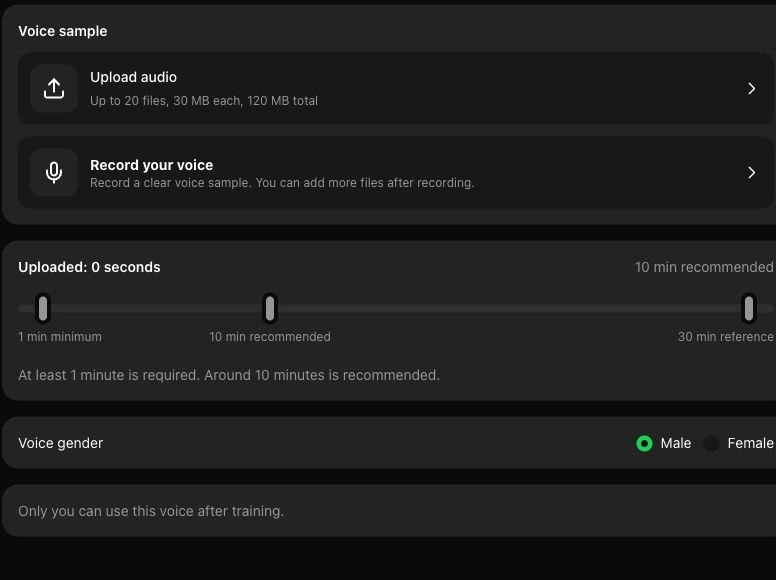
Upload recordings or capture a new one with your microphone, then play the files in the list. The form checks readable duration and file limits before it starts training. A sample can be removed without discarding the rest of your selection.
Review voice samples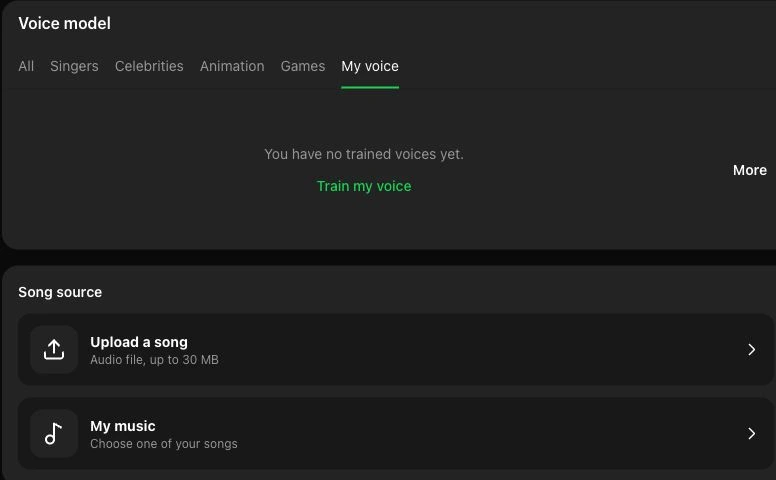
My voices shows your training progress and the model after completion. When you have a song ready, use the AI song cover generator to select that private voice and hear it on an existing track.
Try a song voice coverA private model is useful when you have a voice to record now and songs you want to test later. These examples describe possible workflows, not pre-made output or a promise about how a result will sound.
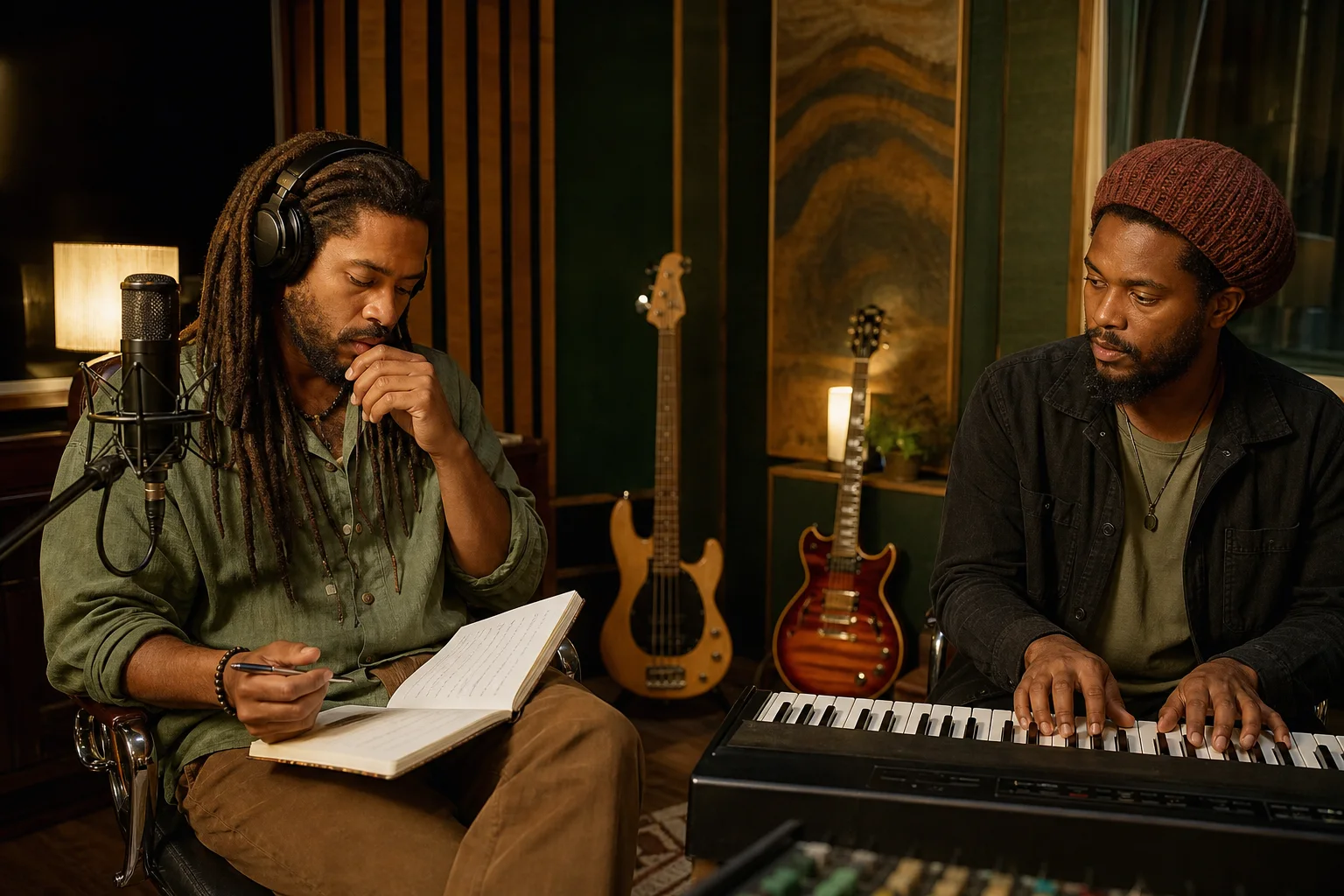
Record a set of clear vocal takes and keep a named model in your account. When a new song draft is ready, choose that model for a voice cover to hear the draft with a familiar vocal character.
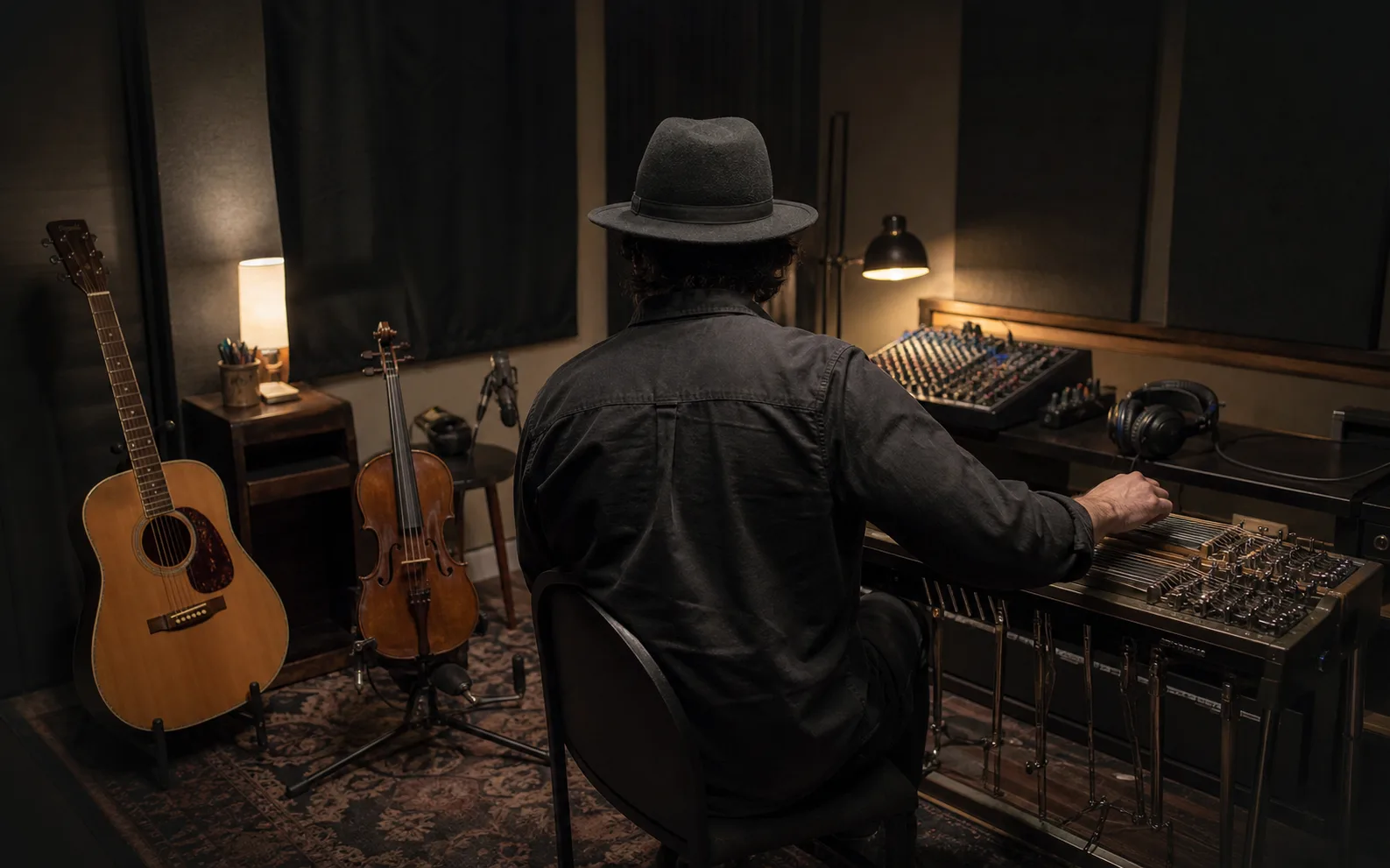
Prepare a consistent sample set once, then use the completed voice while checking how different existing songs or demo versions sit with that vocal. The cover tool handles each song as a separate task.
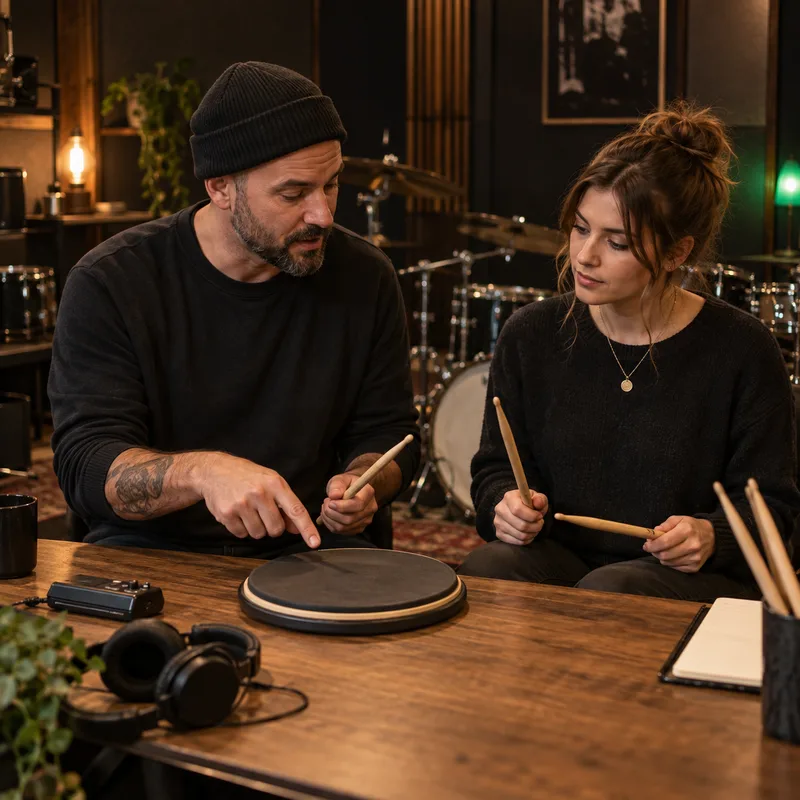
Collect your own practice recordings, listen to them before training, and use the model on a song you are studying. Compare the original and the cover as a creative listening exercise rather than as a measure of singing accuracy.
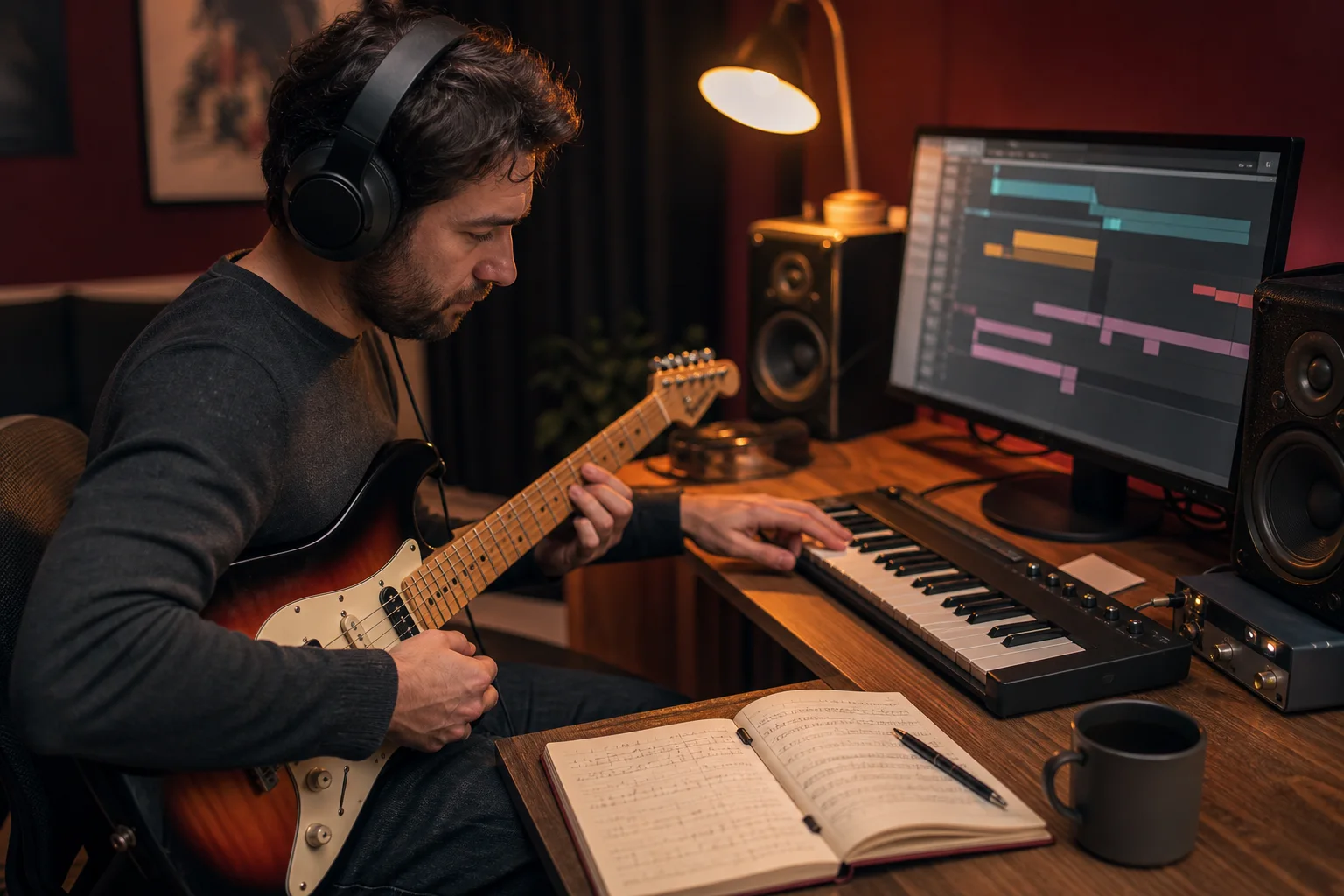
Give different recording sets clear model names and follow their status in My voices. A private library helps you keep your own voice options distinct while planning future covers or creative tests.
Practical answers on sample limits, privacy, credits, and what the model can do after training.
Start with recordings you are comfortable using, check the preview and duration, then submit when the sample set is ready. Your private model will appear in My voices after training completes.