Why hear the song in another voice?
Choose a system voice template or a private model you trained, then add an existing song from an upload or your music workspace. Set the vocal balance if you need to, submit a 2-credit cover task, and compare the original with the completed result. A different singing voice can change how you hear an existing track without asking you to rewrite the song first. This tool connects a chosen voice model to one song and gives you a way to compare the input and output.
A voice idea is hard to judge in isolation
Will this voice fit the song I already have?
Select a voice model and generate a cover from the actual song you want to test. The examples beside the tool demonstrate the original, target voice, and cover as separate clips; your own task produces a result you can hear in My covers when processing finishes.
A saved song should be easy to reuse
Do I have to upload the same music again?
If the song is in your music workspace, choose it from My music. You can also upload an audio file up to 30 MB. Either route supplies the existing track for the cover; the tool does not compose a new song from a prompt.
One mix balance will not suit every track
Can I shape the conversion before submitting?
The optional audio settings expose main and backing vocal levels, instrumental level, reverb or space, pitch, similarity, breath detail, and dynamics. Adjust only the controls that serve your listening goal, then submit the task to hear the processed result.
An output needs a point of comparison
How do I know what changed?
My covers keeps the source track and completed cover together for playback. Listening to both helps you judge the voice change in the context of the song, while the processing status tells you when the result is available.
Turn a voice choice into a listening decision
A cover task gives you a playable version of an existing song with the selected singing voice. Keep the source and result close together so you can decide whether the voice works for your draft, demo, or creative experiment.
Use the voice that fits the idea
Browse available system templates or select a model trained in your own account. A system template offers a starting point; a private model lets you revisit a voice you prepared from your own samples.
Work with music you already have
Upload a track or choose one from the workspace. The source remains identifiable in cover history, making it easier to compare a voice experiment with the song you supplied.
Hear both sides of the change
Play the original and the completed cover from one history item. You can return to that comparison after processing rather than relying on the example clips shown to everyone on the page.
Know the cost before generating
A cover submission costs 2 credits. If the task fails, its generation credits are refunded. Downloading a completed result follows your subscription or one-credit unlock rule, which is separate from generating it.
How to create a song voice cover
Bring one existing song and one available voice together, then listen after the cover task completes.
Choose a voice
Browse the available system templates by category, or open My voice to use a private model trained in your account. Select the voice you want to try on this particular song.
Add a song
Upload an audio file up to 30 MB, or pick a track from My music in your workspace. You can open advanced settings to adjust vocals, instrumental level, space, pitch, similarity, breath, or dynamics before submitting.
Generate and preview
Submit the 2-credit task and follow its status in My covers. When it is ready, play the original and converted version there. Download the finished result under the applicable subscriber or credit-unlock rule if you want to keep a copy.
Choose the source, voice, and cover settings
The cover form exposes the decisions that matter before generation and keeps the resulting audio in your history afterward.
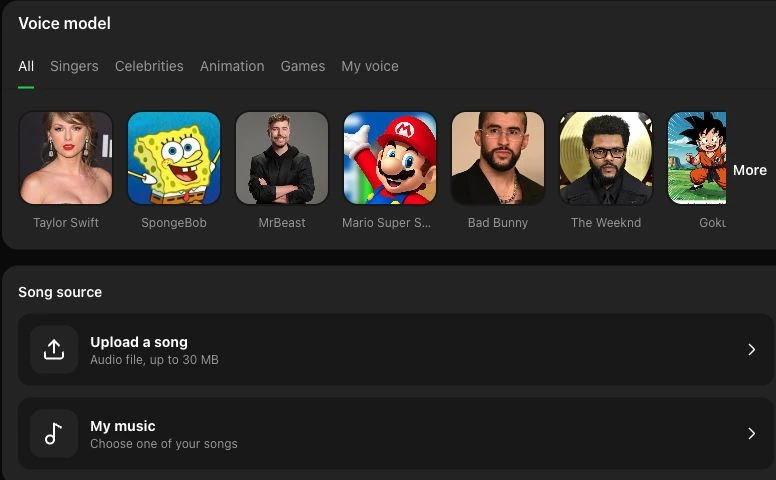
Pair a song with an available voice
The picker offers system voices and the private models in your account. Upload a song or choose one from your workspace without changing the underlying track. If you want to prepare your own model first, clone your singing voice from recorded samples.
Select a voice and song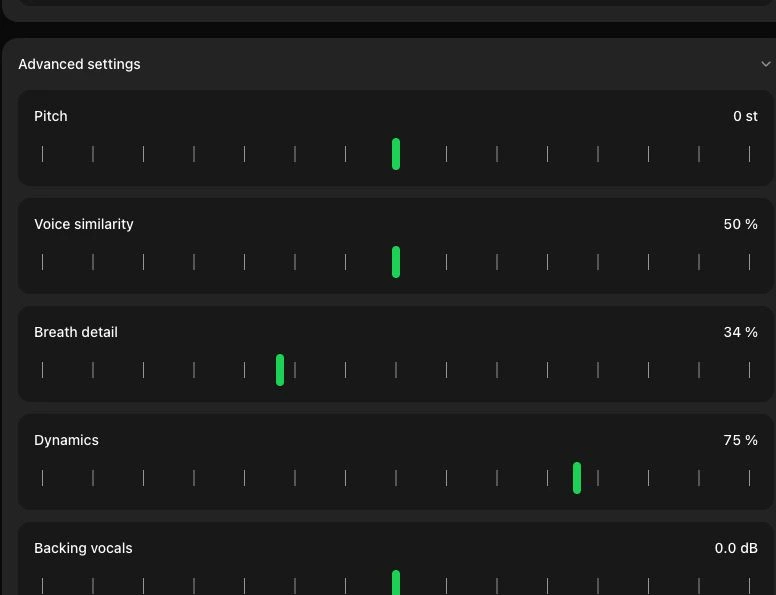
Set the sound before you submit
Advanced controls let you adjust the main and backing vocals, accompaniment level, reverb or space, pitch, voice similarity, breath detail, and dynamics. These are processing inputs; the result still needs to finish before you can hear whether a setting suits the song.
Open cover settingsCover ideas for different music workflows
These are ways to try the tool with music you can use. Each generated cover is a separate task, and the result should be judged by listening to your own original and output.
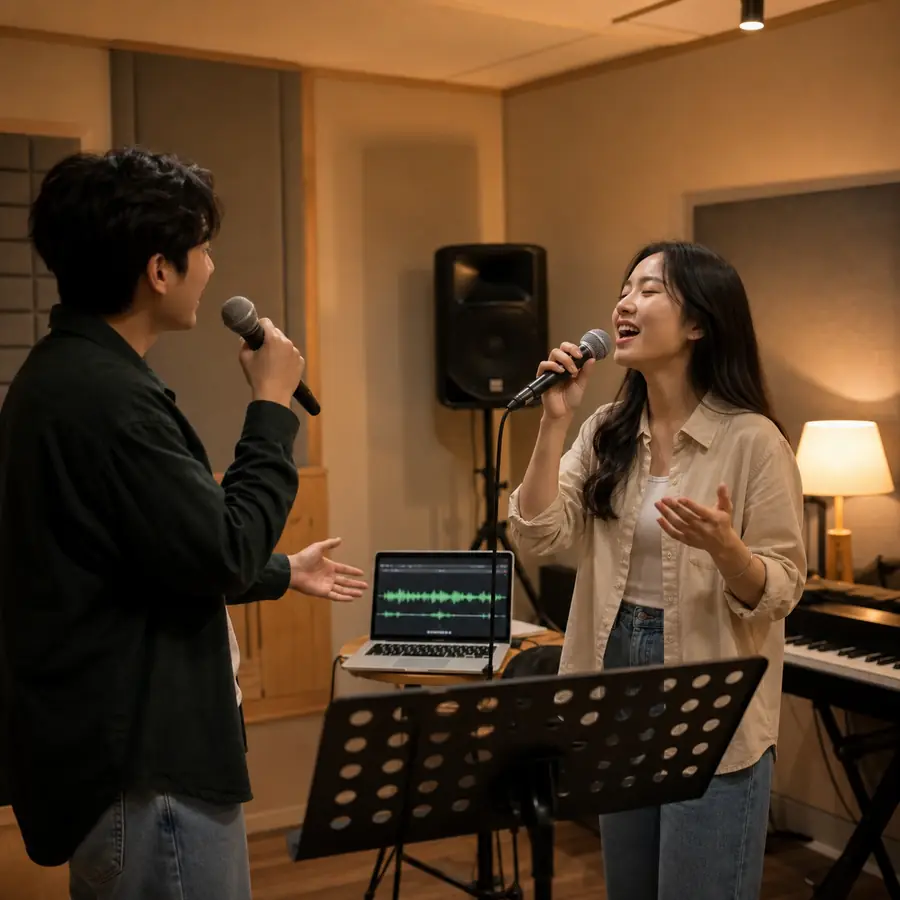
Cover performers testing a vocal direction
Choose a voice and an existing song to hear one vocal direction before planning a performance. Compare the result with the source track to decide which phrasing or register you want to explore further.
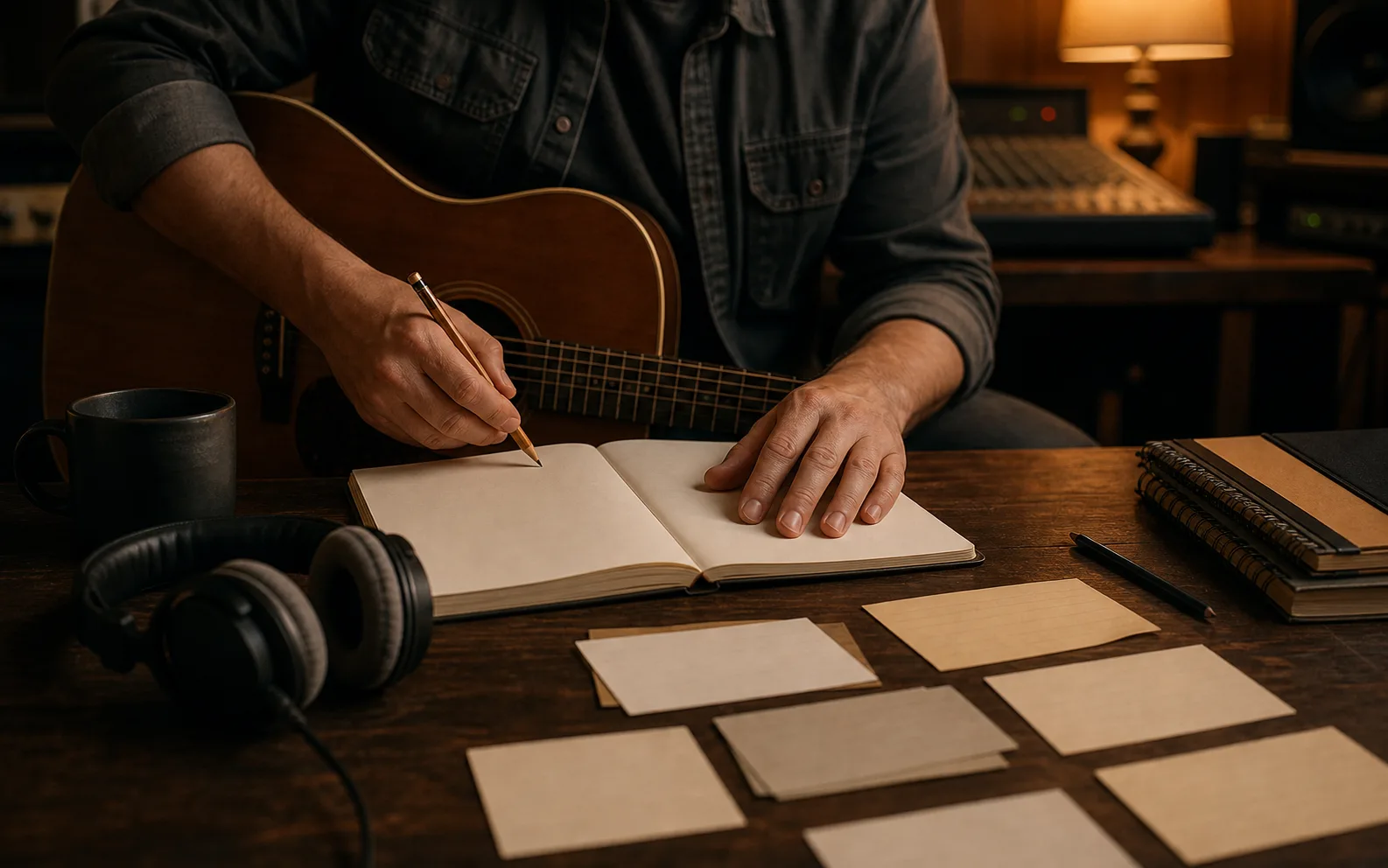
Songwriters listening to a draft differently
Select a saved song draft from your workspace and try it with a different singing voice. The comparison can help you think about the song's presentation without changing its composition in this tool.

Home producers checking vocal balance
Upload a working mix, adjust the available vocal and instrumental controls, then listen to the completed cover beside the original. The settings offer another way to test a treatment; they do not replace a full mixing session.
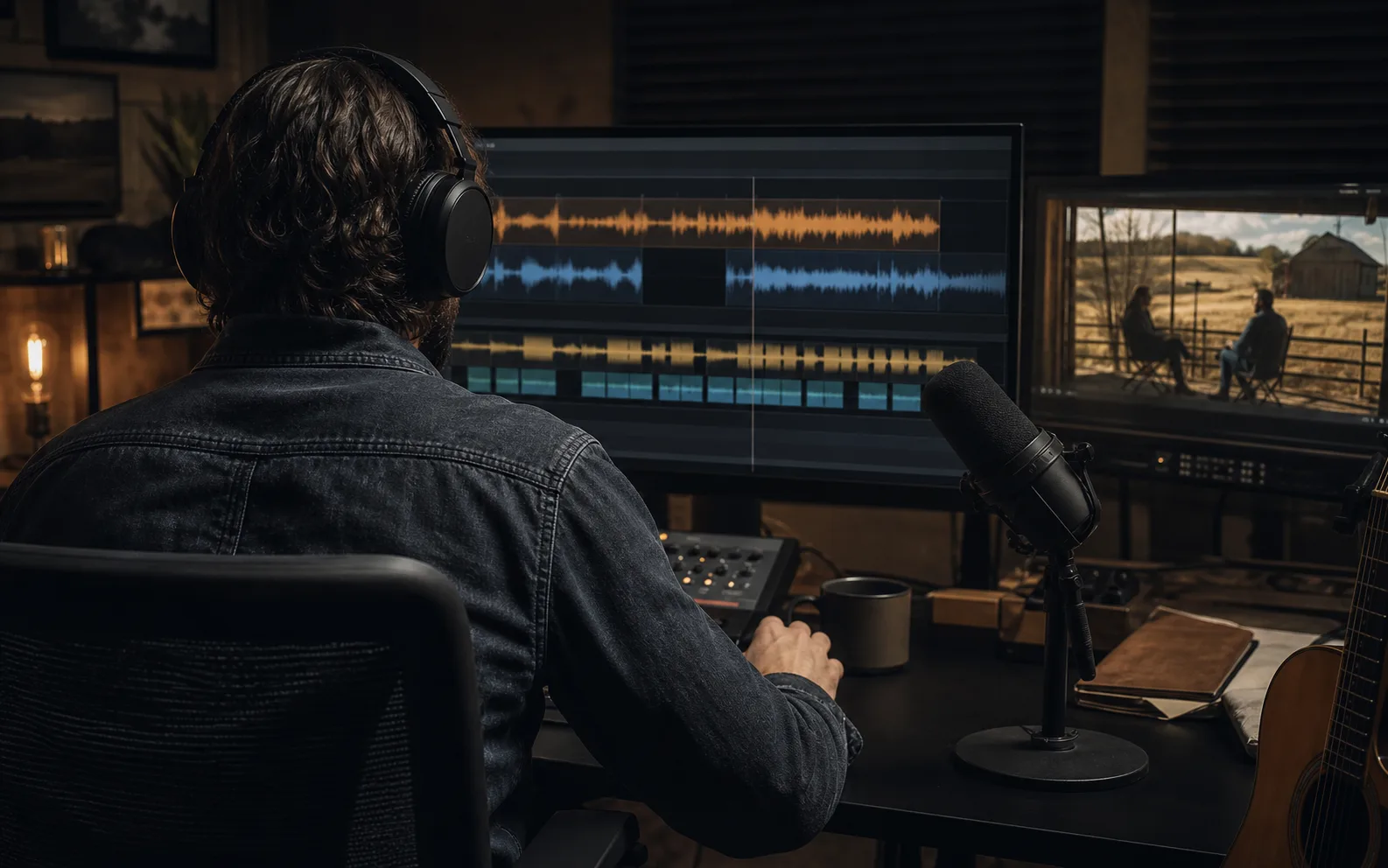
Video creators planning a music concept
Use a track you have the right to work with, try a voice option, and preview how it sounds for a concept. Check the applicable permissions before publishing or distributing any cover, especially when a recognizable voice or protected song is involved.
Song voice cover questions
How voice choice, input tracks, credits, downloads, and listening comparisons work.
Pick an available voice, add a track you can use, and review the optional sound settings. Submit the cover when the combination is ready, then compare your own original and completed result in My covers.