
Hear the Drum Removal Example
The Long Way Home — listen to a real separation result. Play both tracks together, or use mute and solo to compare the drumless mix and isolated drums.
0:00/ 0:00
01Drumless
+0.0 dB
02Drums
+0.0 dB
Drumless - The Long Way Home
Drums - The Long Way Home
What This Drum Remover Does and Where Its Limits Are
A finished stereo mix contains overlapping instruments, so drum removal is an AI separation task rather than a simple channel mute. These points explain what you receive, how the files are handled, and what to check before using the result.
Two Useful Outputs From One Song
Do I need to rebuild the song from several individual stems?
No. One job returns Drumless, intended to preserve vocals and the remaining instruments, and Drums, the isolated drum part. The player opens with the drum track muted so you can hear the drumless result first, then compare both synchronized tracks.
Cloud Processing With Clear Costs
Does the audio stay on my device, and is every action included in one charge?
The selected file is uploaded for cloud processing, and each submitted job uses 2 credits. Download access follows the site's current account and authorization rules separately, so an additional download authorization may be required.
Quality Depends on the Source Mix
Will every song become perfectly clean and lossless after drum removal?
No. Cymbals and reverb spread widely, kick can overlap bass, and snare transients can share space with vocals or guitars. Drum residue, traces of other instruments, or tonal changes can remain, especially in live, distorted, heavily limited, or low-bitrate audio.
Your Rights Still Apply
Does removing the drums change ownership or grant permission to publish the result?
No. Upload only audio you are allowed to transfer and process, and confirm the rights required for rehearsal distribution, lessons, edits, performances, or publication. AI separation does not change copyright in the composition or recording.
What You Can Do With a Drumless Track
Keep the song context while making room for performance, teaching, arrangement study, or a replacement groove.
Practice With the Original Band
Keep the singer, bass line, harmony, and arrangement while leaving space for your own drum performance. Rehearse timing, dynamics, fills, transitions, and song structure against the recording you already know instead of a generic backing loop.
Prepare Lesson Material
Teachers can use permitted recordings to let a student study the isolated groove, then switch to the aligned drumless version for performance. The tool does not create notation, a tempo map, a click track, or a licensed backing-track catalog.
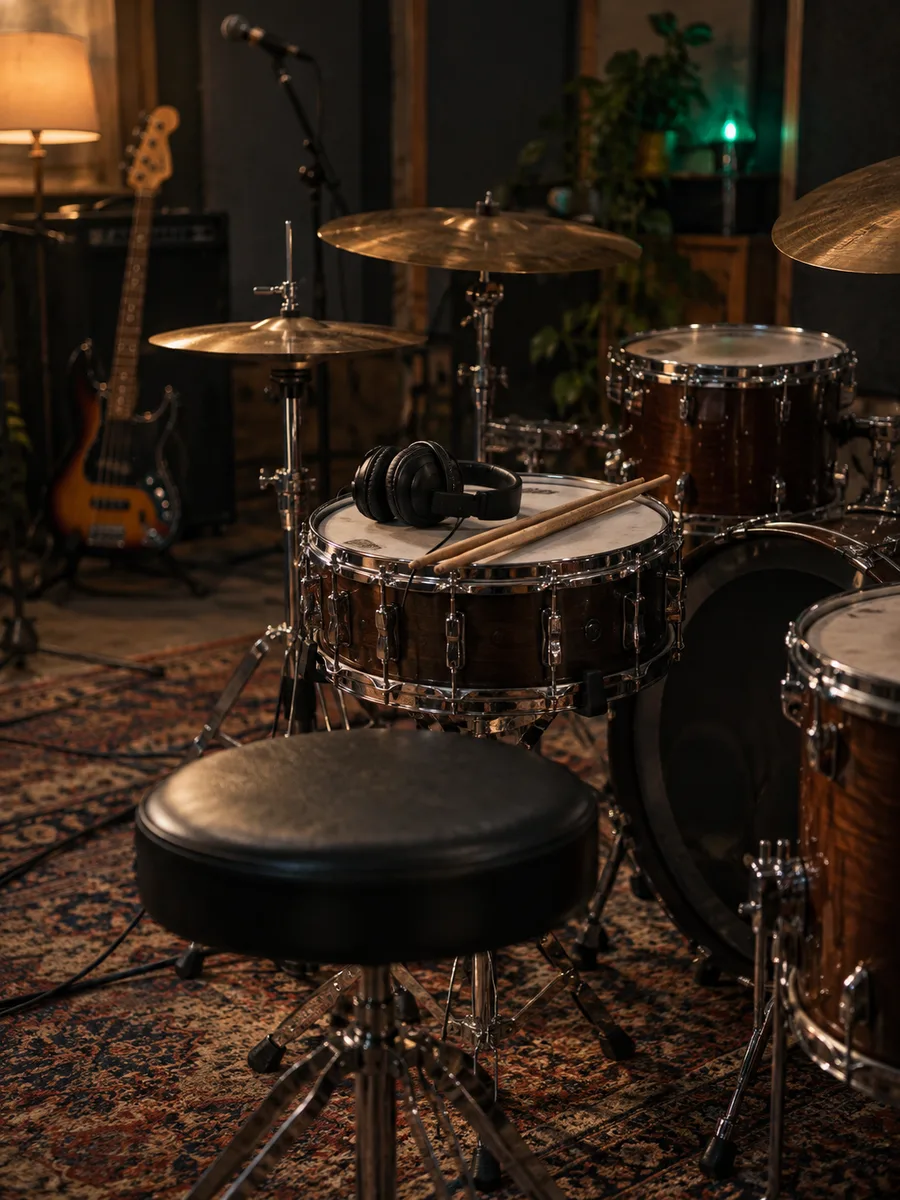
Try a Replacement Groove
Bring the drumless output into a DAW to test a new performance, drum sound, or rhythmic direction around the preserved vocals and instruments. Use the isolated drums as a timing and arrangement reference rather than treating either result as an original studio stem.
Study the Drum Arrangement
Listen to the drum track to examine patterns, fills, transitions, and the role of rhythm across an intro, verse, chorus, or ending. Compare it with the drumless mix to hear how the bass and melodic parts interact when the original drums are reduced.
How to Remove Drums From a Song
The page keeps the workflow short: choose a source, select one output format, then review both tracks after cloud processing finishes.
Step 1
Upload or Choose a Song
Upload an MP3, WAV, or FLAC file, or select audio from My Music. Use the clearest source you can legally process; clipping, repeated transcoding, background noise, and heavy compression can make separation less reliable.
Step 2
Select a Format and Start
Choose MP3, WAV, FLAC, or M4A with the available quality option. Confirm the source and the 2-credit processing cost, then submit the job. The history panel shows the task while the cloud service processes and saves the files.
Step 3
Preview and Download
Open View Tracks when the task completes. Preview Drumless first with Drums muted, then compare the isolated drum track through vocals, cymbal tails, fills, quiet passages, and bass-heavy sections. Download either result under the current account authorization rules.
Focused Drum Removal Without Rebuilding the Mix
Choose the output format you need and use the focused two-track result when drums are the only part you want to remove.
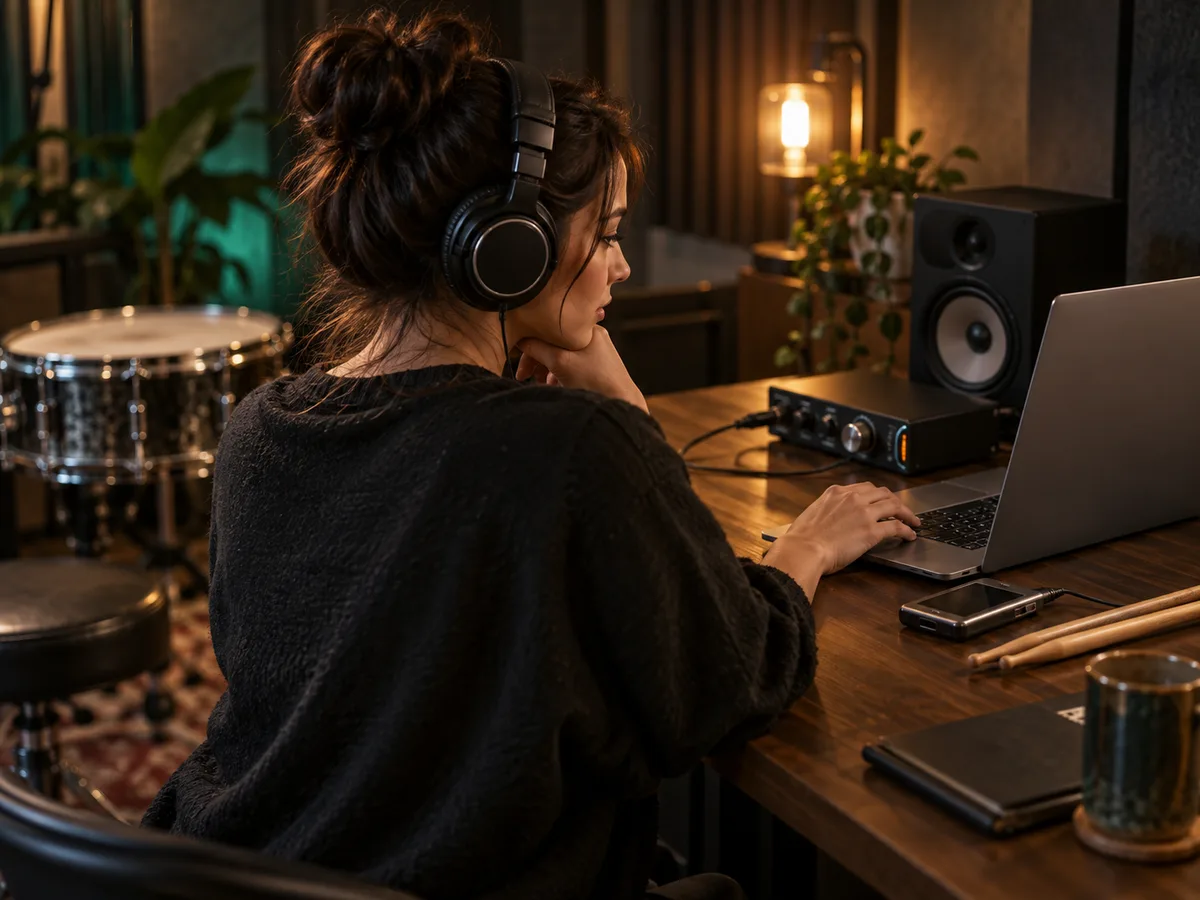
Choose a Native Audio Format
Request MP3 320 kbps, WAV 16-bit or 32-bit, FLAC 16-bit or 24-bit, or M4A before processing. Both outputs use the chosen format; one job does not generate every format at once, and a larger bit depth cannot restore detail missing from the source.
Choose Your Format
Use the Right Separation Tool
Choose this page when you need one drumless mix plus the extracted drums. Use AI Stem Splitter when you need vocals, bass, drums, and other instruments as separate files, or AI Vocal Remover when the goal is an instrumental mix without the singer.
AI Stem SplitterWho Uses an AI Drum Remover?
Four common workflows for people who need the original song without its drum part.
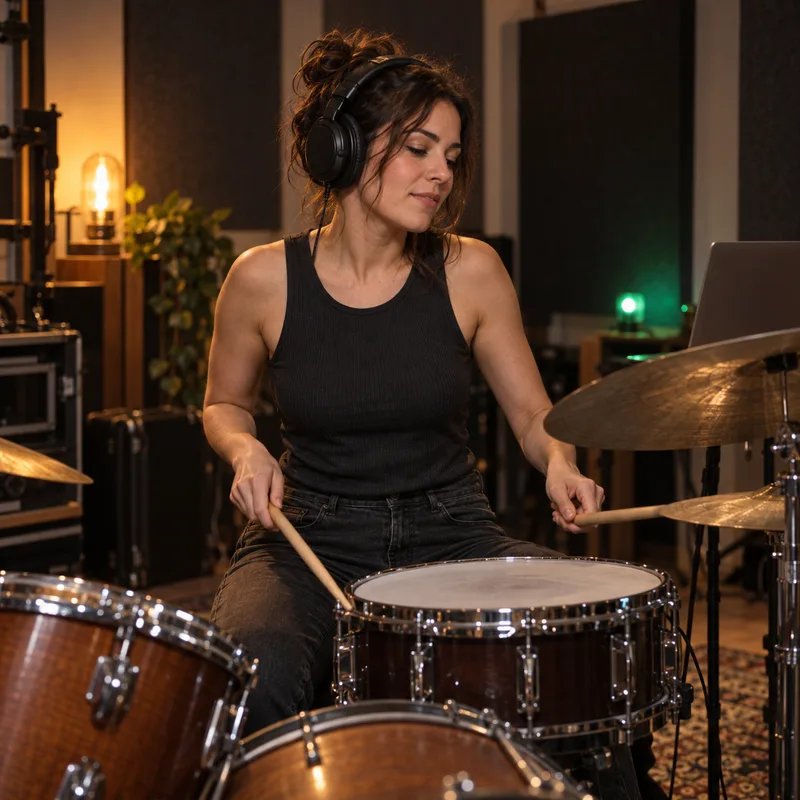
Drummers and rehearsal musicians
Practice your own part against the original vocals, bass, harmony, and song structure instead of a generic backing loop.
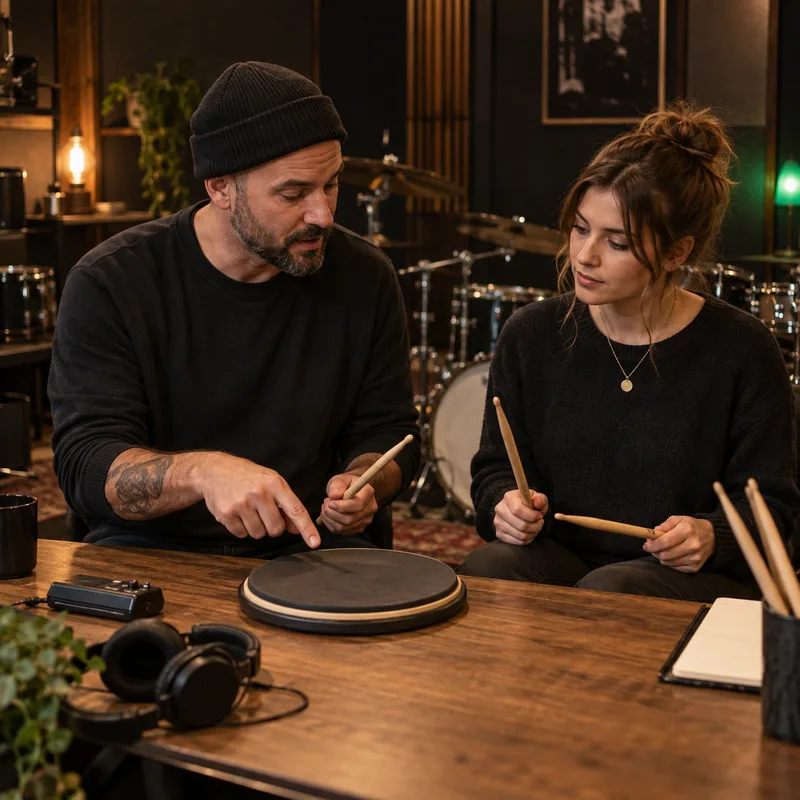
Teachers and music students
Compare the isolated groove with the drumless mix to study timing, fills, dynamics, and the role of drums in each section.
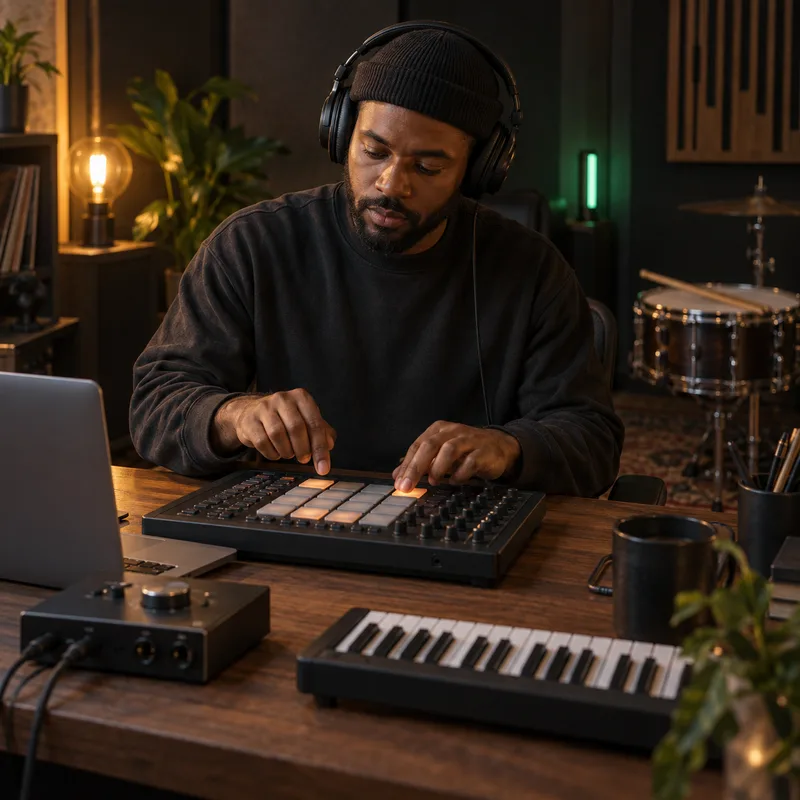
Producers and beatmakers
Test a replacement groove or drum sound in a DAW while keeping the remaining performance as an arrangement reference.
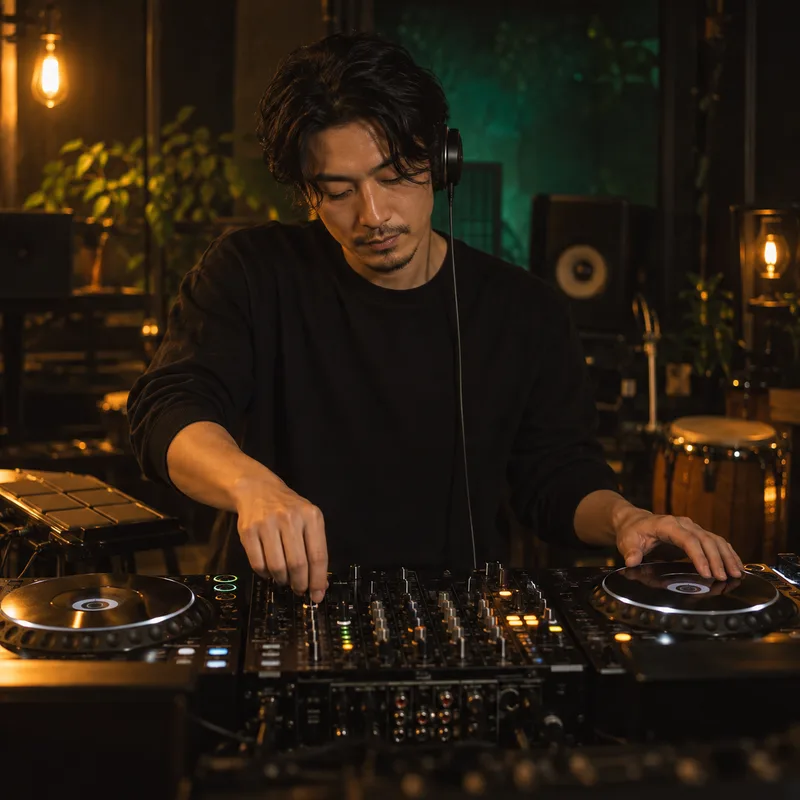
DJs and live performers
Prepare permitted transitions, rehearsal cuts, or performance drafts with separate control over the drums.
AI Drum Remover FAQ
Practical answers about drumless output, formats, credits, quality, cloud processing, and usage rights.
Create a Drumless Track from Your Song
Choose your audio and output format, run the 2-credit separation, then preview the drumless mix and isolated drums before downloading.