
What Is a Lo-fi Converter?
A lo-fi converter reshapes a clean audio file into a softer, warmer, more nostalgic version. It is useful when a track needs atmosphere without rebuilding the whole arrangement.
Tape warmth
Round off bright digital edges so recordings feel softer and less fatiguing.
Vinyl texture
Blend restrained record noise into loops, demos, and background music without burying the source.
Gentle slowdown
Lower the pace slightly to give the processed version a calmer, more relaxed pulse.
Study-friendly tone
Create a mellow alternate that can sit behind reading, coding, writing, or focus work.
Fast preview workflow
Upload a source, let the fixed processing run, then preview the result before downloading.
Browser-based conversion
Process common audio formats online without installing a full audio editor for a simple lo-fi pass.
How to Convert Audio to Lo-fi
Create a lo-fi version in a short upload, automatic processing, and download workflow.
Upload your audio
To convert MP3 to lo-fi, choose the file from your device; WAV, M4A, FLAC, OGG, and WEBM are also supported.
Run the automatic conversion
The tool slightly slows the track, filters bright highs, lowers the source level, and blends in subtle record noise.
Preview and download
Listen to the lo-fi preview, download the processed audio, or upload another source for a different pass.
Shape Audio into Lo-fi Texture
Use the lo-fi converter when you want a quick alternate mix with softer tone, nostalgic ambience, and a calmer listening feel.
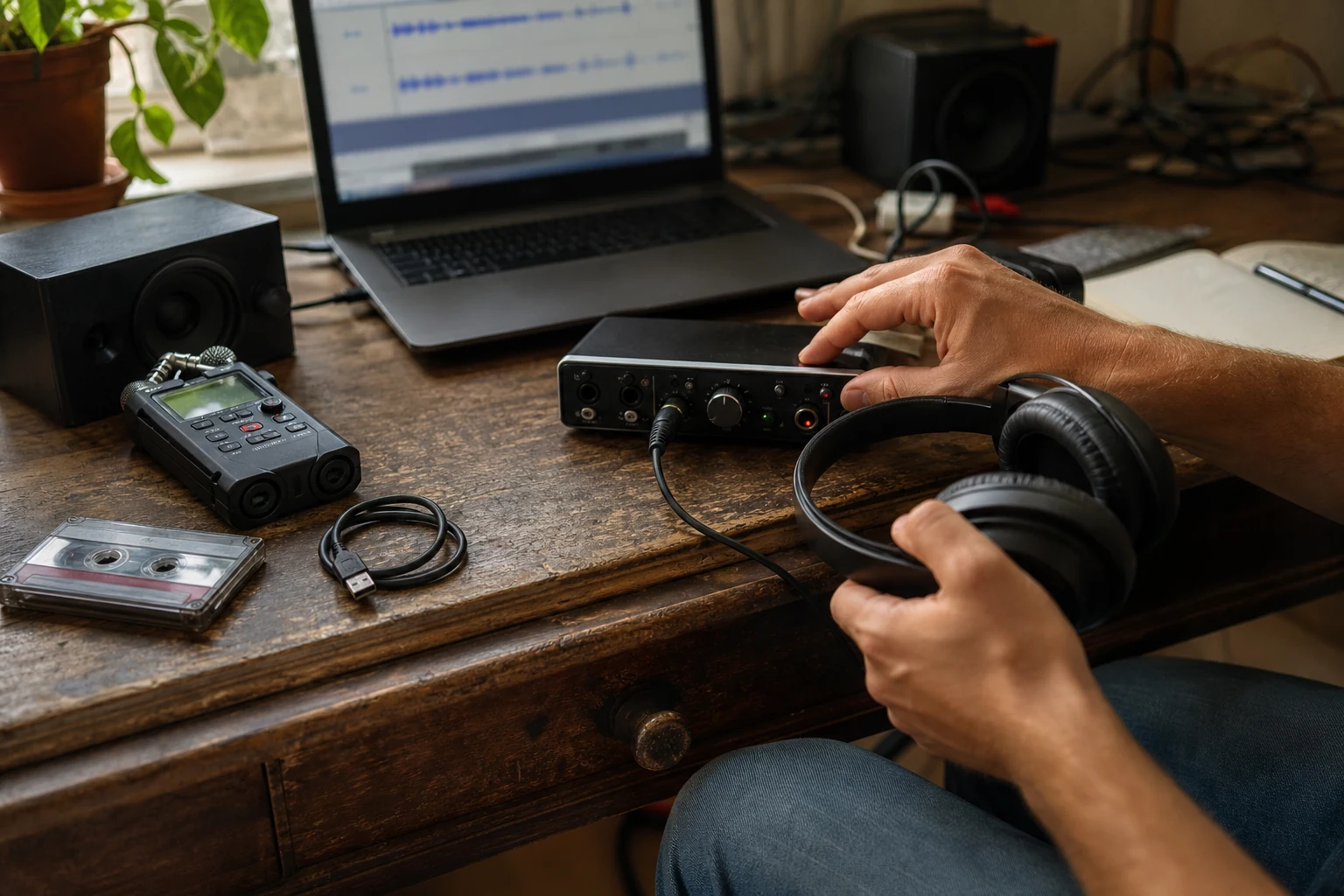
Convert common audio formats
Upload MP3, WAV, M4A, FLAC, OGG, or WEBM and create a lo-fi version without moving into a desktop production session.
Upload Audio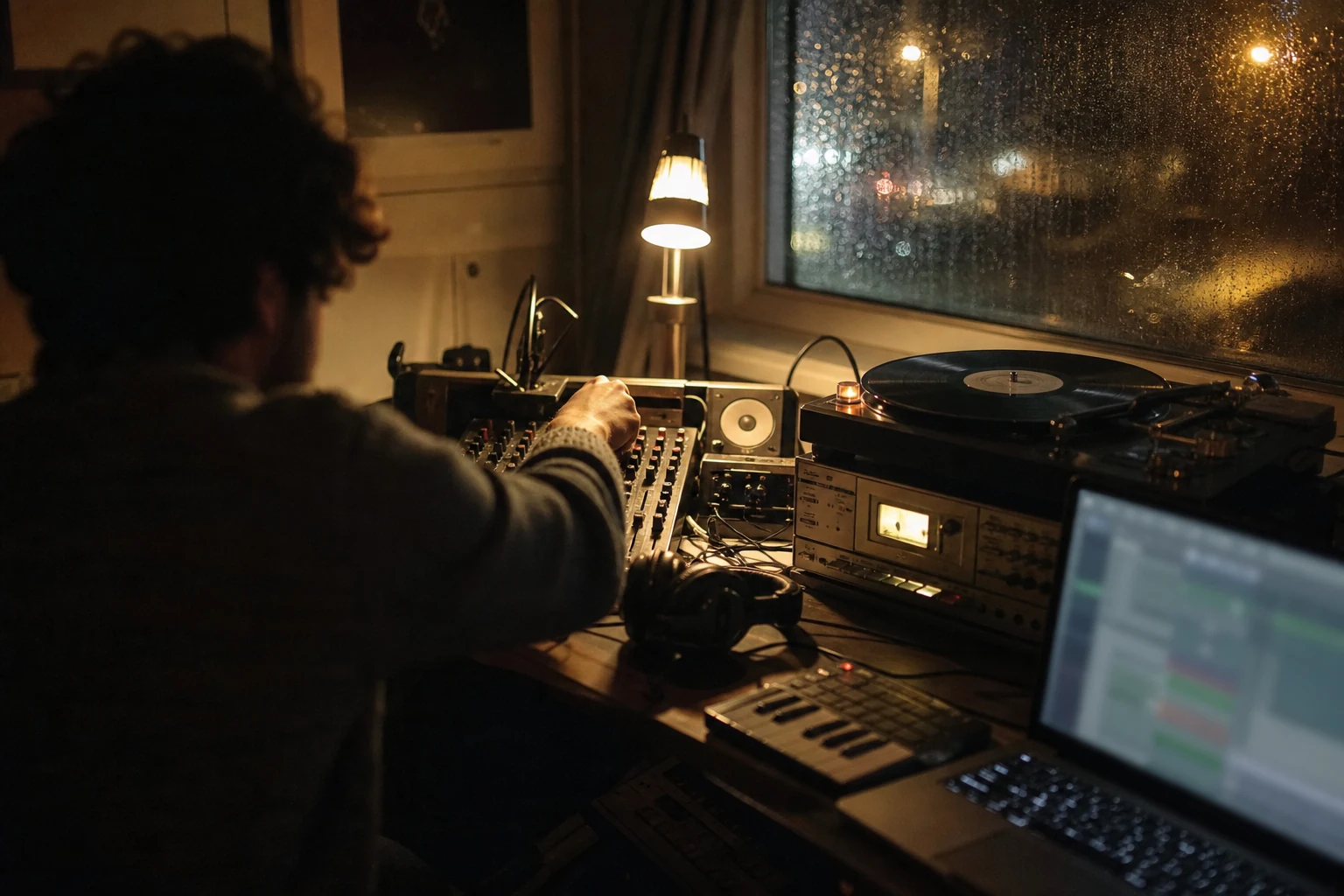
Apply one balanced lo-fi treatment
Use a consistent combination of gentle slowdown, low-pass filtering, reduced level, and subtle vinyl noise without configuring an effect chain.
Convert Audio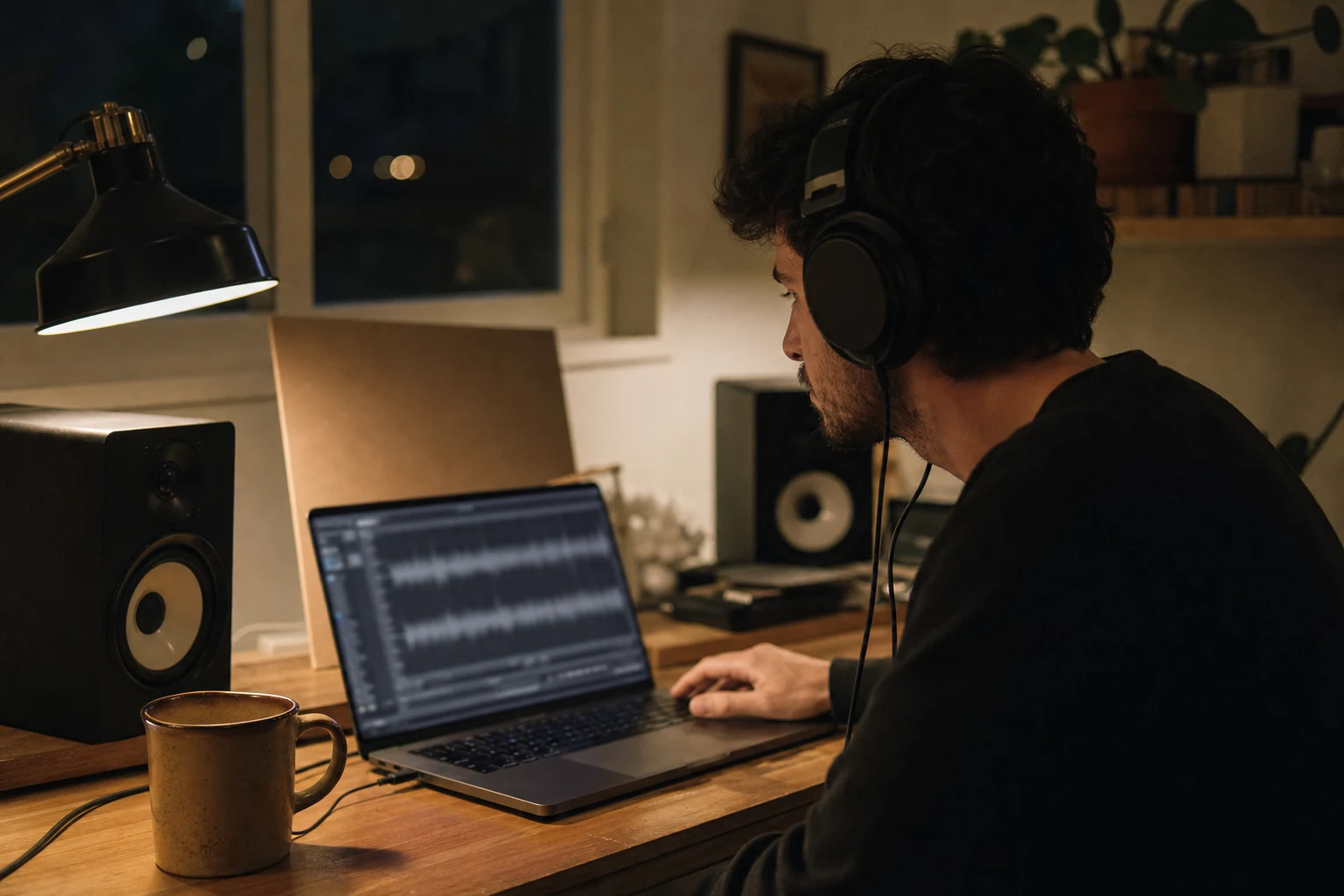
Preview before saving
Check the processed track in the browser, compare the feel, and download only when the lo-fi texture fits your project.
Preview TrackWho Uses a Lo-fi Converter?
A quick lo-fi version helps creators test mood, soften a track, and make audio feel more intimate without a long mixing session.
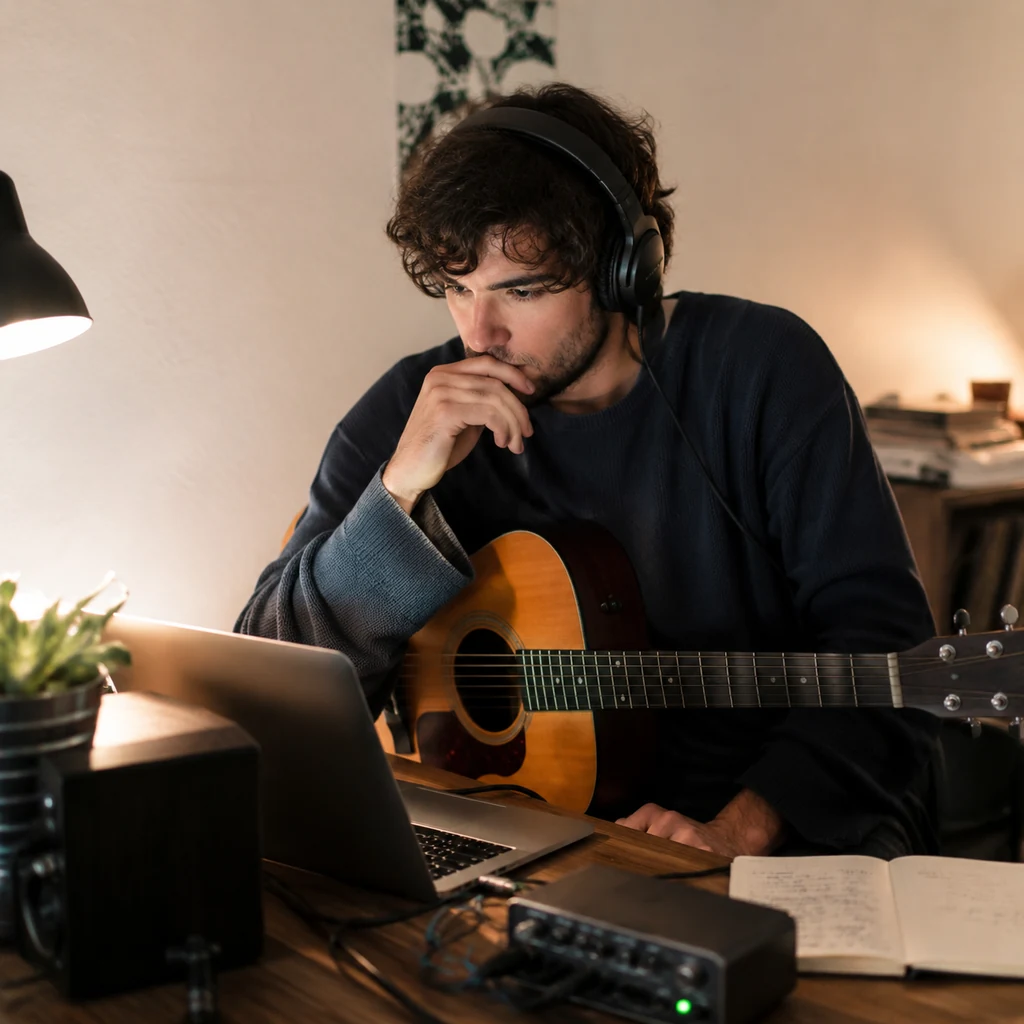
Independent musicians
Create alternate lo-fi versions of demos, hooks, and finished songs for social posts, fan extras, or relaxed playlists.
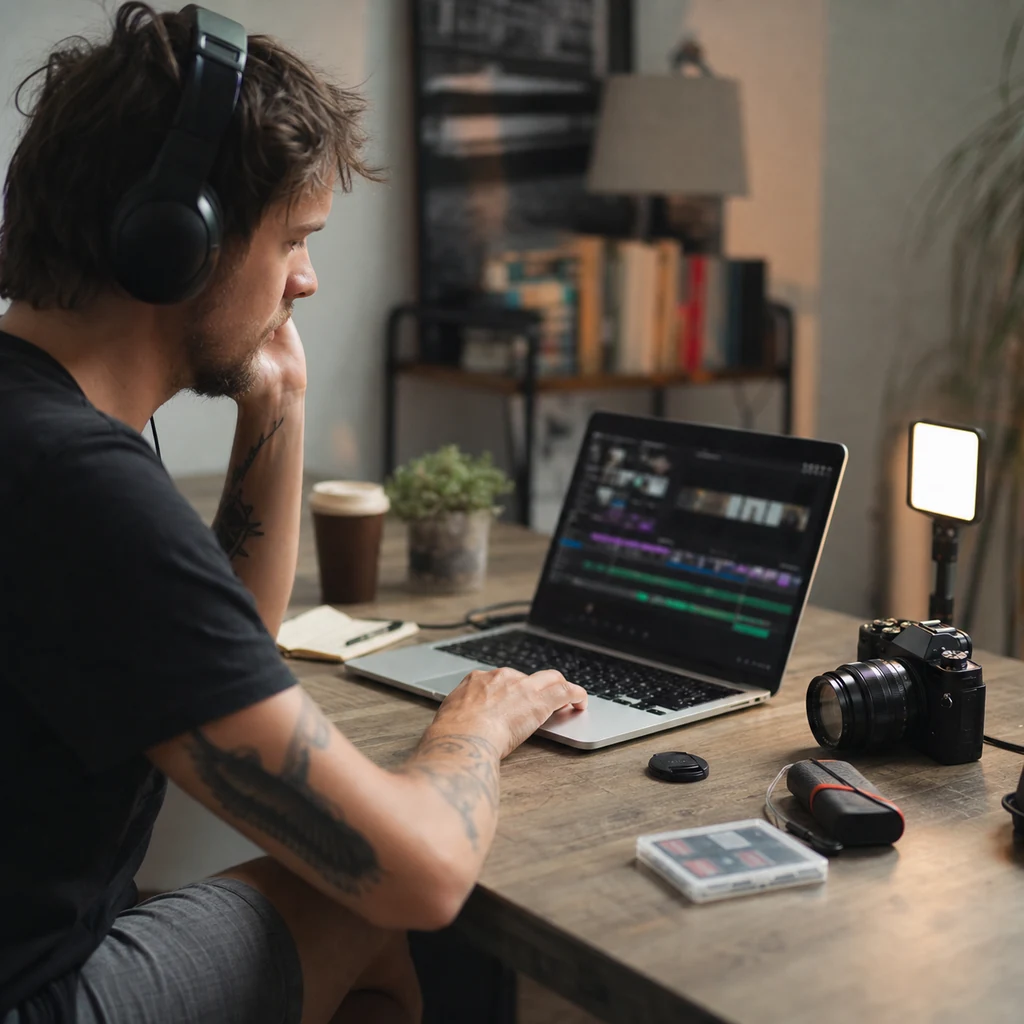
Video creators
Turn background music into softer lo-fi beds for vlogs, edits, study videos, shorts, and quiet storytelling scenes.
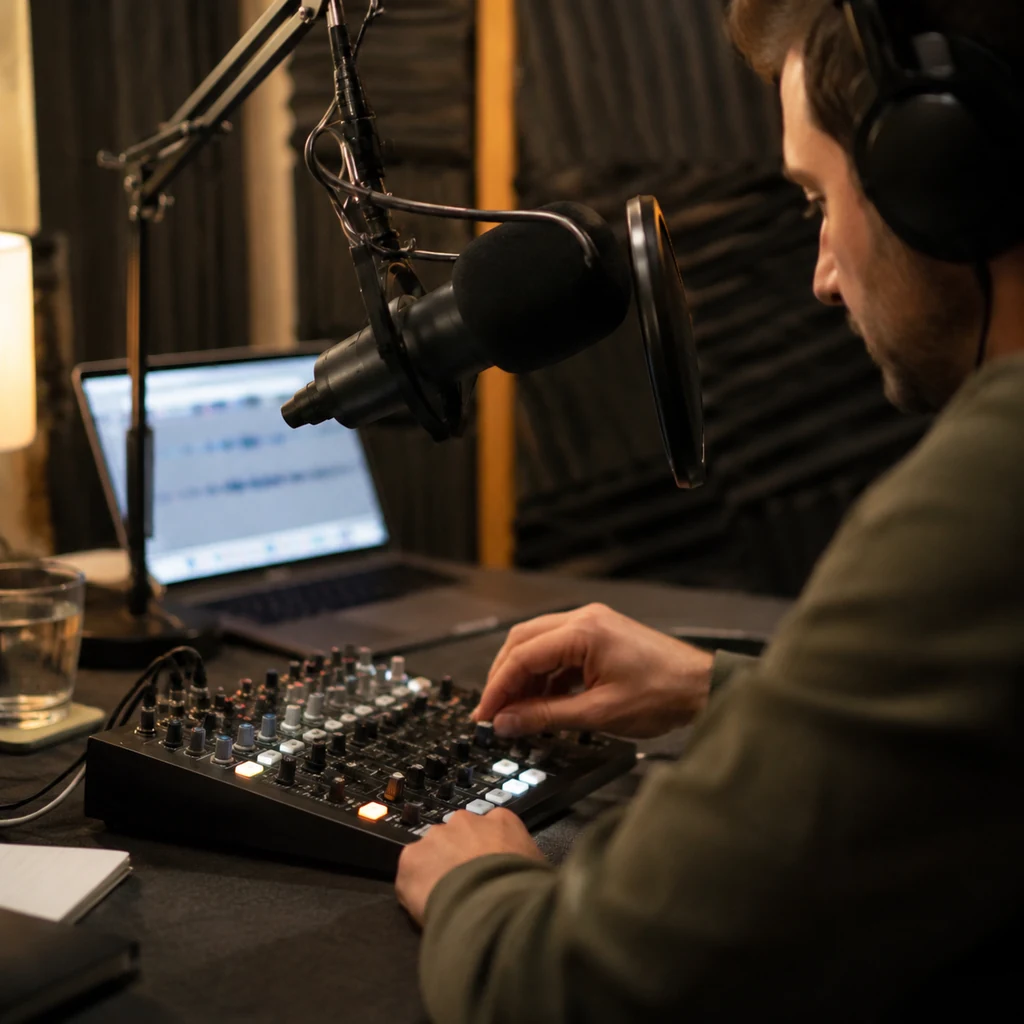
Podcast producers
Make intro beds, transitions, and bonus audio feel warmer before placing them under voice or ambient segments.

Students and focus listeners
Create mellow versions of loops and sketches that work better for studying, writing, coding, or late-night listening.
Lo-fi Converter FAQ
Answers about creating lo-fi audio versions online.
Upload a track and create a warmer WAV alternate for playlists, videos, demos, study sessions, or late-night listening.