Free AI MIDI Editor Online

MIDI Editor Online - Professional AI MIDI Studio at Your Fingertips
Transform musical ideas into reality with our powerful MIDI editor online. AI MIDI technology and comprehensive studio features make music creation effortless.
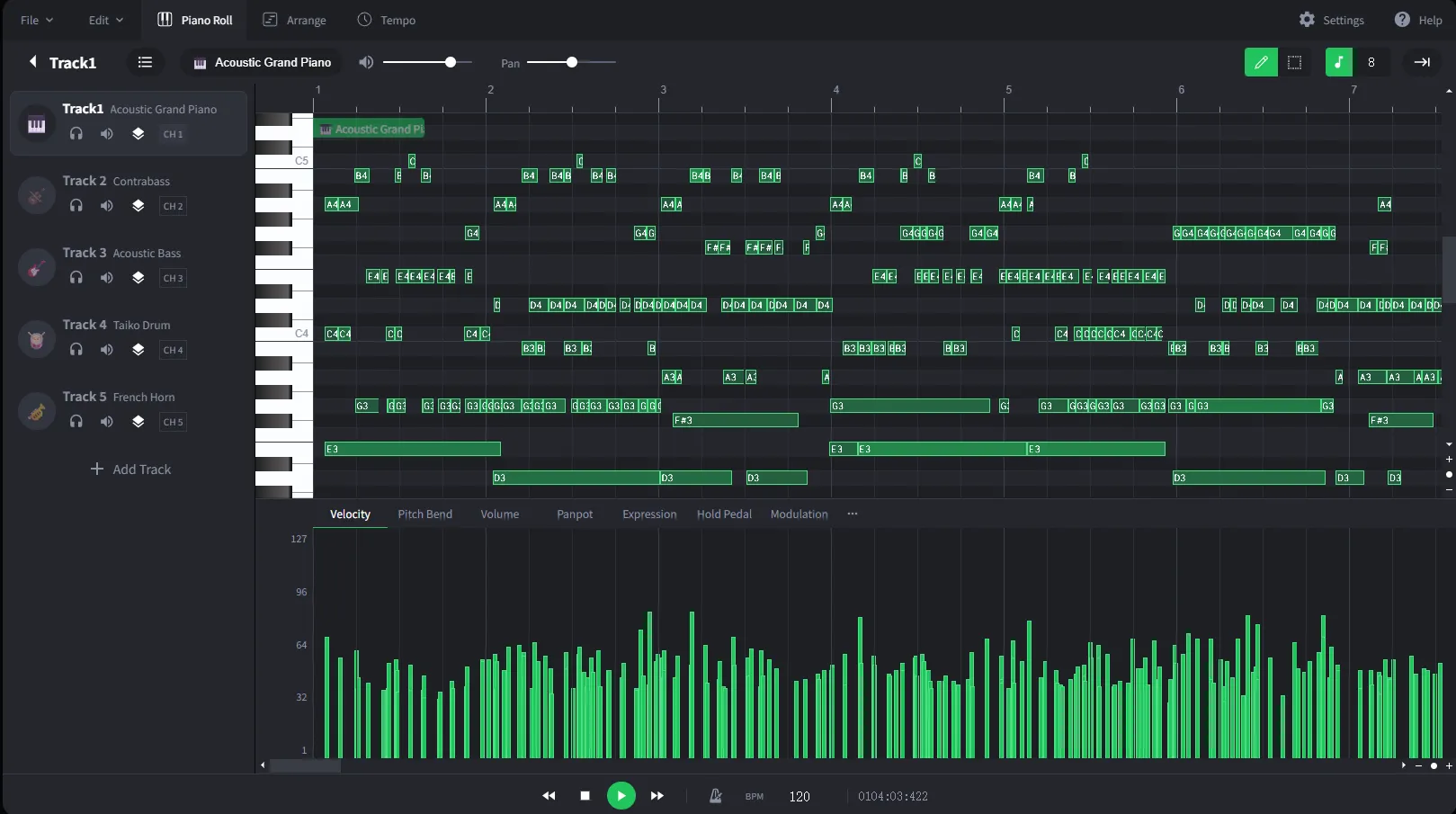
What Is an AI MIDI Editor?
An AI MIDI Editor is an online music composition tool that allows users to create, edit, and organize MIDI notes visually inside a piano roll interface. Instead of recording live instruments, users can draw notes, change rhythms, edit velocities, and build full musical arrangements digitally.
Melody creation
Sketch lead lines, hooks, and motifs directly on a piano roll.
Chord progression building
Arrange harmonies and test chord movement before producing a full track.
Drum programming
Place kicks, snares, hats, and percussion with precise timing.
Beat production
Build rhythmic loops and instrument patterns for song foundations.
Film scoring
Plan cues, themes, and timing changes for scenes and visual edits.
DAW pre-production workflows
Prepare musical ideas before moving them into a DAW or AI music workflow.
Why Use a Free AI MIDI Editor Online?
Compare traditional MIDI production workflows with a browser-based AI MIDI editor built for faster sketching, easier editing, and cleaner handoff to music production.
Recording Ideas Live vs Drawing Notes Visually
Traditional MIDI creation often depends on playing parts live, correcting timing mistakes, and replaying sections until the performance feels right.
An online MIDI editor lets you draw melodies, chords, drums, and rhythms visually, so you can shape musical ideas even without a keyboard or live recording setup.
Complex DAW Setup vs Browser-Based Editing
Full DAW workflows can require installation, plugins, audio routing, project setup, and a learning curve before you can edit a simple MIDI idea.
A browser-based AI MIDI editor keeps the workflow focused on notes, instruments, chords, and arrangement decisions, helping you start editing faster from any device.
Rough Prompts vs Structured MIDI Direction
Text-only music prompts can be vague when you need exact rhythm, chord movement, melody shape, or instrument roles.
MIDI planning gives AI music generation clearer musical structure, making it easier to turn notes, sections, and arrangement ideas into a complete track.
Locked-In Ideas vs Editable MIDI Files
Audio-only sketches are harder to revise because changing one melody, chord, or drum hit can mean re-recording or rebuilding large parts of the track.
MIDI keeps notes editable. You can adjust timing, pitch, velocity, instruments, and arrangement details before exporting files for a DAW or AI music workflow.
How to use AI MIDI Editor
Start with a MIDI-style idea, shape the musical direction, and turn it into a clearer AI music prompt.
Start with a music idea
Write down the melody, chord mood, genre, tempo, or instrument direction you want to explore.
Plan the MIDI structure
Think through notes, rhythm, sections, and arrangement details before producing a full track.
Create the full song
Use the MIDI direction as a clear brief for AI music generation, remixing, or DAW production.
Plan MIDI ideas before producing a full track
AI MIDI Editor helps creators move from rough musical ideas to clearer arrangements.
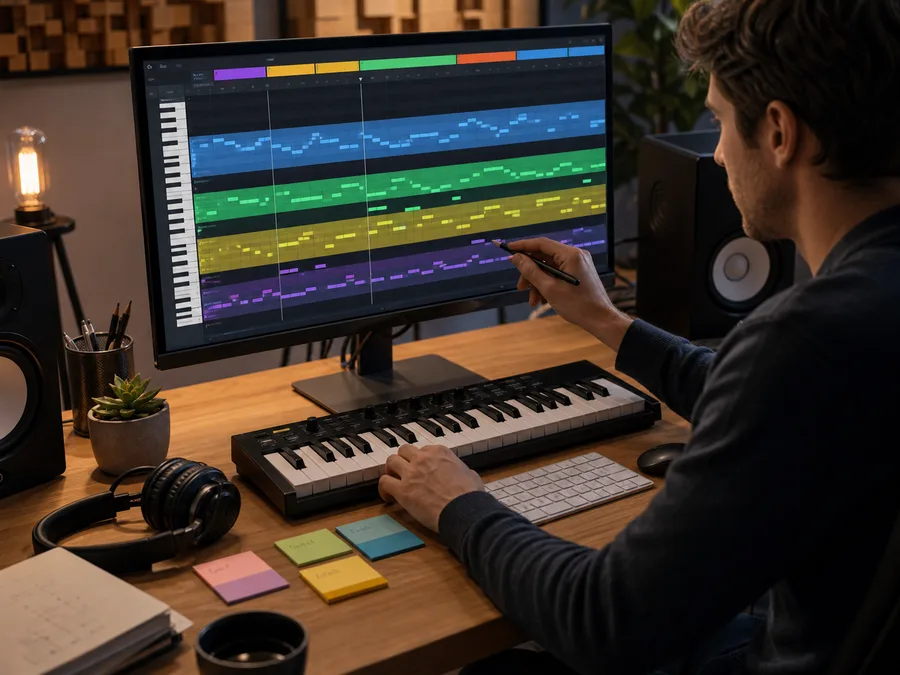
MIDI-first music planning
Capture melody, harmony, rhythm, and section ideas before committing to a complete song.
Try AI MIDI Editor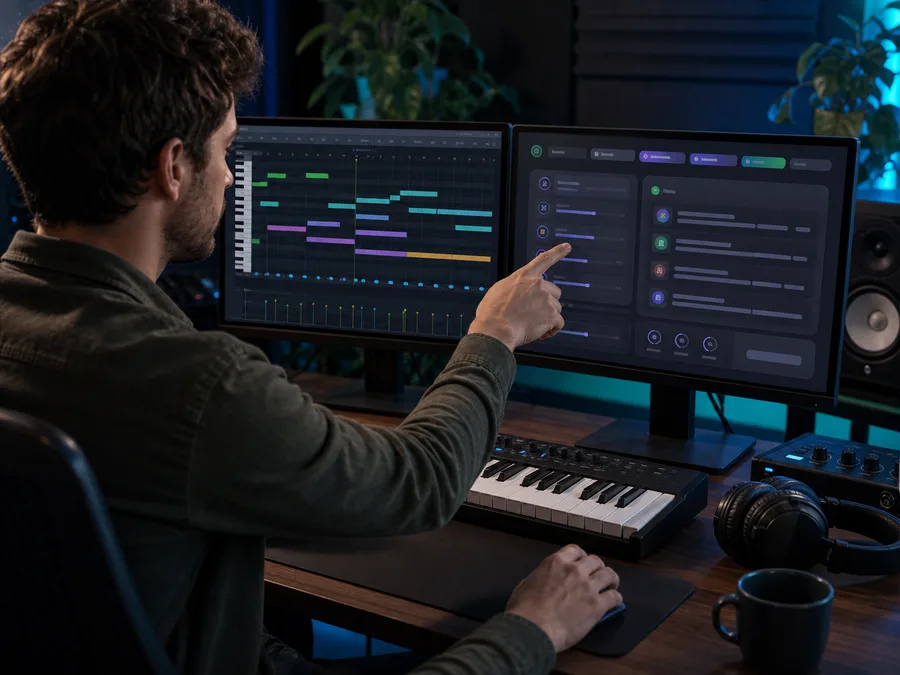
Better prompts for AI music
Turn tempo, chords, instruments, and arrangement notes into more specific AI music prompts.
Create MusicWho Is This MIDI Editor For?
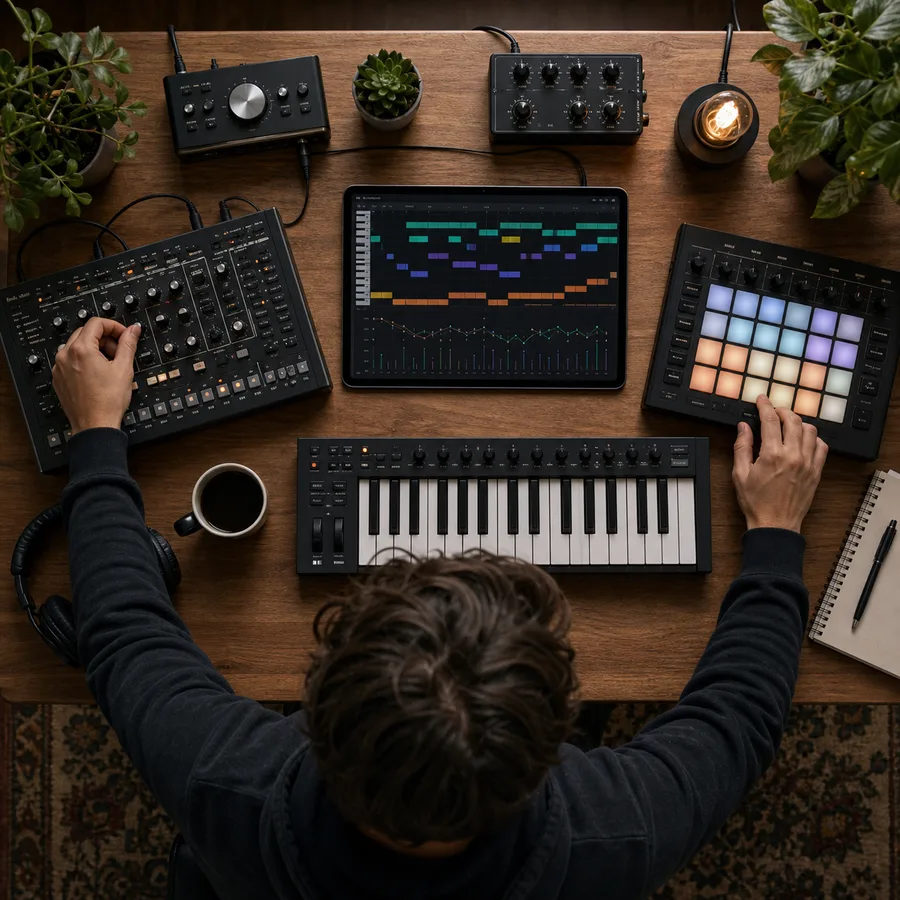
Music Producers
Quickly sketch ideas before full production.

DJs & Remix Artists
Create custom edits, mashups, and remix foundations.
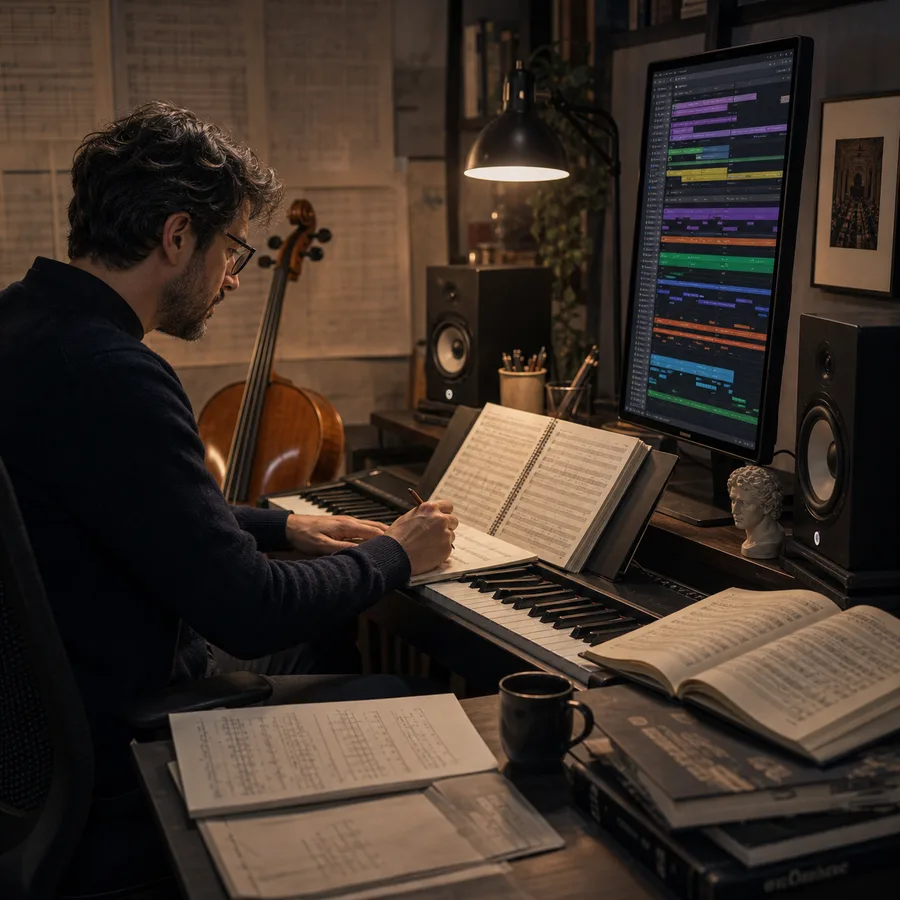
Composers
Build orchestral arrangements and cinematic MIDI templates.

Content Creators
Generate royalty-free MIDI for videos, games, podcasts, and social media content.
AI MIDI Editor FAQs
Answers about MIDI editing, AI music workflows, exports, and production use.