
Listen to AI Music Examples
Preview AI-generated tracks for arrangement and production ideas, then use your own prompt to create a Heavy, Thrash, Death, Black, Metalcore, Doom, or Progressive Metal direction.
Iron Vow Breaker

Rust in the Throat

Ashes Under Glass
Generate Metal music from prompts or lyrics
The AI Metal Music Generator creates a full track from a written idea or your own lyrics, then lets you steer the result with Metal-specific subgenres, instrumentation, vocals, and arrangement choices.
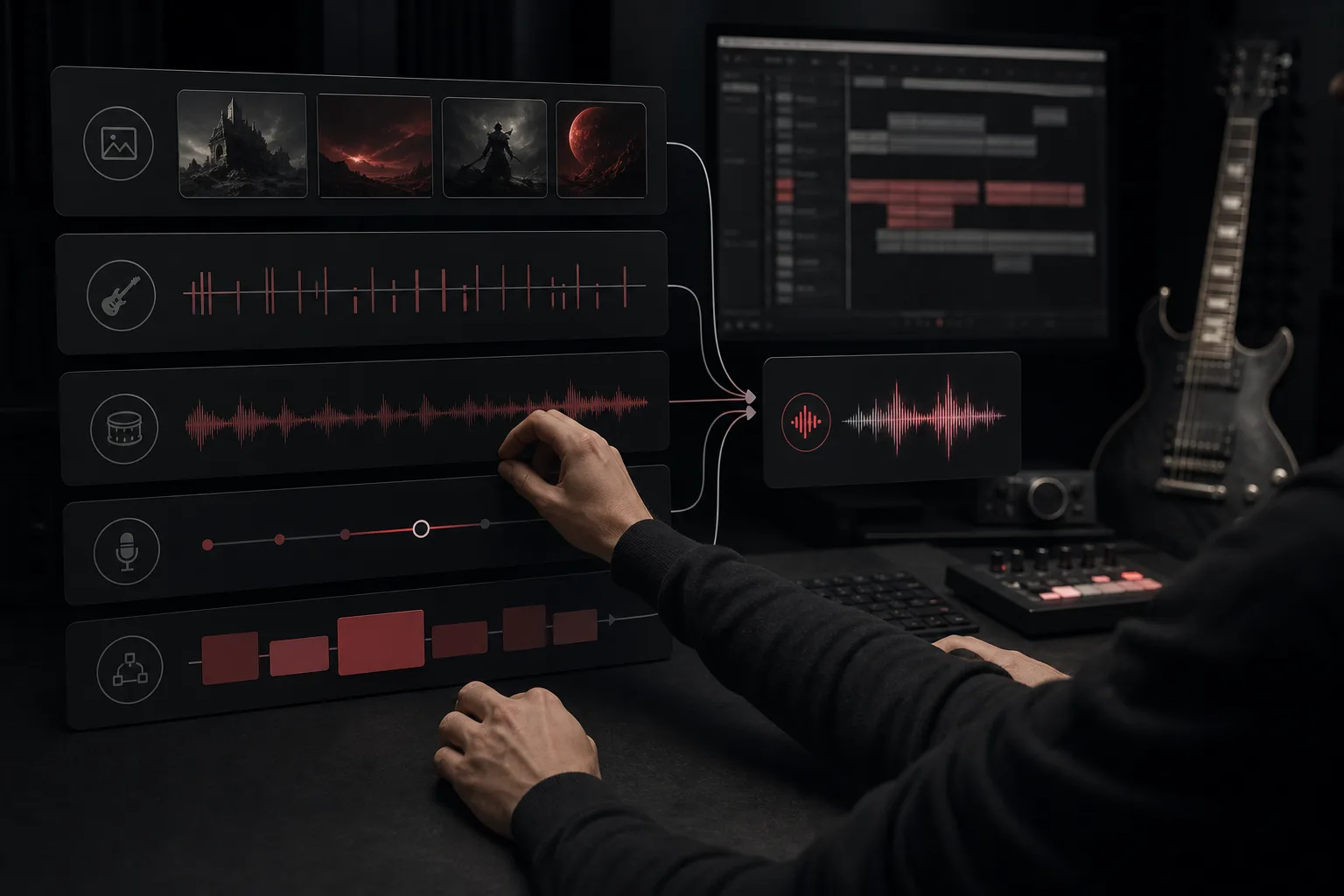
Create a full Metal track from text or lyrics
Use Prompt mode for a scene, mood, or production brief, or add your own lyrics when the words and vocal sections should guide the song.
Start a Metal track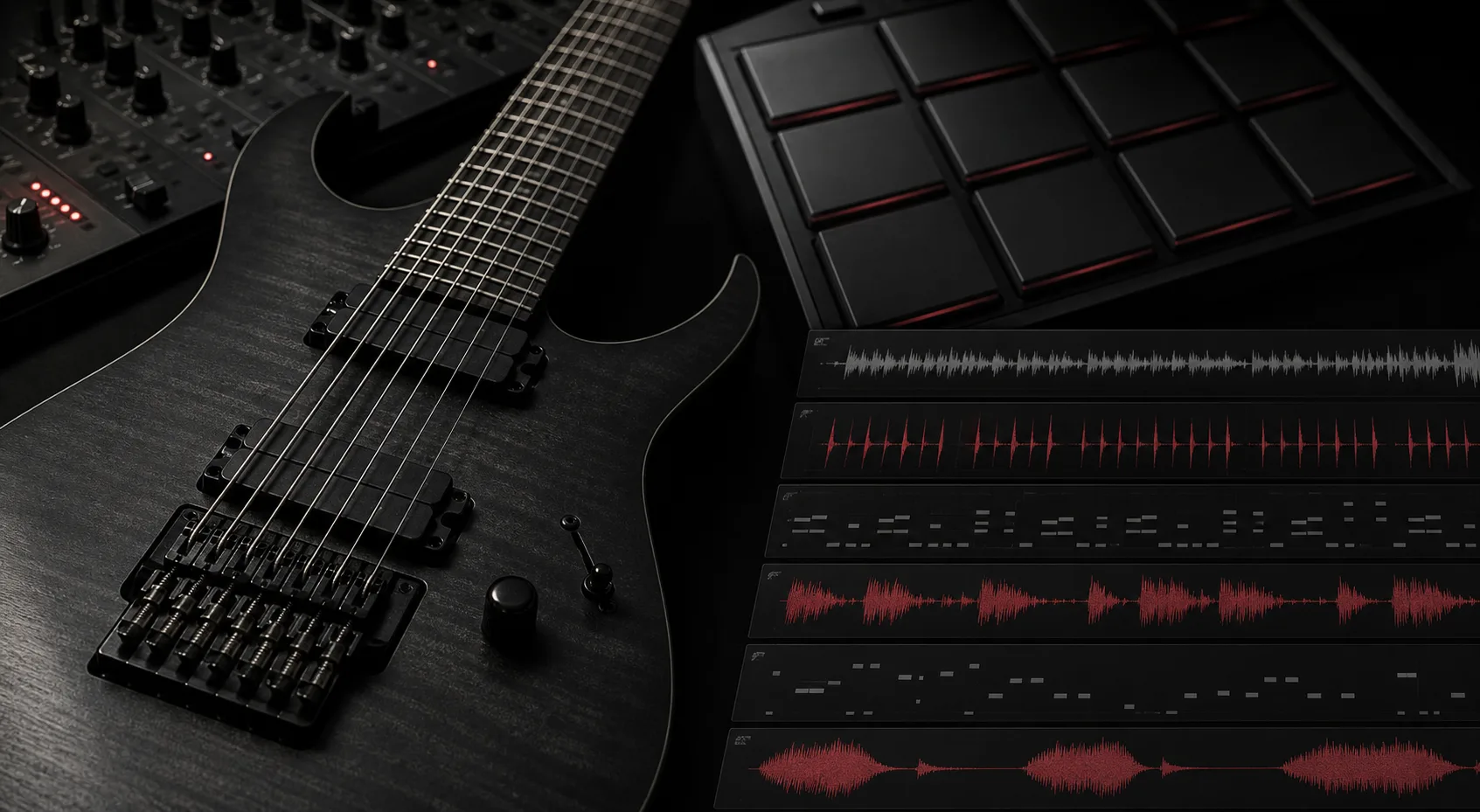
Shape riffs, bass, and drums
Steer the track toward palm-muted chugs, tremolo lines, galloping bass, double-kick drive, blast beats, tom weight, or a half-time breakdown. After generation, separate the parts with the AI Stem Splitter.
Control the sound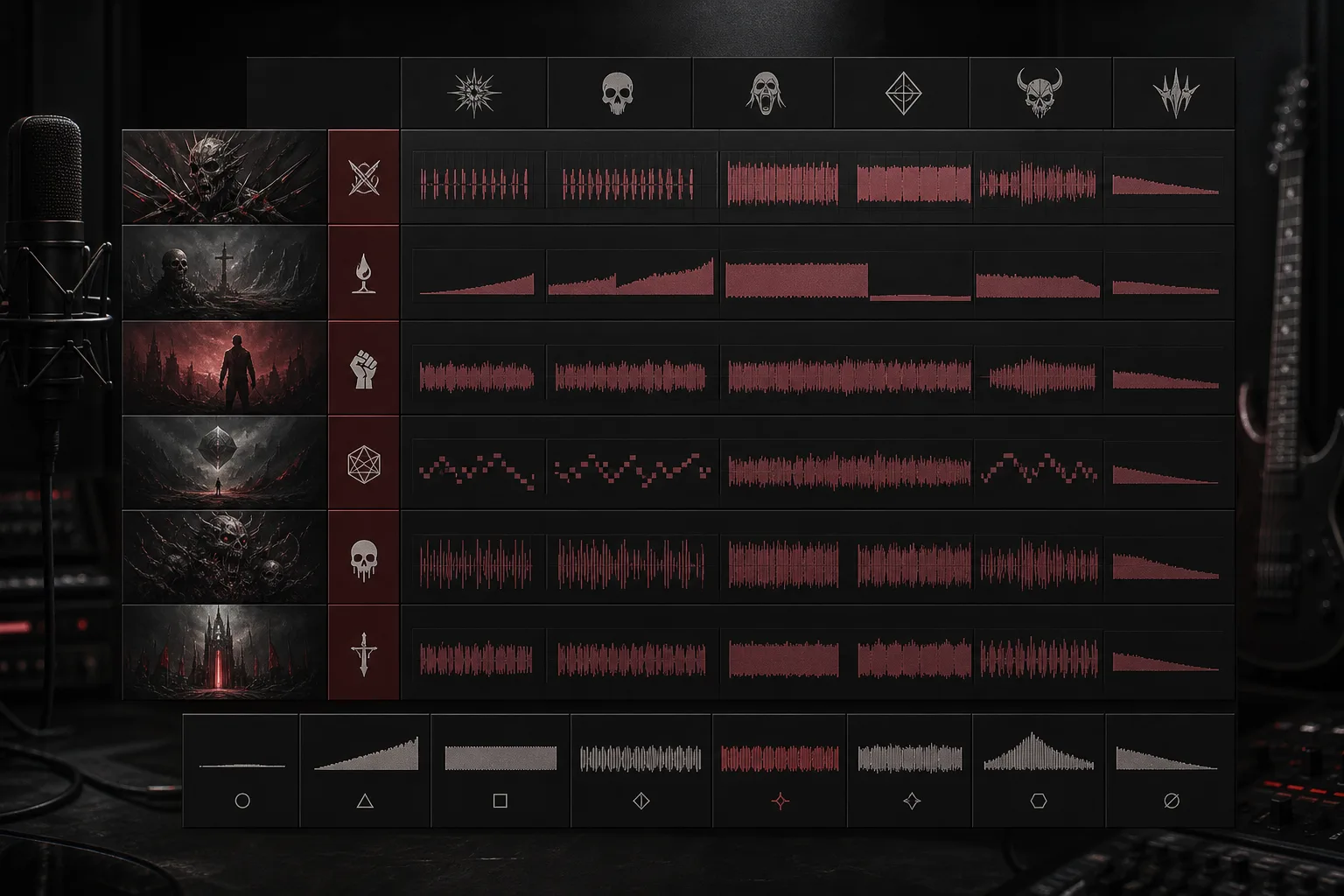
Build vocal or instrumental song structures
Create an instrumental track or direct harsh and clean vocals across an intro, verse, chorus, breakdown, solo, bridge, and ending. Need isolated vocals or backing audio? Use the AI Vocal Remover.
Explore the AI Music GeneratorWho uses an AI Metal Music Generator?
This AI Metal Music Generator is for creators who want a fast Metal sketch while keeping practical control over riff language, drum impact, vocal character, section shape, and project context.
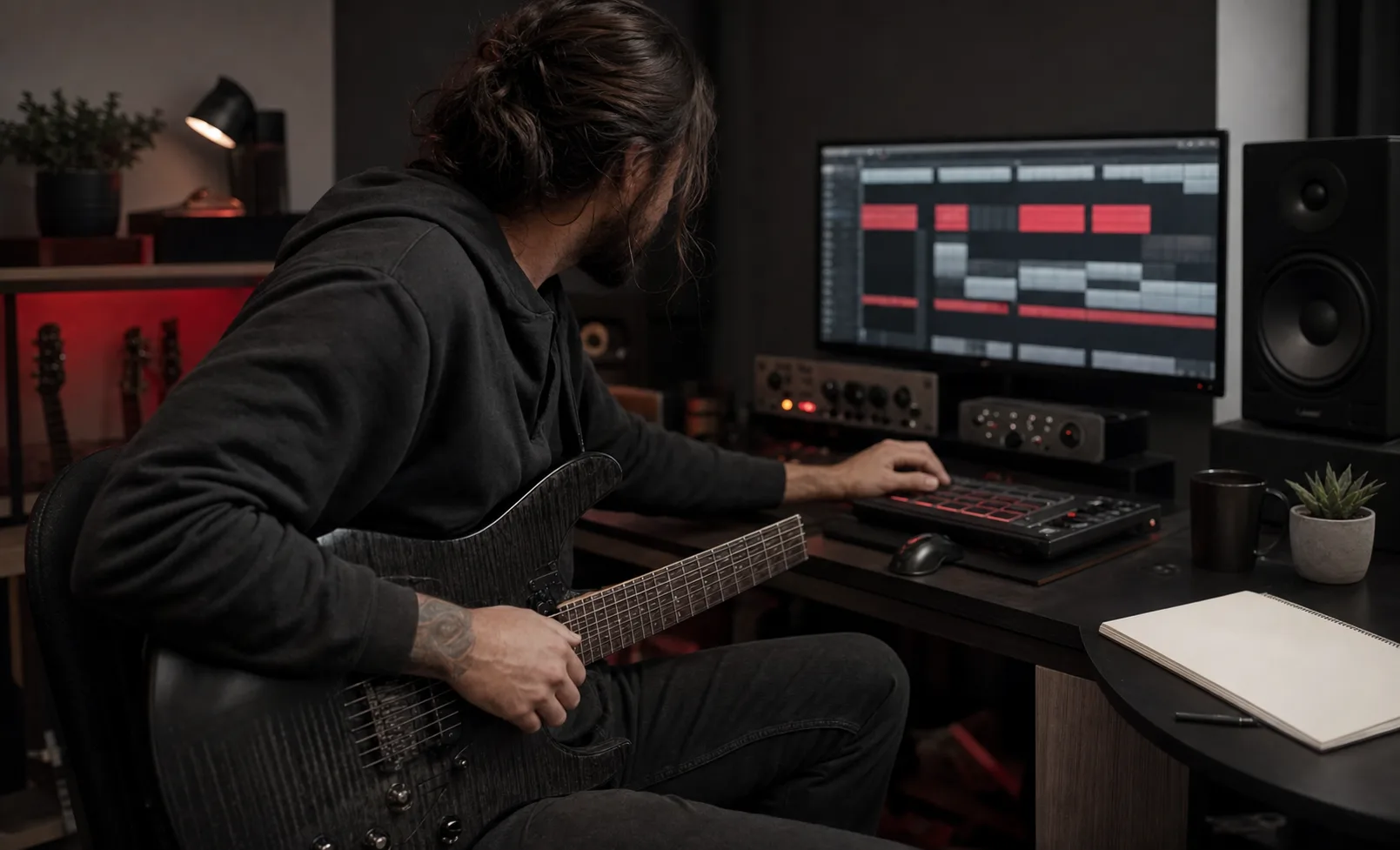
Guitarists and songwriters
Test a riff concept against different tempos, drum feels, vocal modes, bridges, breakdowns, and chorus shapes before developing the arrangement further.
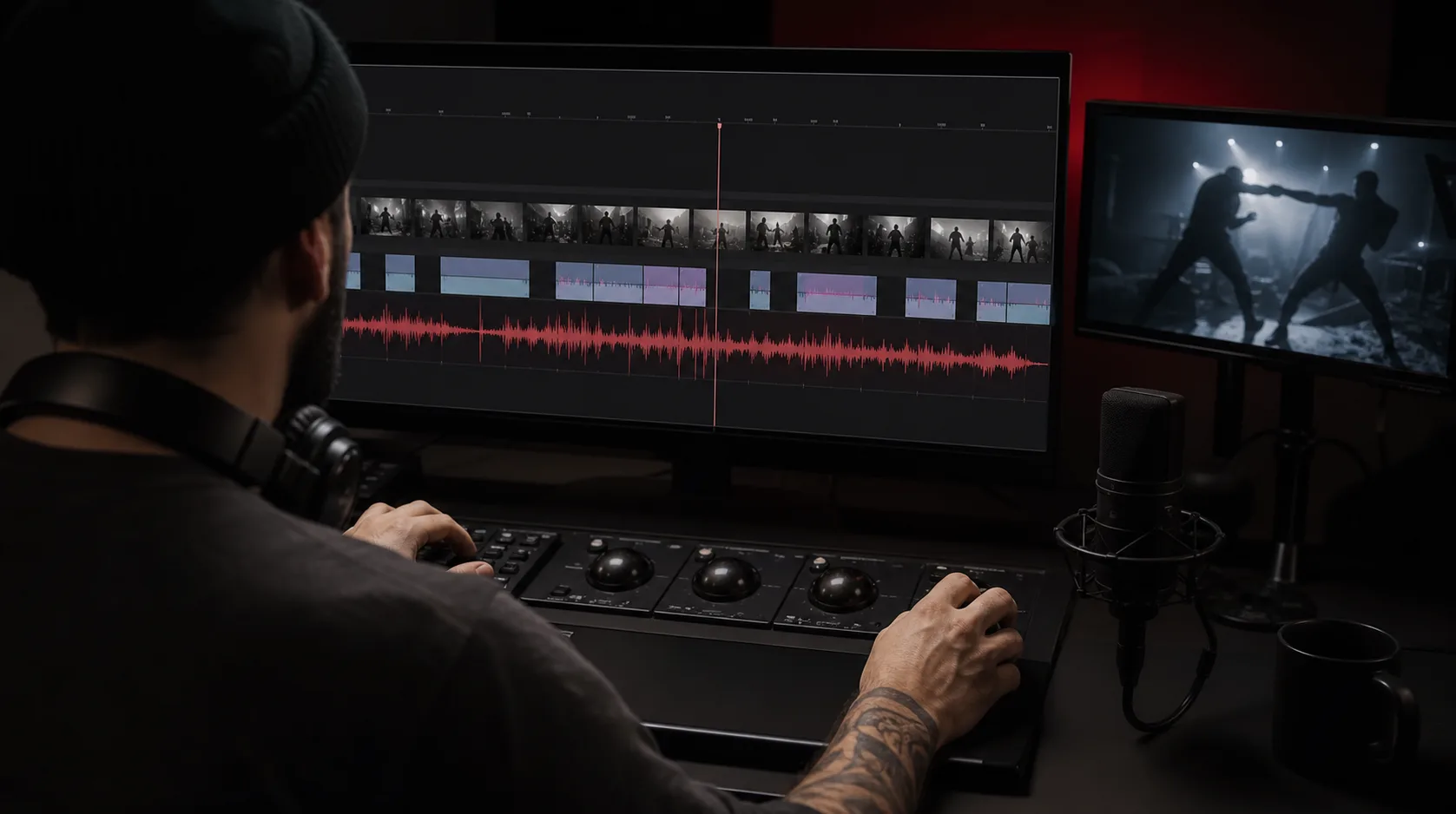
Video editors and streamers
Draft forceful intros, action beds, compact drops, training sequences, and dramatic transitions that leave space for dialogue or commentary.
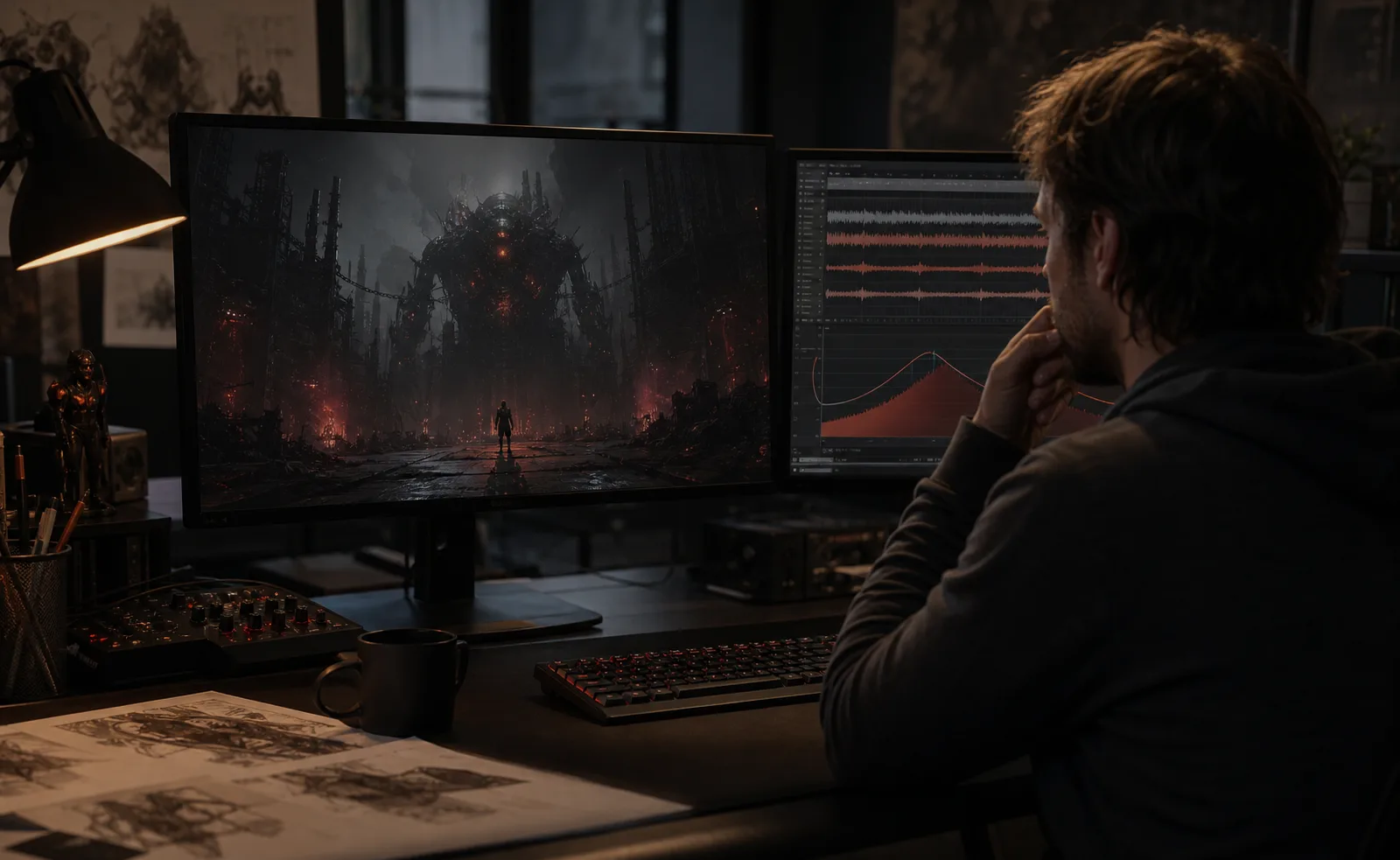
Game and trailer creators
Explore battle cues, boss themes, industrial arenas, ruined worlds, and victory moments with a clear energy curve and instrumental focus.
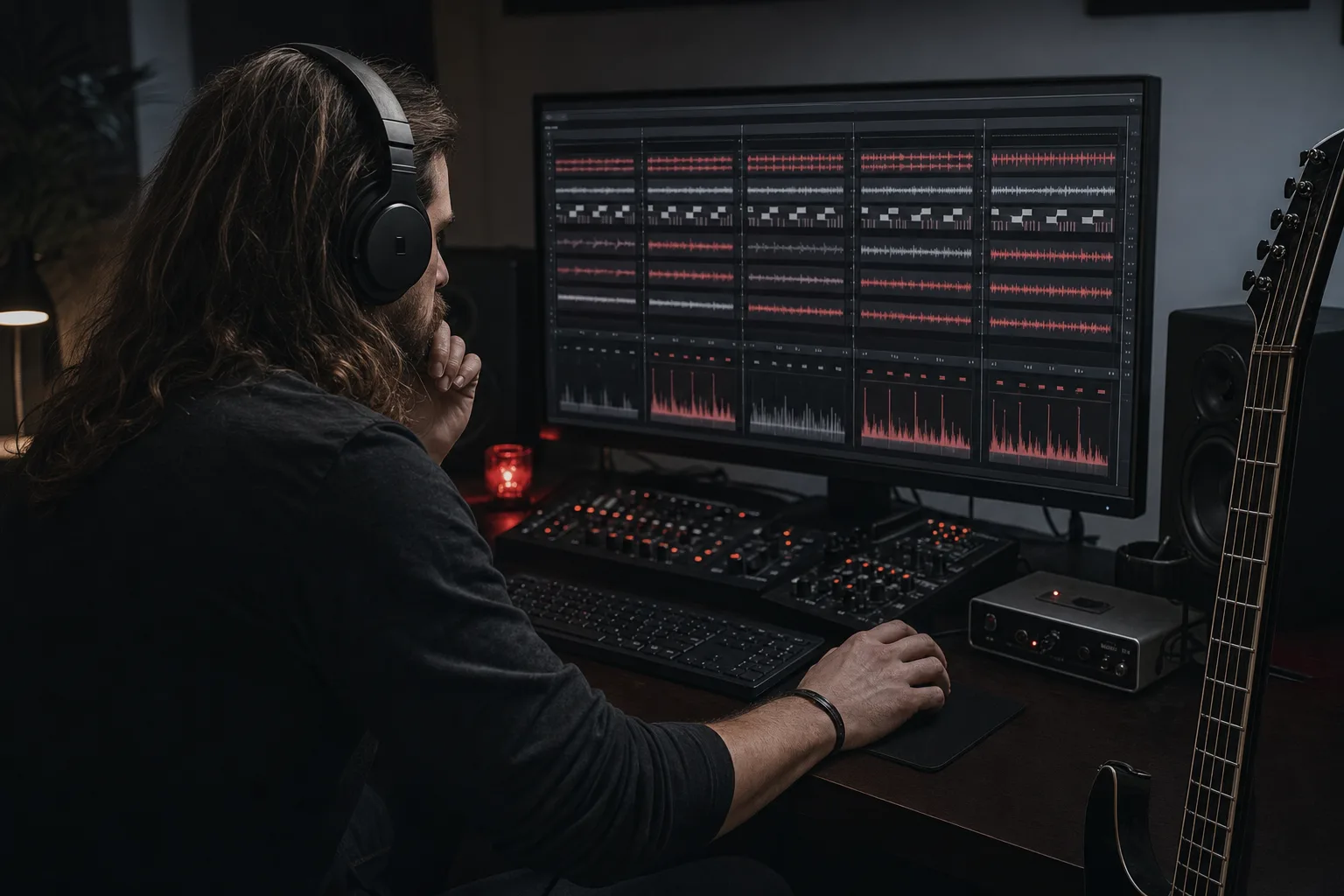
Metal fans and producers
Compare subgenre combinations, riff textures, drum patterns, vocal contrasts, and structures without naming or copying a specific artist.
How to make Metal music with AI
Treat an AI Metal Music Generator prompt like a compact production note: choose the Metal lane, describe the playing style, then generate and revise one variable at a time.
Choose the subgenre and purpose
Name Heavy, Thrash, Death, Black, Metalcore, Progressive, Doom, Power, or a hybrid direction. Add the project context and whether you need an instrumental or vocal song.
Describe riffs, drums, vocals, and sections
Add tempo, tuning feel, palm muting or tremolo picking, bass motion, double-kick or blast beats, harsh or clean vocals, and the desired intro, chorus, breakdown, solo, bridge, and ending.
Generate, listen, and refine
Check whether the riff clarity, drum weight, vocal balance, and energy curve fit the idea. Change one or two cues for the next generation so you can hear which direction improved the result.
AI Metal Music Generator FAQ
Practical answers about Metal prompts, subgenres, riffs, drums, vocals, instrumental tracks, tempo, and project use.