
How Speed, Pitch, and Reverb Reshape Audio
This audio editor changes playback speed, shifts pitch, and adds spacious reverb for dreamy alternate versions.
Slowed edits
Create atmospheric versions of songs, loops, vocals, and ideas without opening a DAW.
Upload or record
Start from an audio file or record a fresh sketch directly in the browser.
Daycore mood
Slow the track down and lower the pitch for darker, heavier edits.
Nightcore energy
Speed the track up and lift the pitch for bright, high-energy versions.
Simple controls
Adjust speed, pitch, and reverb mix with focused controls made for fast previewing.
Downloadable result
Preview the processed effect and download a WAV file when the edit feels right.
How to Make Slowed and Reverb Songs
Create a slowed and reverb version in a short upload, adjust, and download workflow.
Upload or record audio
Choose a supported audio file or record a short idea with your microphone.
Choose a preset
Pick Slowed and Reverb, Daycore, Nightcore, or Custom, then fine-tune speed, pitch, and reverb.
Preview and download
Listen to the processed preview, then download the final WAV file.
Shape Slowed and Reverb Edits Fast
Use focused browser controls to slow audio down, shift pitch, add reverb, and export a polished WAV when the mood feels right.
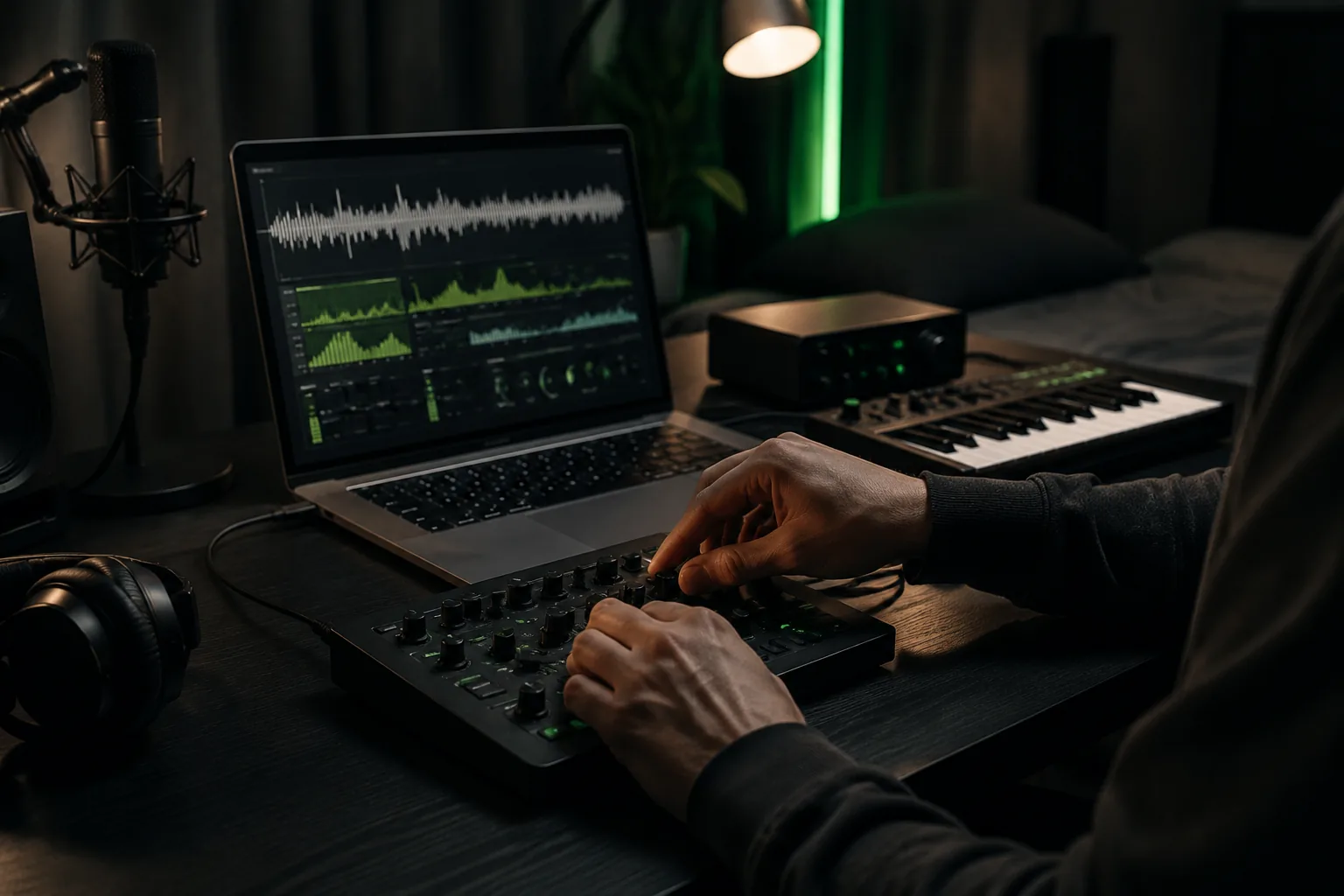
Fine-tune speed, pitch, and reverb
Adjust the three core controls in one place so a vocal, loop, or full song can move from subtle slowdown to spacious reverb quickly.
Adjust Audio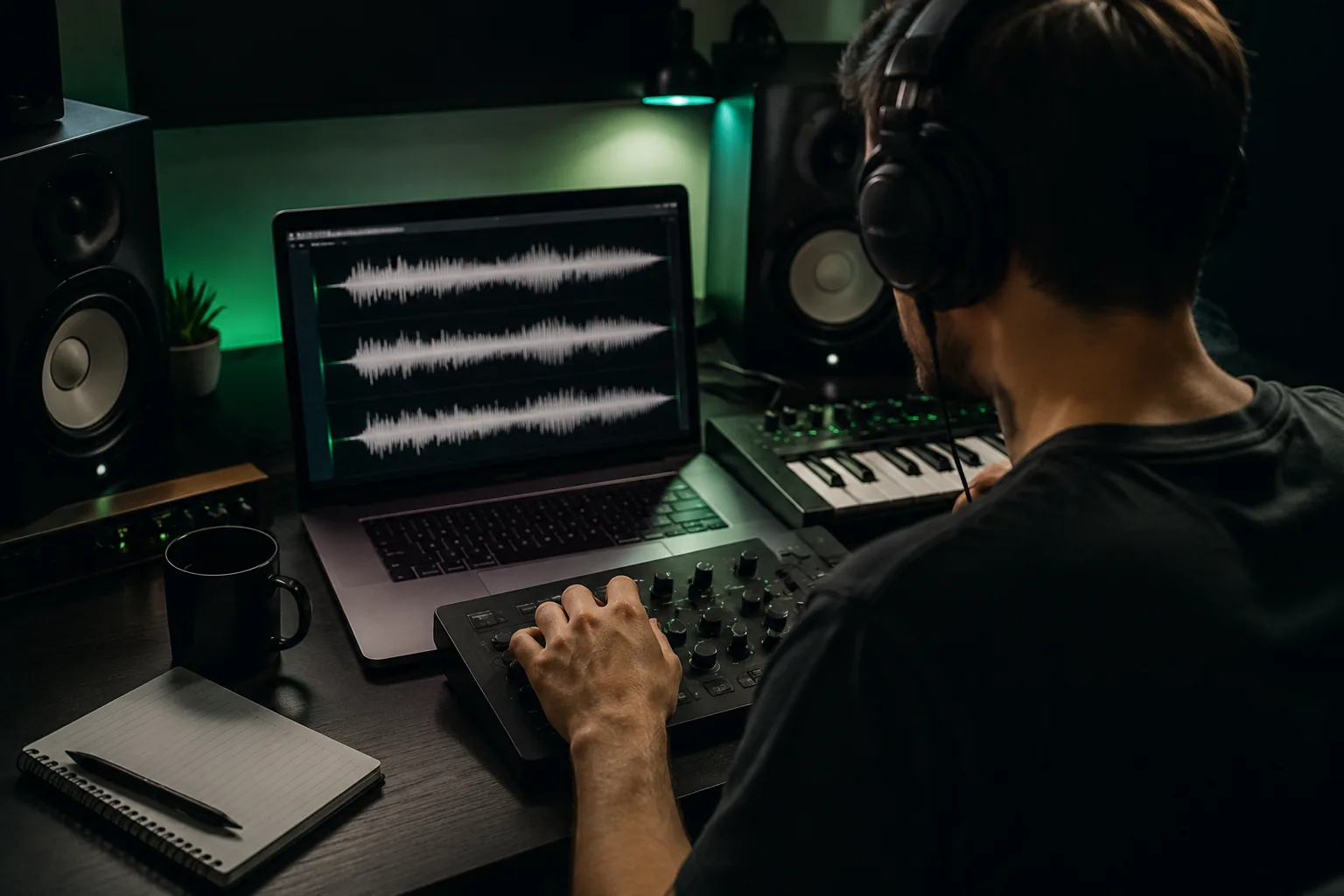
Switch between Slowed, Daycore, and Nightcore
Apply the main preset directions with one click, then keep refining the parameters without waiting for a full render each time.
Try Presets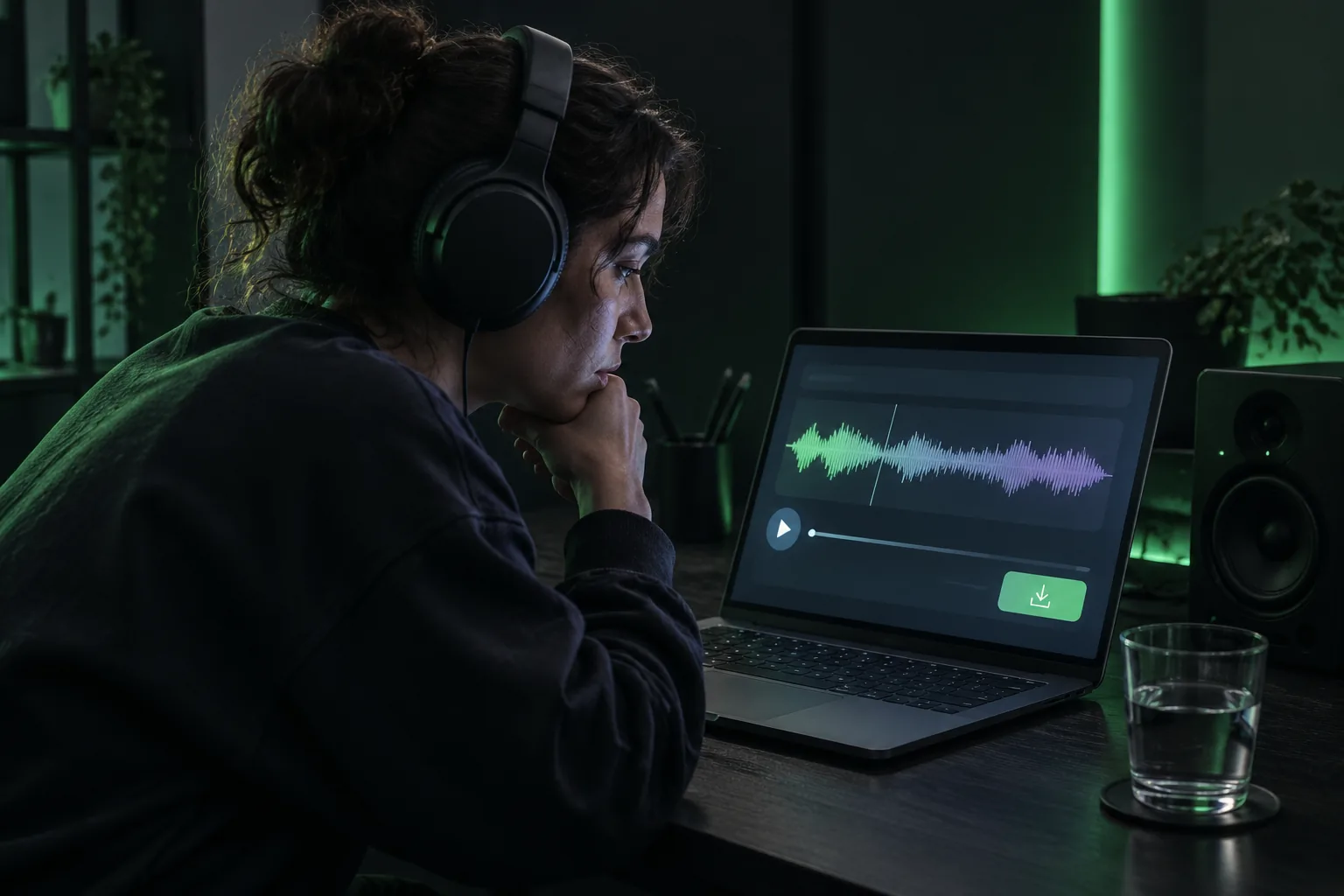
Preview before downloading WAV
Listen to the processed sound in the browser and download the final WAV only after the timing, pitch, and space feel right.
Preview EditWho Uses a Slowed Reverb Maker?
Creators use slowed and reverb edits to test mood, remix ideas, and make audio feel more cinematic or atmospheric.
Music creators
Make alternate versions of demos, hooks, vocal ideas, and loops for inspiration or release extras.
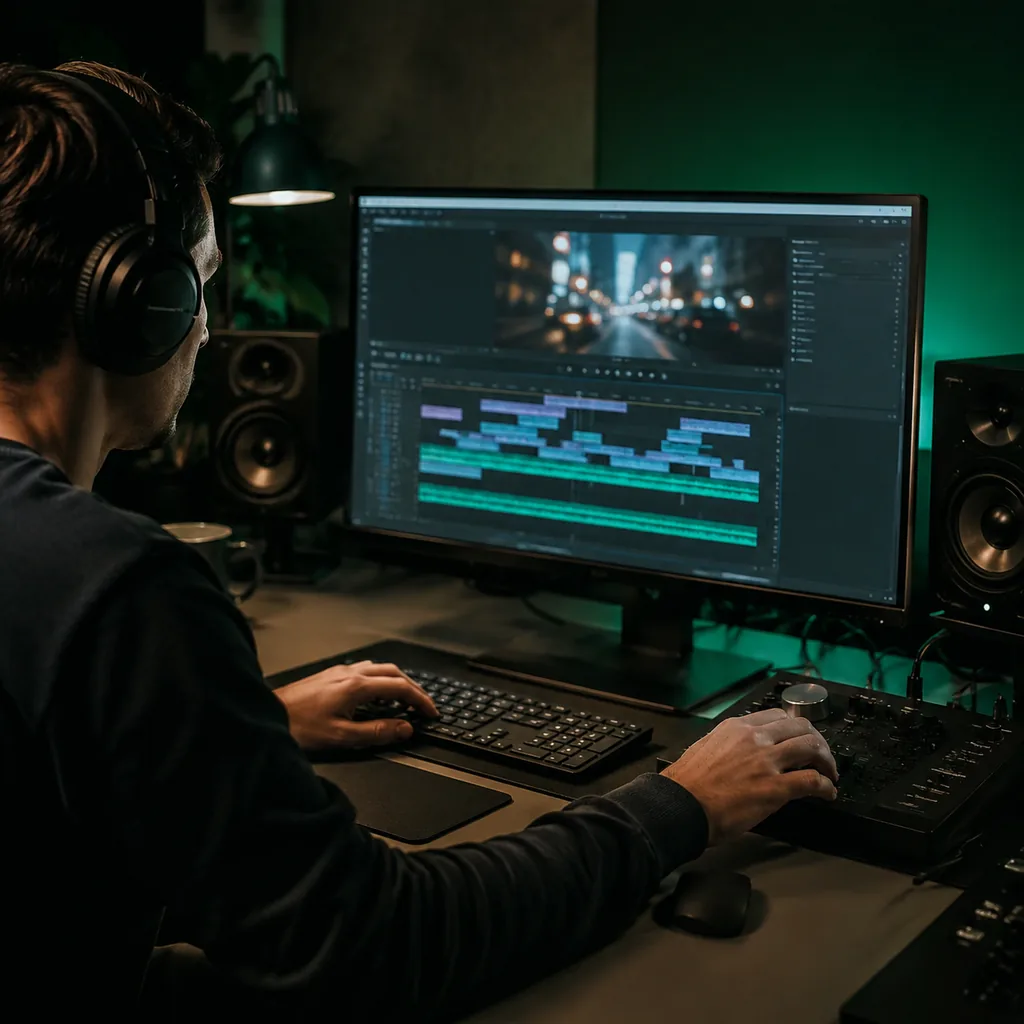
Video editors
Shape background audio for dreamy videos, short-form edits, transitions, and emotional scenes.
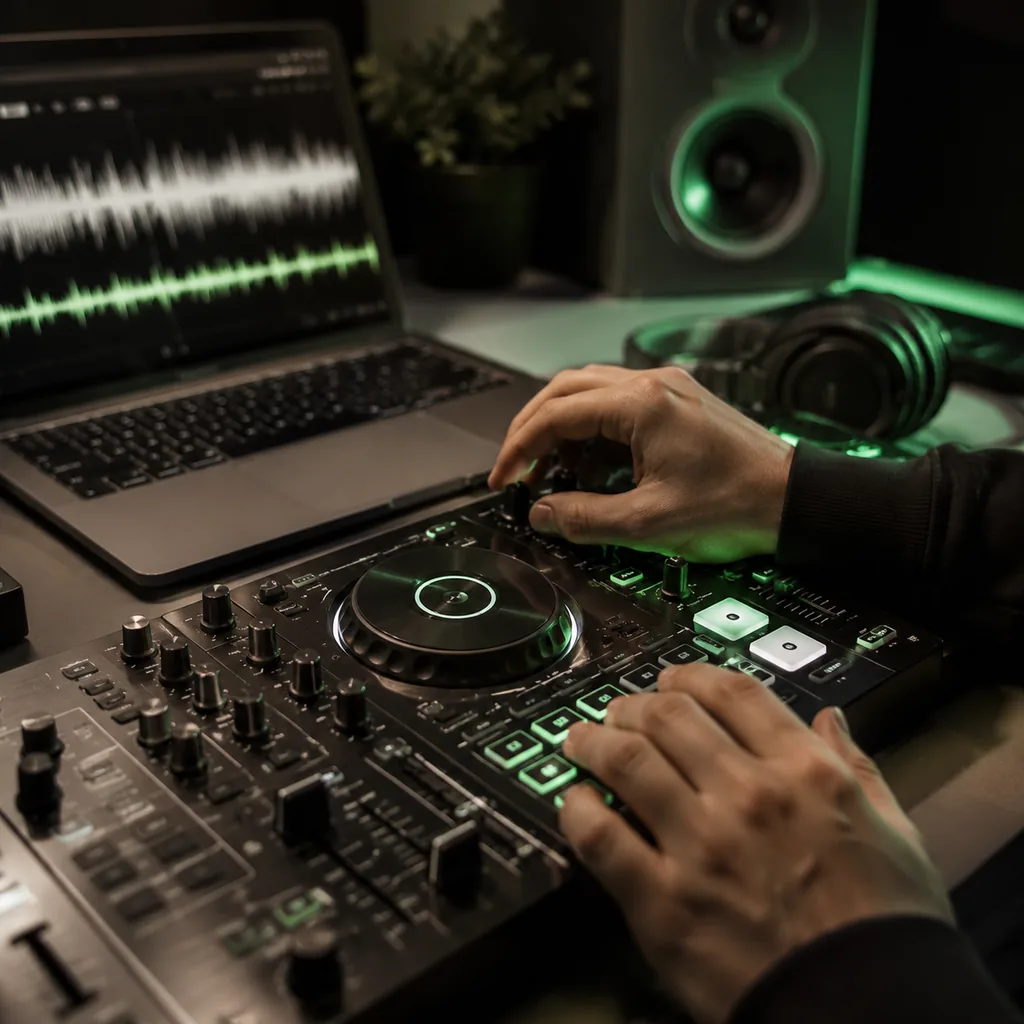
Remix makers
Quickly test Daycore, Nightcore, and slowed and reverb directions before doing a deeper mix.
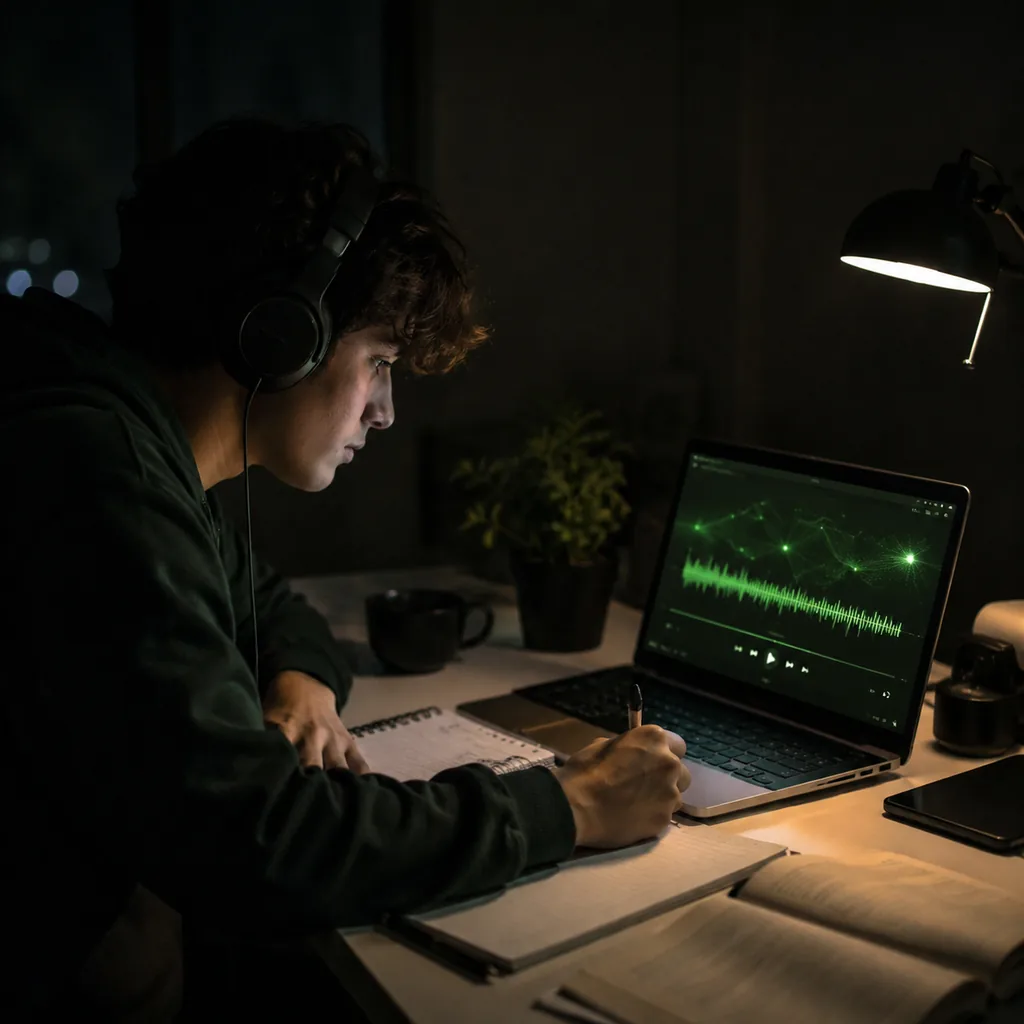
Students and listeners
Create softer versions of loops or sketches for focus, study, writing, or late-night listening.
Slowed and Reverb Generator FAQ
Answers about slowed audio, reverb, Daycore, Nightcore, and browser-side processing.
Upload or record audio, choose a preset, adjust the sound, and download a dreamy processed version.