
Vocal Remover Online Free
Preview separated vocals and instrumentals before downloading. Our AI vocal remover extracts clean vocal stems, karaoke tracks, and instrumental audio from songs in seconds. Compare each stem side by side for remixing, music production, singing practice, DJ edits, video creation, and content publishing.
Remove Vocals from MP3 – Free Online Tool
Use this vocal remover online free to separate vocals from a song or MP3 without installing audio software. Upload a supported file, preview the vocal and instrumental outputs, and download the result for karaoke, remix references, practice, lessons, or editing. Start with the clearest source available because dense mixes and heavy effects can reduce separation quality.
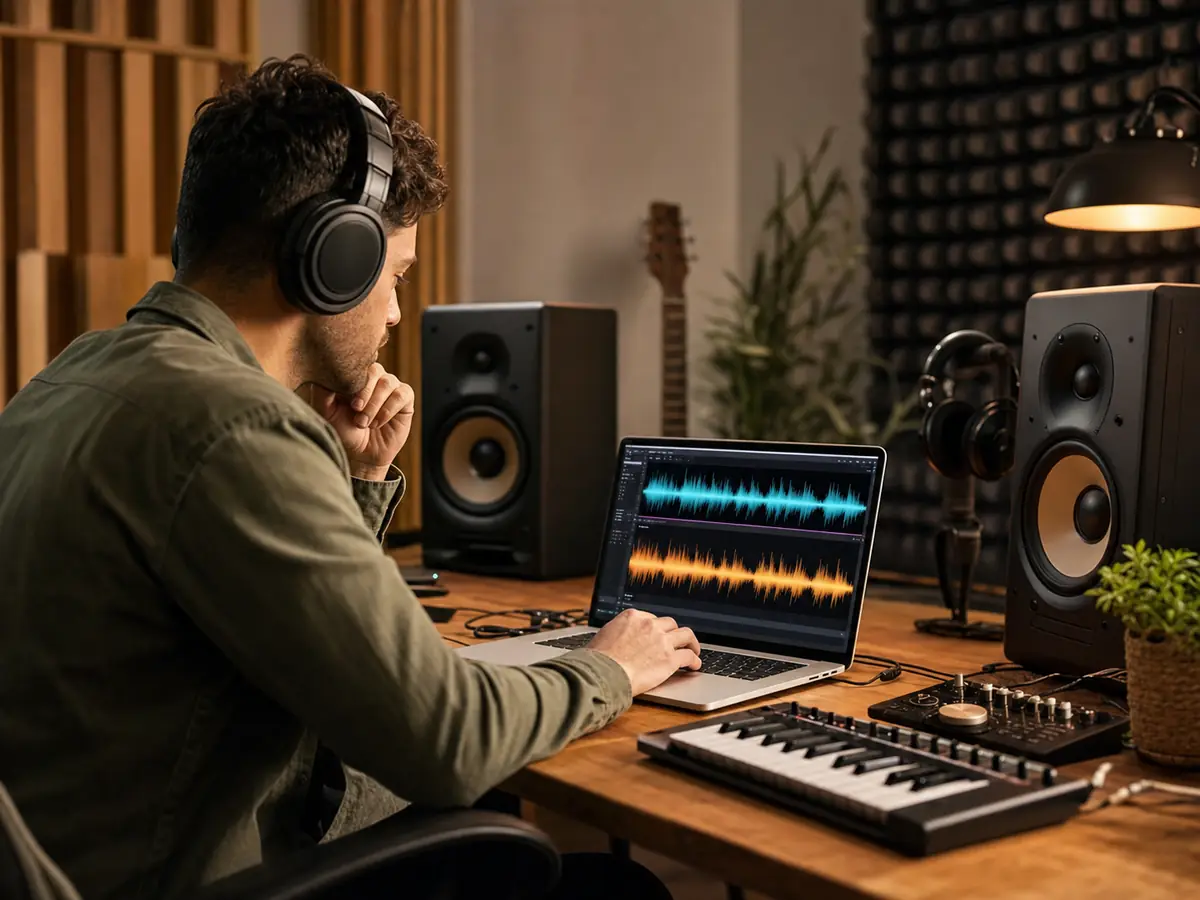
Extract Instrumental Tracks
Use the AI vocal remover to turn a finished song into clearer audio parts. This helps when you need vocals, instrumental backing, karaoke versions, remix references, and cleaner music beds for a draft, a lesson, a performance edit, or a production session. Need drums, bass, and other parts as well? Continue with the AI Stem Splitter.
Try AI Vocal Remover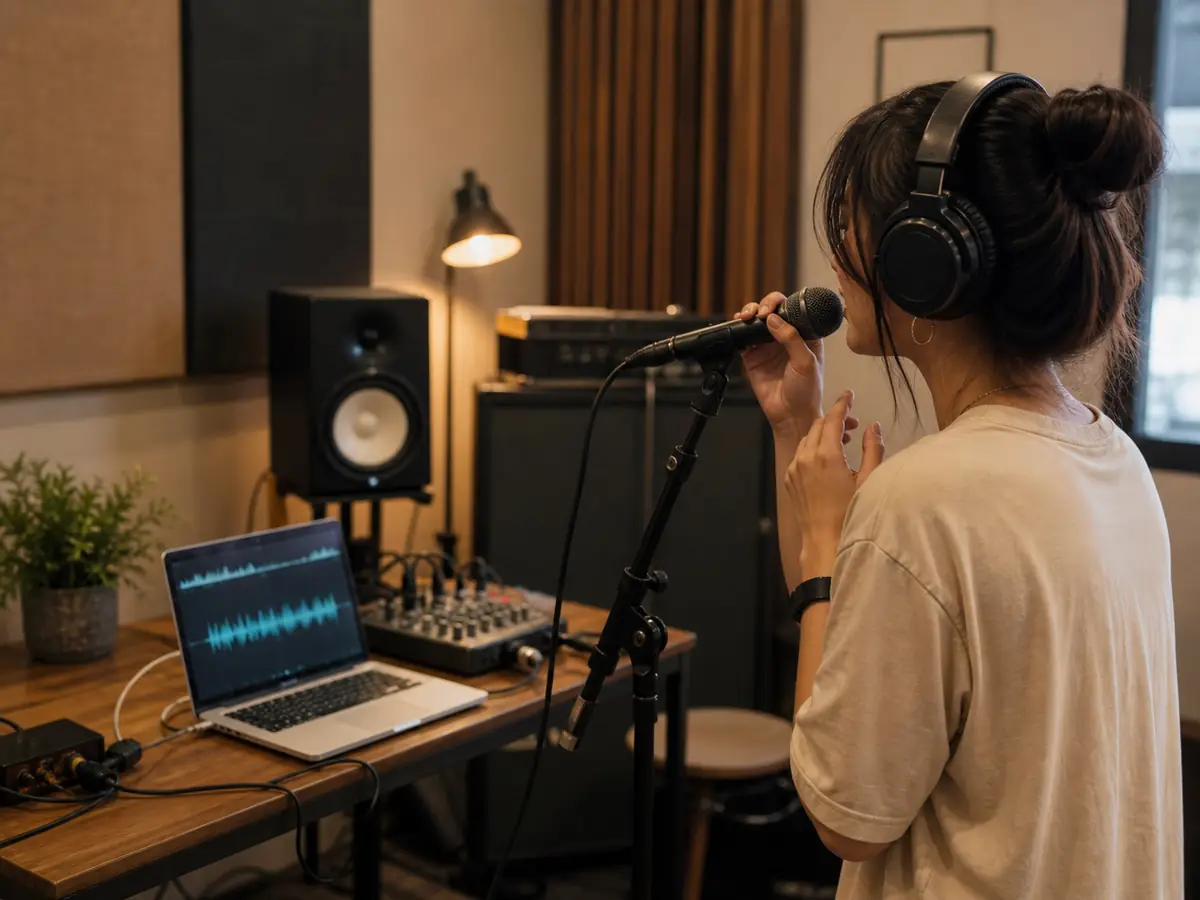
Make Karaoke and Rehearsal Versions
The AI vocal remover gives singers, editors, DJs, teachers, and producers a direct way to test ideas from the recording they already know. You can preview the output, compare the layers, and decide whether the file is ready for karaoke, remixing, arrangement study, or video work.
Create Instrumental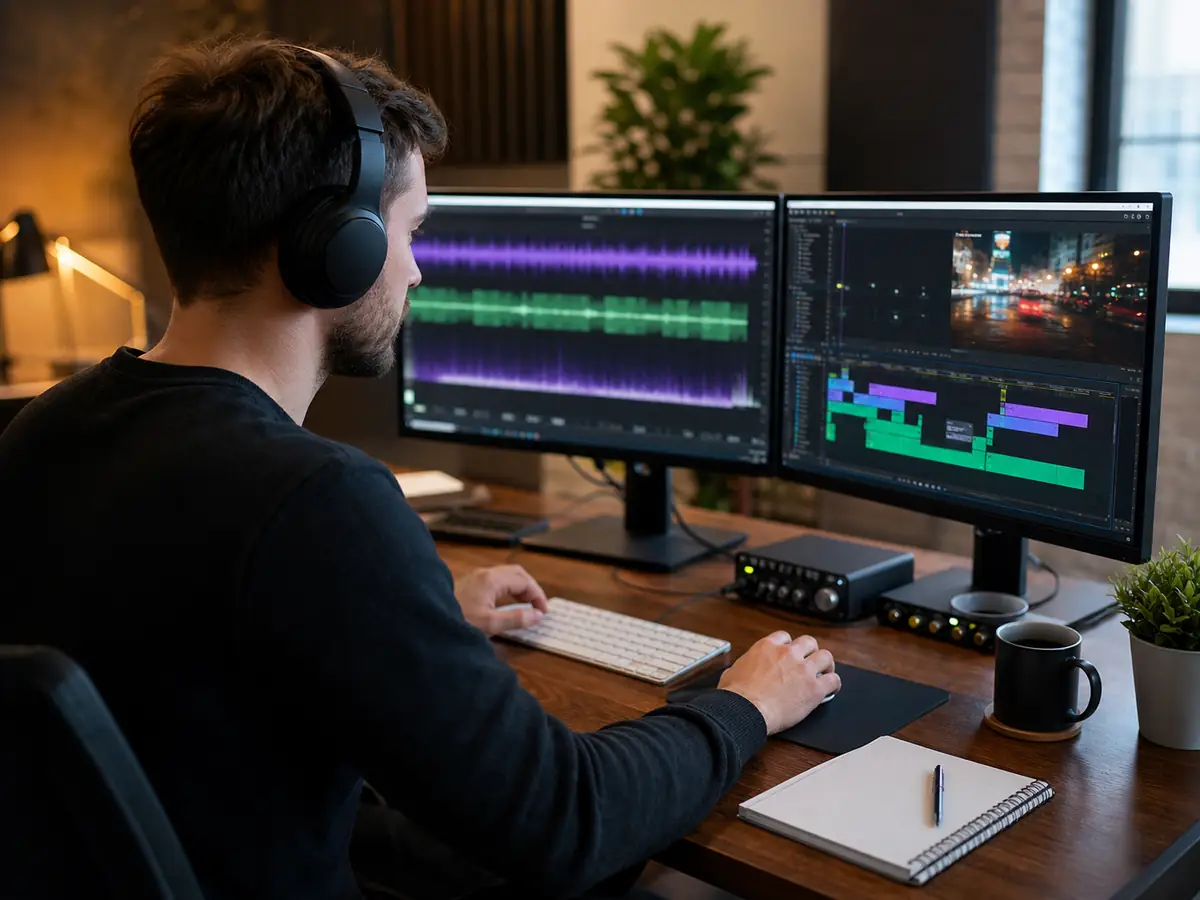
Speed Up Audio Editing
Editors often need audio that leaves space for narration, captions, dialogue, or a new beat. The AI vocal remover helps you test a cut, prepare a client draft, build a short-form edit, or check an arrangement before spending time in advanced software.
Separate Vocals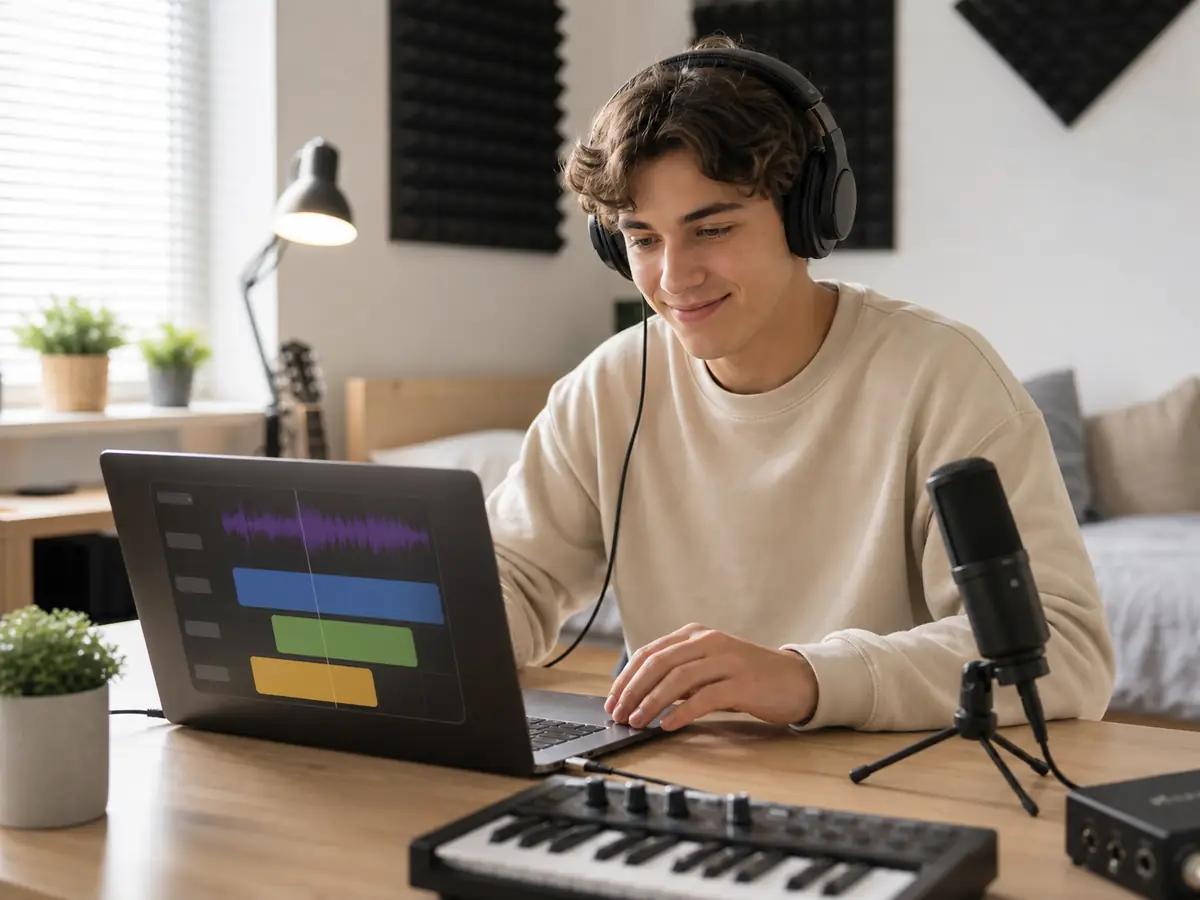
No Audio Skills Required
You do not need production training to use the AI vocal remover. Choose audio, run the separation, listen to the result, and download the part you need. If you need an original source track first, create one with the AI Music Generator.
Start Vocal RemovalWho Uses an AI Vocal Remover?
An AI vocal remover is a tool used to remove vocals from songs and separate audio into instrumental and vocal stems. It is commonly used by DJs, music producers, singers, and content creators for remixing, karaoke creation, and audio editing.
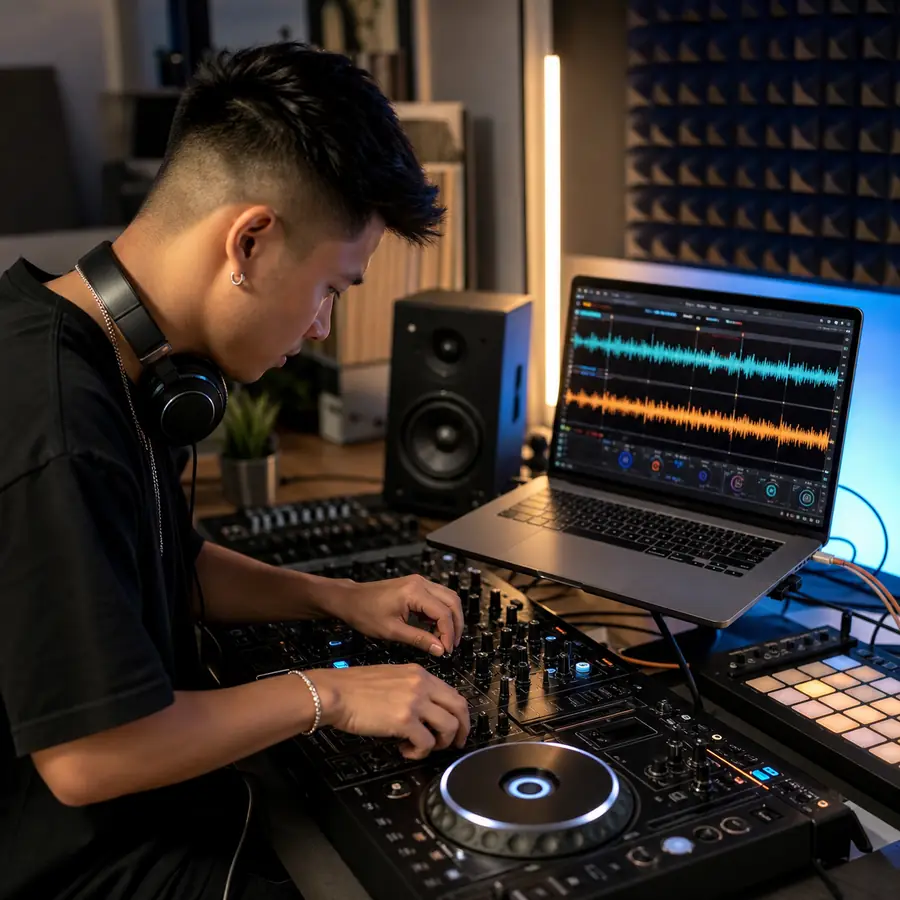
DJs and remix artists
These users rely on the AI vocal remover when a finished song needs to become editable audio. It supports fast tests, performance preparation, music study, and content production without rebuilding every part from scratch.
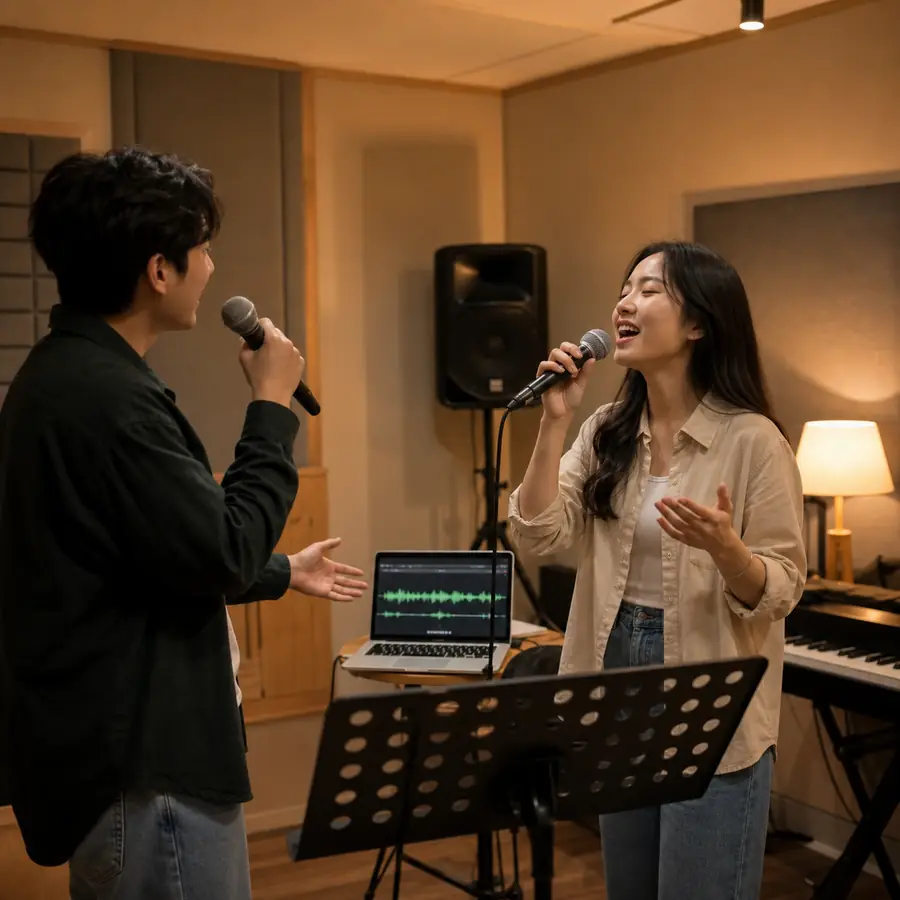
Karaoke and rehearsal users
The AI vocal remover is useful when practice material must stay close to the original recording. It helps users keep the structure, timing, and feel of the song while working with a cleaner layer.
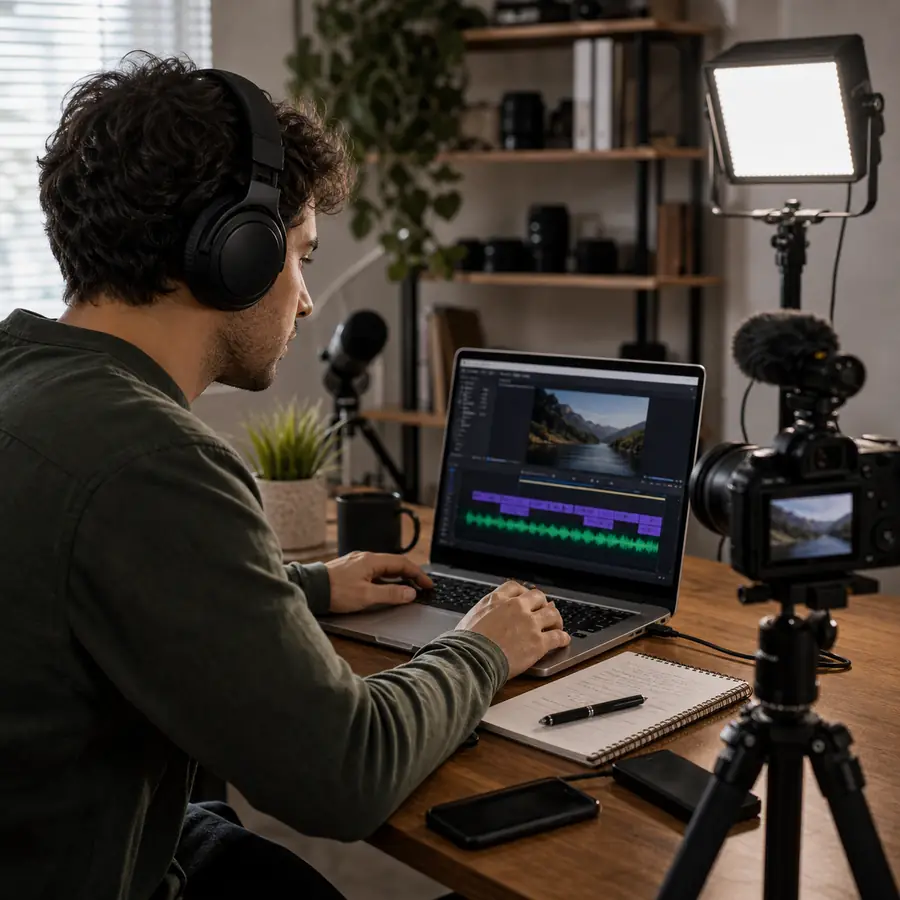
Video editors and creators
For content work, the AI vocal remover helps shape music around spoken words, scene changes, hooks, and pacing. Creators can keep musical energy while reducing parts that distract from the message.
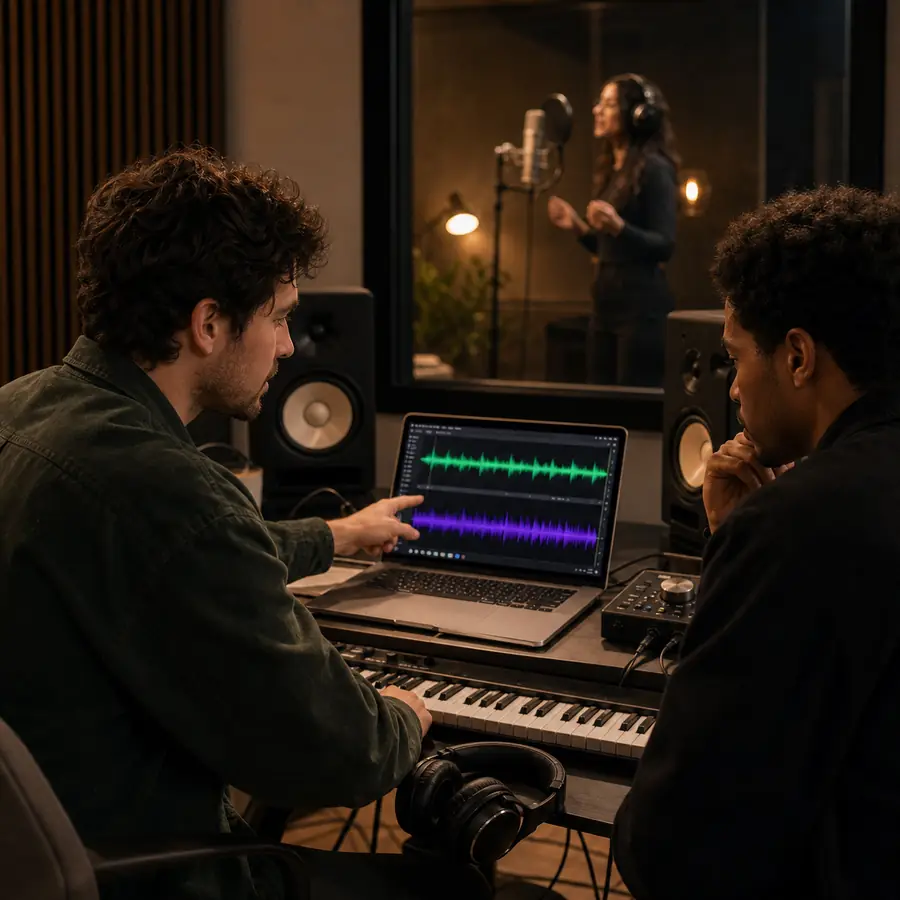
Producers and musicians
Musicians and producers use the AI vocal remover to inspect melody, rhythm, arrangement, and mix choices. The output is not a replacement for original multitracks, but it is a fast reference for creative decisions.
How to Remove Vocals from a Song
Use the AI vocal remover when you need vocals, instrumental backing, karaoke versions, remix references, and cleaner music beds.
Upload or choose your track
Start with the best source file you can legally use. The AI vocal remover usually performs better when the upload is clear, complete, and not damaged by heavy noise, distortion, or extreme compression.
Run vocal separation
Run the selected mode and let the AI vocal remover analyze the mix. The page will prepare separated audio that you can preview before deciding which version belongs in your workflow.
Preview and download stems
Listen carefully before downloading. Use the AI vocal remover output for drafts, lessons, practice, video, DJ preparation, or production, and check the rights attached to the source audio before public release.
AI Vocal Remover & Instrument Isolation
Separate vocals and instruments for karaoke, remixing, practice, and audio editing.
High-Quality Stem Separation
Remove vocals while preserving instrumental clarity and detail.
Fast Processing in Seconds
Get results in under 60 seconds for most tracks.
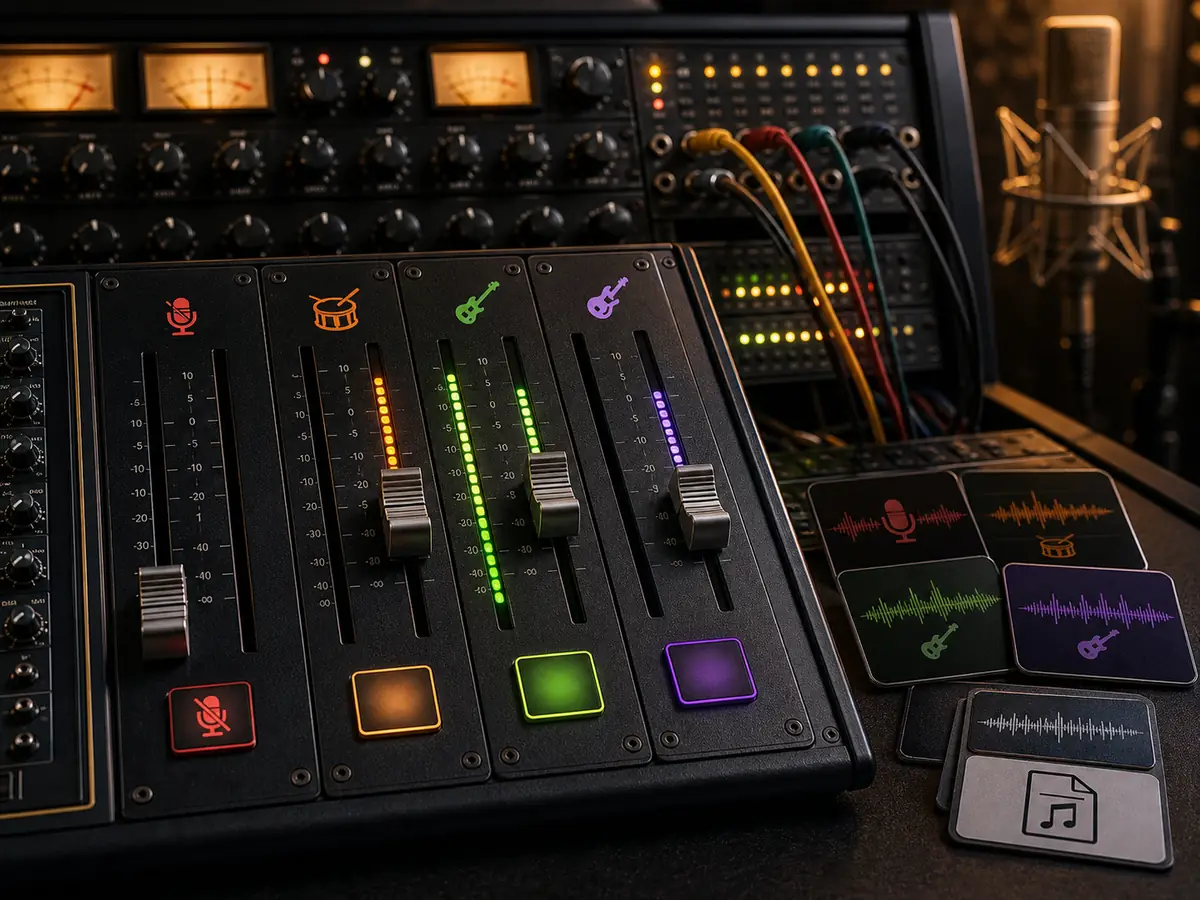
Multi-Stem Extraction
Separate vocals, drums, bass, and instruments individually.
Supports All Major Formats
MP3, WAV, FLAC, M4A and more.
AI Vocal Remover FAQs
Answers about free AI vocal removal, MP3 uploads, separation quality, downloads, copyright, and practical workflows.