
Why Clean Audio Metadata Matters
Clear song information helps your music stay organized, searchable, and ready to share across players, devices, folders, and publishing workflows.
Better Music Organization
Sort songs by artist, album, genre, year, track number, or custom categories so large collections are easier to browse and maintain.
Accurate Metadata
Fix incorrect song information before files move between devices, media players, cloud folders, collaborators, or release preparation checklists.
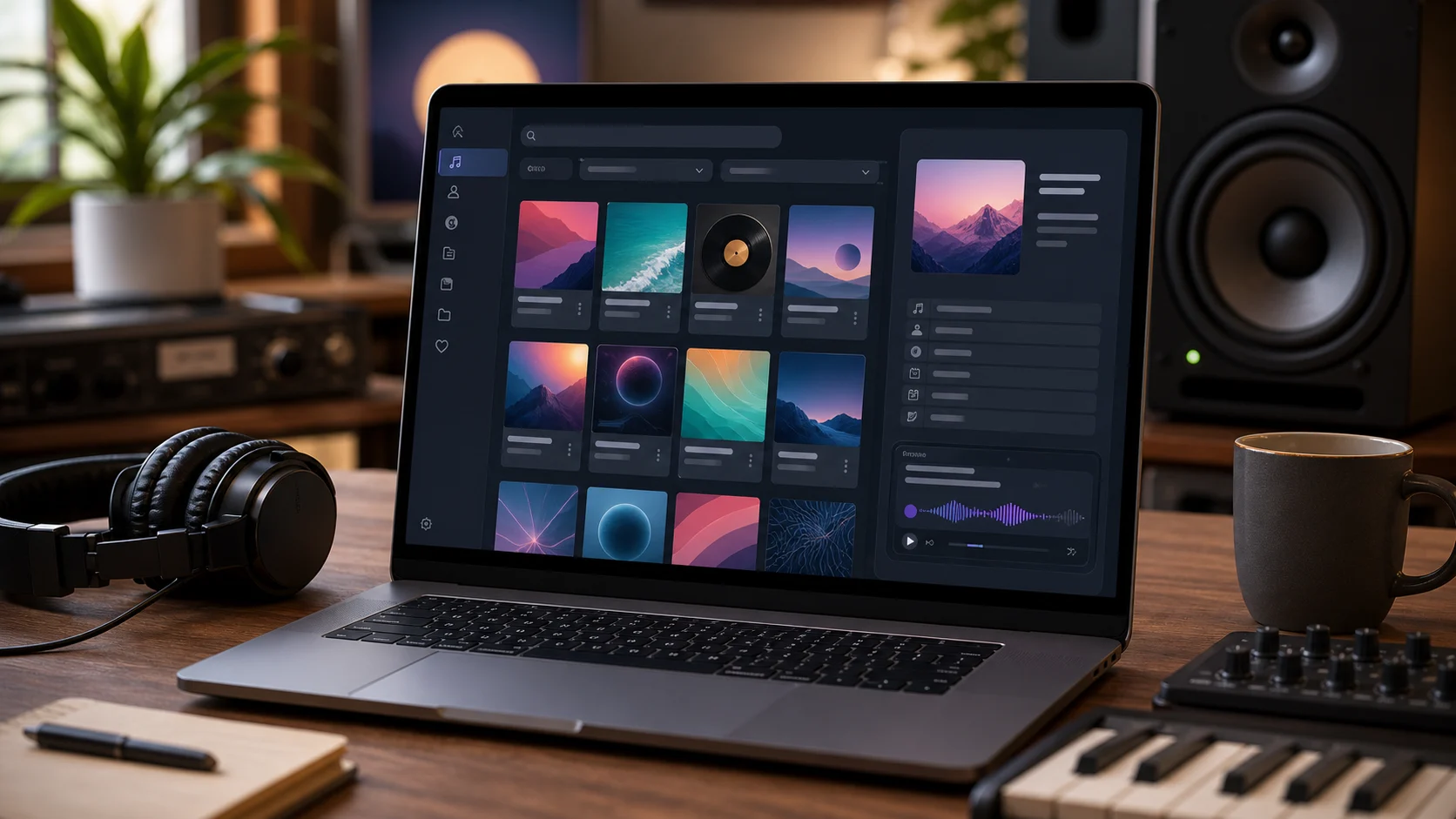
Improved Streaming & Playback
Display correct album artwork, track names, artist information, and descriptive fields when listeners open the file in compatible apps.
Professional Audio Distribution
Prepare audio files for podcasts, demos, client previews, music releases, and commercial projects where clear metadata makes handoff cleaner.
How to Edit Audio Tags Online
The workflow stays inside the browser from upload to download.
Upload one file
Choose MP3, WAV, OGG, M4A, AAC, FLAC, or WMA and let the editor read the existing metadata before you make changes.
Edit tags
Update common fields, replace cover art, add comments, paste lyrics, and review the details that will appear in supported players.
Download the copy
Export a tagged MP3 copy while keeping the original file unchanged on your device for comparison, backup, or another edit pass.
Edit Song Metadata in Seconds
Update ID3 fields, cover artwork, lyrics, comments, and music file details with a simple browser-based editor. Organize your library without installing desktop software, then download a clean copy that is easier to identify later.
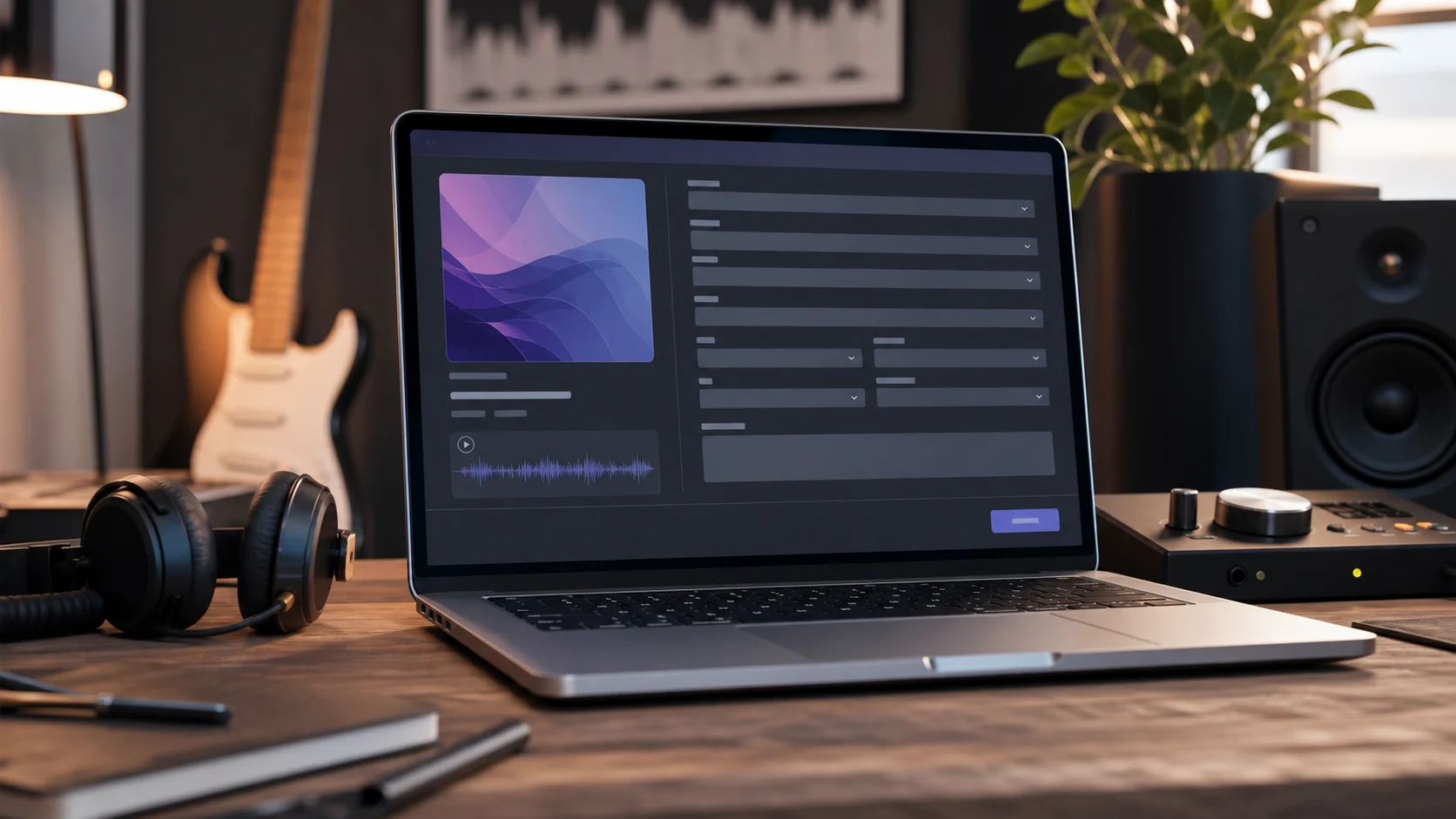
Edit Complete MP3 Metadata
Update song title, artist, album, genre, year, composer, track number, and other ID3 tags with enough context to keep singles, demos, and archived files easy to recognize.
Edit Metadata
Manage Album Artwork
Add, replace, or remove cover images in JPG and PNG formats so local libraries, shared files, and project folders show the right visual identity.
Manage Artwork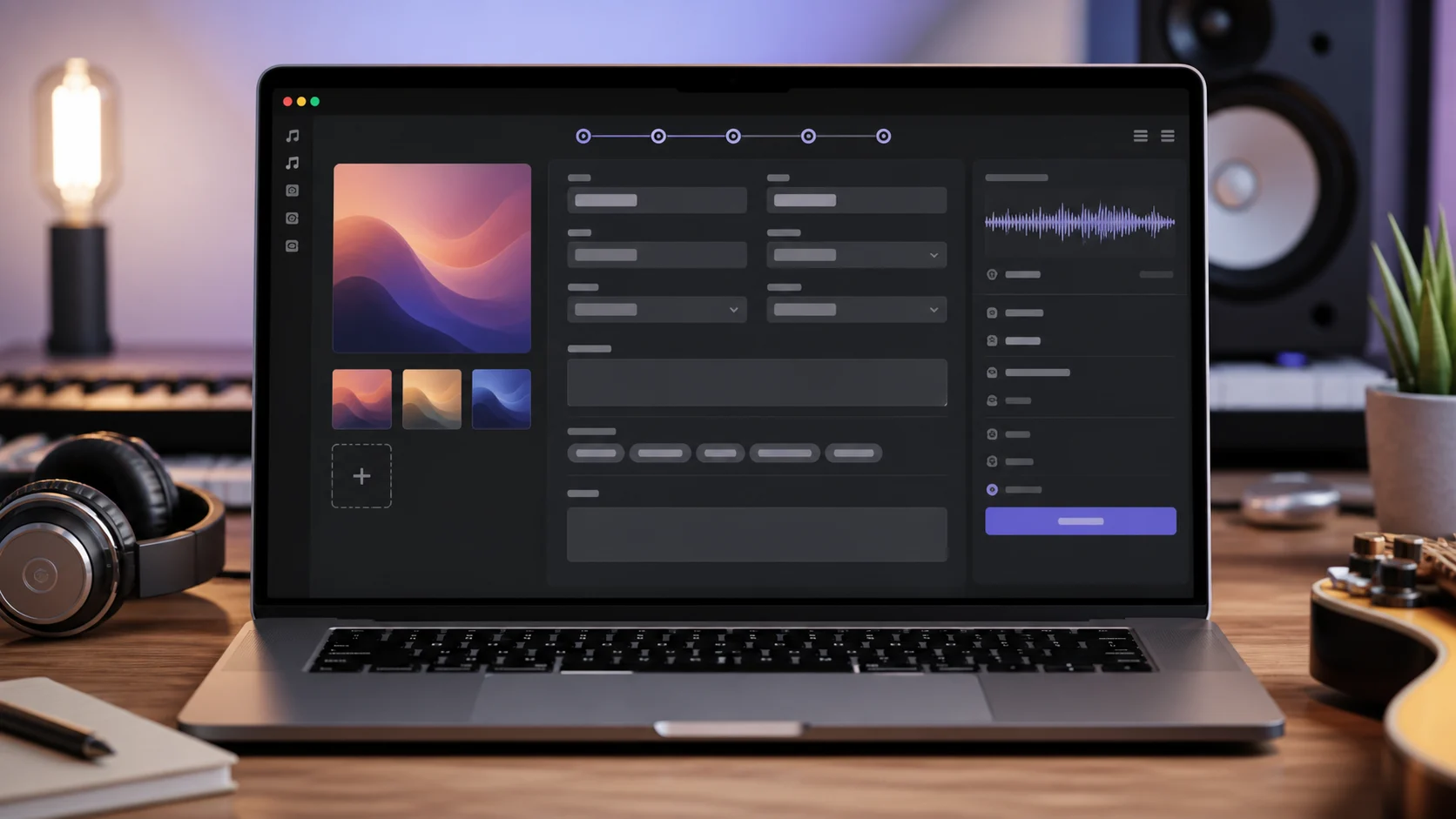
Review Tags Before Download
Check title, artist, album, lyrics, comments, mood, and scene details before exporting a new tagged copy, especially when a file will be shared with collaborators.
Review Tags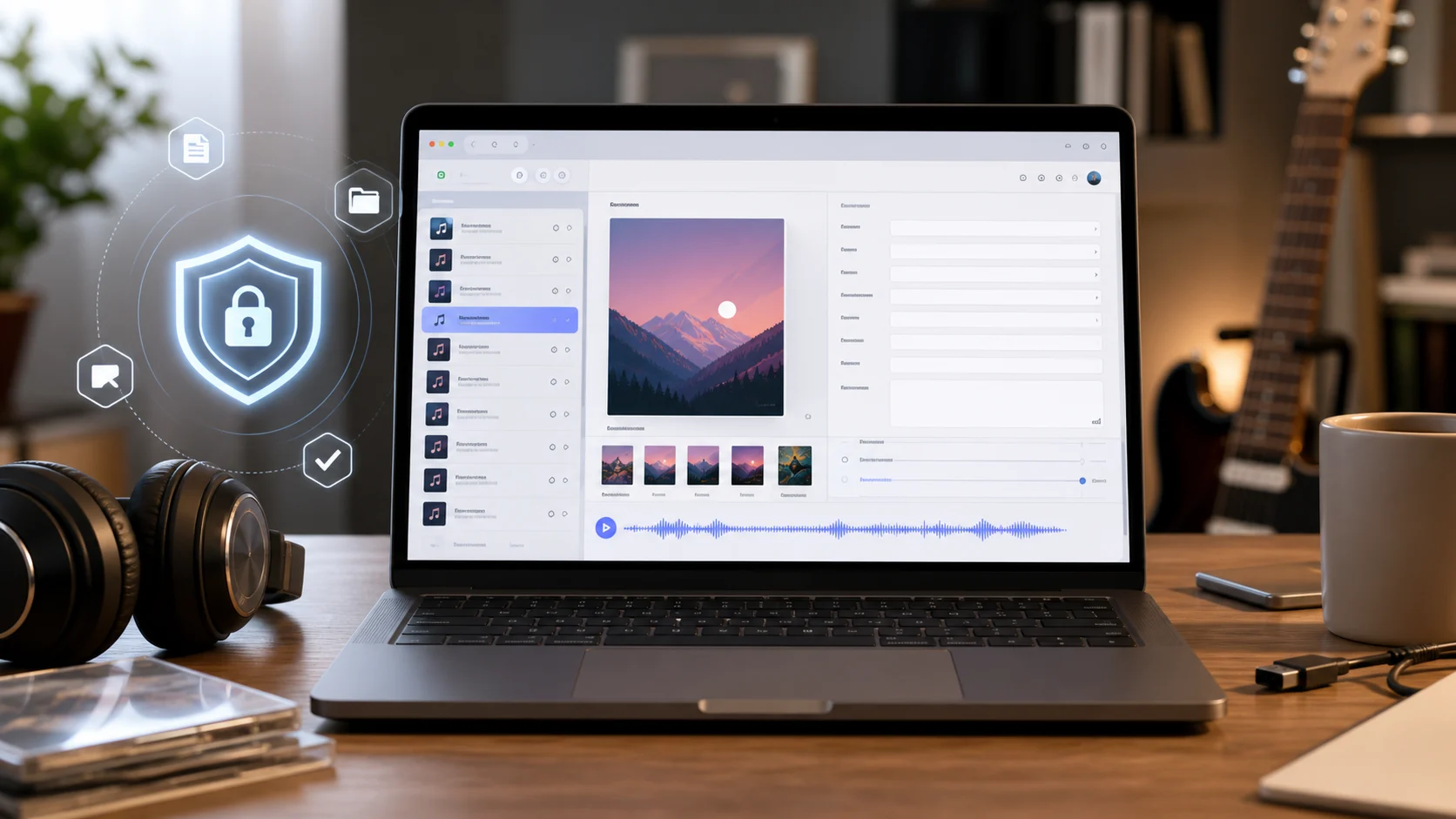
Secure & Browser-Based
Read and edit tags in your browser session so the workflow stays quick, lightweight, and easy to control without sending you into a full desktop tagging application.
Edit in BrowserWho uses an online audio tag editor?
A quick metadata pass helps audio files look consistent wherever they are stored, reviewed, shared, downloaded, or imported into a larger project.

Independent musicians
Prepare demos and final exports with clear artist, album, genre, and artwork details before sending songs to collaborators, fans, or distributors.
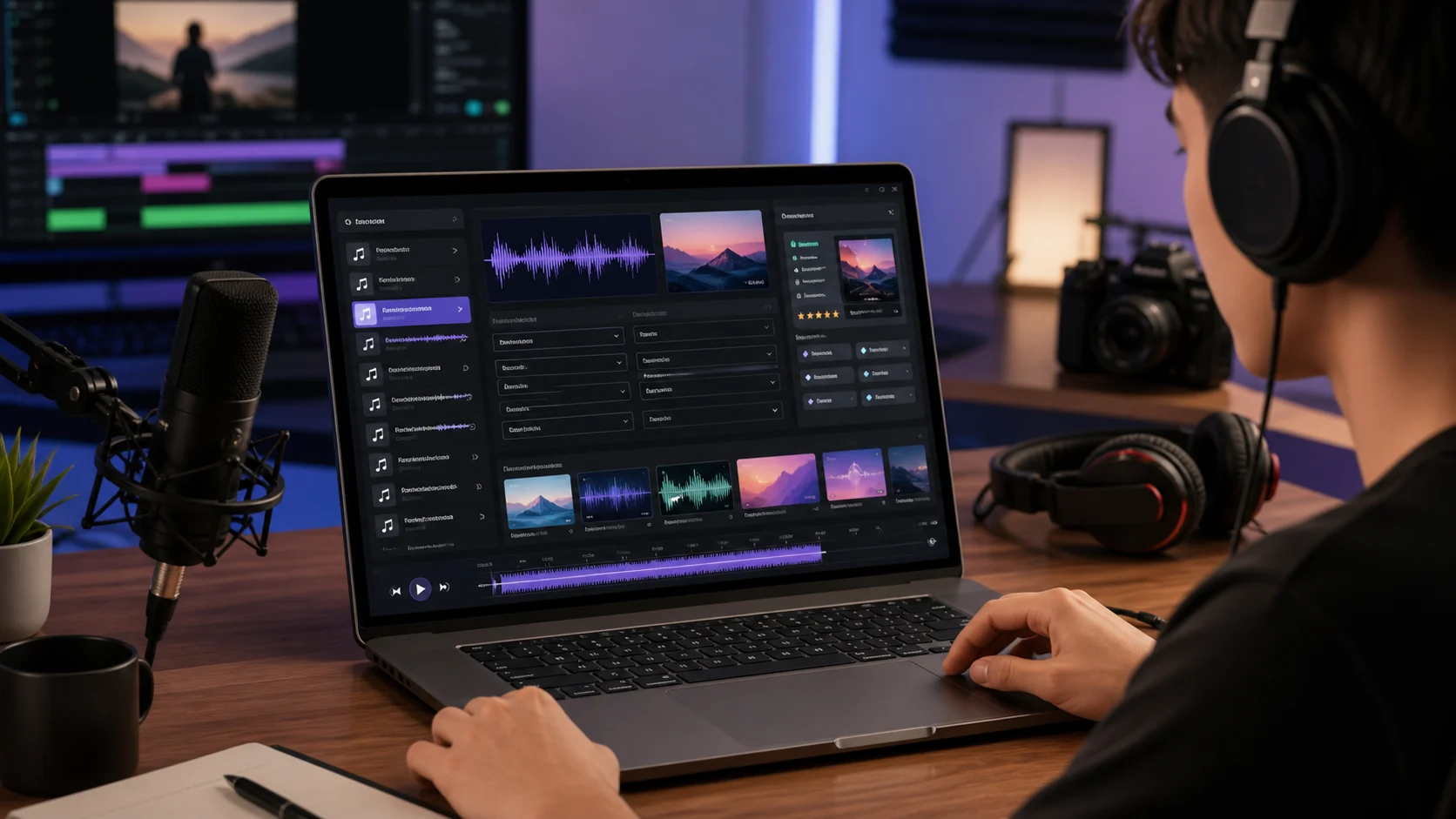
Content creators
Label intro music, podcast beds, downloadable tracks, and bonus files before publishing them with videos, newsletters, communities, or paid downloads.

Podcast producers
Keep episode files readable with titles, artwork, comments, and show-related notes so editors and guests can identify the right version quickly.

Music library managers
Standardize scattered audio files so tracks are easier to search, sort, identify later, and move between drives without losing context.
Audio metadata editor FAQ
Answers for browser-based audio metadata editing.
Use this MP3 tag editor to clean up song information, cover art, lyrics, and notes before you share, archive, organize, or deliver your audio files. A focused MP3 tag editor pass can make even a small library feel easier to manage.