
Explore the sound before writing your jingle
These are general AI-generated music examples for listening inspiration. Compare vocals, instrument colors, and hooks, then create a jingle from your own brand brief. The examples are not commissioned brand jingles or proof of an exact ad length.

Glass on the Avenue

Palm Skin Summer

Pressure Forward

Paper Cups and Rain

Skyline Morning

Midnight Slipstream
Why use an AI jingle generator for your brand brief?
A jingle needs to be recognizable in a small listening window, but the generator only knows the details you provide. Start with one message and a few musical priorities, then judge the actual recording in context.
Make the name easy to recognize
A generic tune could fit any store. How will listeners know it belongs to yours?
Put the brand name, product, or show in the prompt and say where the name should appear. If you use your own lyrics, place it in a short chorus or refrain. Listen closely afterward: written spelling does not guarantee a clear sung pronunciation, and a clever line is less useful if the audience misses the name.
Keep one promise in focus
Can a jingle carry every feature, discount, location, and call to action at once?
Choose one audience benefit or memorable phrase. Give the generator a compact message, such as fresh flowers for ordinary days, then leave the full offer to the ad voiceover or visual. Fewer competing lines make it easier to judge whether the melody supports the idea rather than burying it.
Leave space for the channel
Why does a social ad, podcast intro, or shop video need a different musical shape?
A sung hook can carry a slogan where music is the message. An instrumental direction may work better beneath a host or voiceover. Tell the AI jingle generator what else the listener will hear, ask for a clear opening or ending, and test the output against the real cut before relying on it.
Check the usable version
Is the first generated track automatically ready to publish?
No. Hear it on the device and in the context where the audience will encounter it. Check the name, slogan, vocal balance, emotional fit, and finish. Adjust the brief when one priority is missed, and review your plan and current terms before using a result for a commercial campaign.
What an AI jingle generator helps you evaluate
A generated track gives a small business a musical direction to hear, discuss, and revise. The value comes from comparing that recording with the brand brief and the placement where it will play.
Hear a slogan as a hook
A phrase that looks strong on a poster may feel awkward when sung. Put your own approved slogan into the lyric or prompt and listen to its rhythm, stress, and repetition. You can then shorten a line, change the surrounding words, or choose instrumental music if the spoken message should carry the exact wording.
Compare brand moods
The same small business can sound warm, energetic, or calm. Make each request point toward a specific mood and simple instrument palette, then compare the actual outputs with the campaign image. A useful direction should feel consistent with the audience and channel, not merely catchy in isolation.

Give collaborators something concrete
A track helps a founder, editor, or client discuss the opening, hook, voice, and ending with more precision than a list of adjectives. Share the version and the brief that produced it, then identify the one change you want before another attempt. Keep approvals tied to the heard recording rather than the original prompt.
Plan the final edit
A generated song can be a starting point for an ad, but this form has no exact duration setting. Measure the finished audio against the video, spoken script, or podcast transition. When the cut must land on a precise second, finish timing in a separate editor after checking that the musical phrase ends naturally.
How to use the AI jingle generator
Prepare a short brand brief, decide whether words or a melody should lead, and evaluate the generated audio before placing it in an ad or intro.
Name the brand, audience, and single message
In Prompt mode, describe the business or show, whom it serves, and the one idea listeners should remember. Add the brand name and an original slogan if you want to test sung words. Mention the placement, such as a local ad, short social video, or podcast opening. Keep the message compact enough to be recognizable without requiring a long verse.
Choose a vocal or instrumental direction
Describe a mood, two or three lead sounds, and the kind of hook or ending you want. For more control over the words, switch to Own Lyrics, enter your short verse and repeated chorus, and set a style; the built-in lyric generator can supply a draft for you to review. Choose instrumental when a spoken slogan, host, or voiceover needs the foreground.
Generate, listen, and refine for the placement
Submit the request and follow its status in your workspace; guests are asked to sign in to generate. When the audio is ready, check the brand name, slogan, vocal clarity, opening, and ending. Compare it with your ad or intro in context. Revise the brief if needed, and check the download choices, credits, plan, and usage terms shown for your account.
Turn a small business brief into musical direction
The AI jingle generator uses the existing music creation workflow: a text idea in Prompt mode, or your own lyrics plus style in Own Lyrics. Brand context helps you direct the sound; it does not add a fixed ad-length or logo-sting control.

Start with the message, not a long script
Describe the name, one benefit, a slogan you have permission to use, and the place the music will play. A neighborhood bakery could ask for a warm morning feel and a single line about fresh bread; a fitness studio could ask for a more energetic rhythm and a clear instrumental hook beneath an offer. In Prompt mode, the generator develops music from that direction. In Own Lyrics, you can enter the exact draft you want it to use and revise the words before submission. Keep a copy of important brand wording, because generated vocals can change phrasing or pronunciation. For broader experiments without a jingle brief, use the AI music generator.
Write a Brand Brief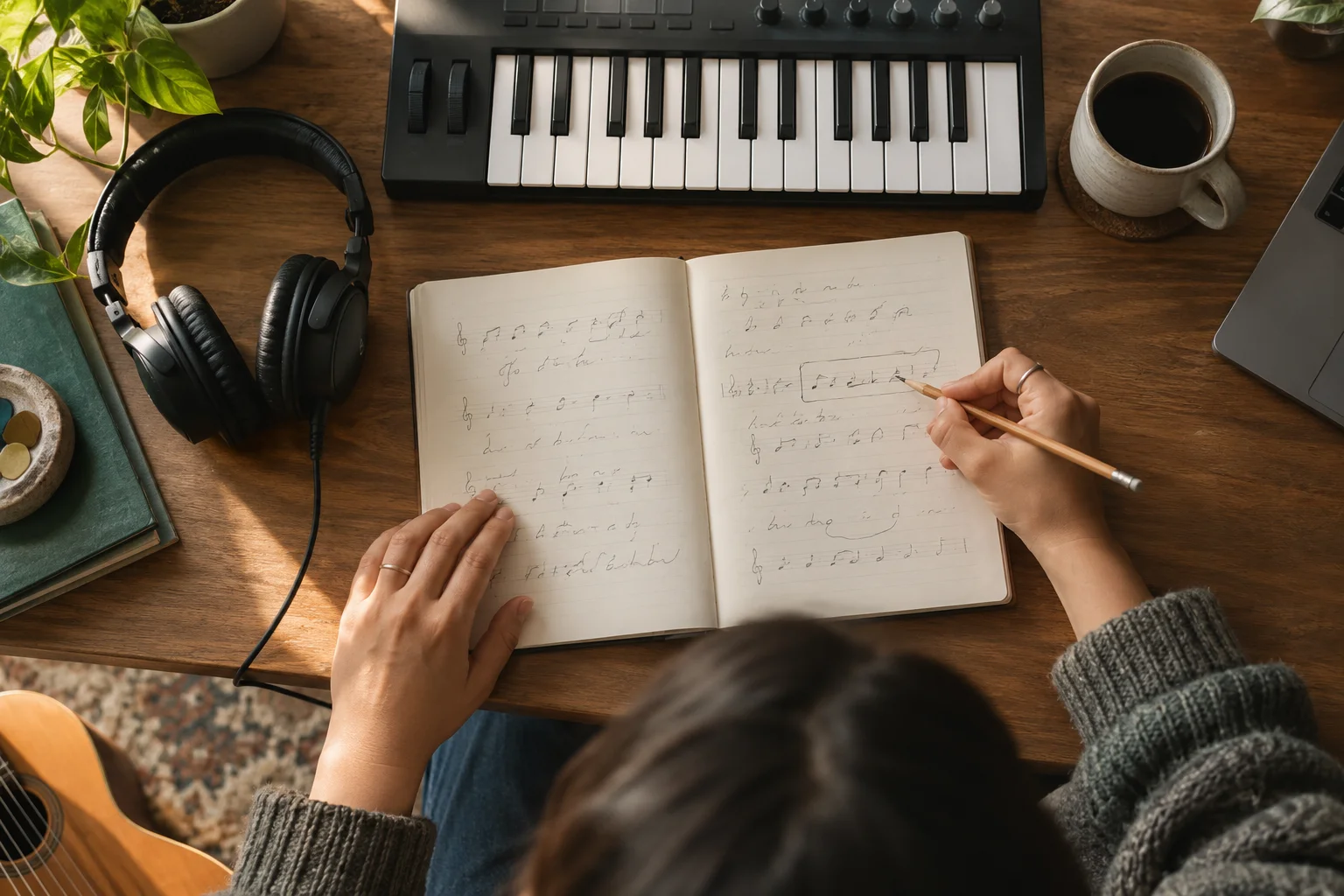
Turn a slogan into a musical hook
Ask for a repeated sung phrase, or choose instrumental and describe a compact melody that can return across a campaign. Specify a warm vocal, bright claps, gentle keys, or another focused palette, then listen for whether the name and message are actually understandable. A request for a brief hook is a creative direction rather than a guaranteed output format or runtime. If a paid spot needs an exact 15-second cut, first choose a take with a usable musical ending, then trim the recording with the audio trimmer and check the result in the ad edit.
Try a Hook DirectionWho uses an AI jingle generator for brand audio?
Each placement gives the jingle a different job. Decide what the listener must recognize, what other audio will play, and whether the musical phrase needs to support speech or carry the message itself.

Local shops and service businesses
Give a shop, salon, bakery, or neighborhood service one approachable musical signature. Name the business and one customer benefit, then request a sound that fits the place people already know. Test whether the result works through a phone speaker as well as headphones, since a catchy arrangement can still bury an unfamiliar name.

Social ad makers
Use a short slogan and strong opening musical idea for a campaign video. Let the prompt describe whether the hook should introduce the brand or leave space for a spoken offer. Place the generated track beside the actual visuals before approval, and edit timing separately when the platform or media buy needs a strict length.
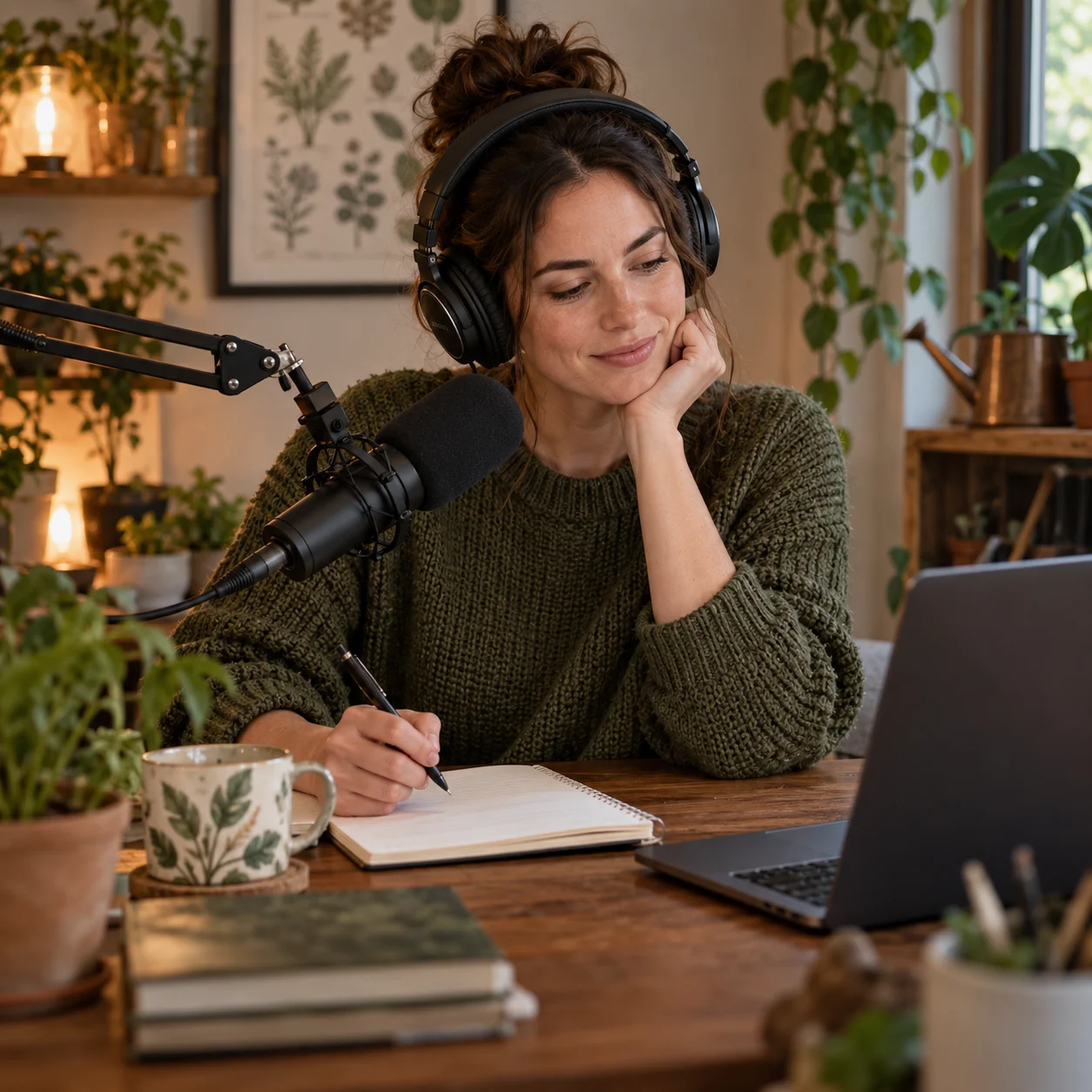
Podcast and show hosts
Build an opening cue that signals the show's mood before the host begins. An instrumental request can leave room for spoken identification; a sung line can introduce a show title if you are willing to check the vocal carefully. Test the transition into the first sentence and decide whether the ending needs a separate edit.
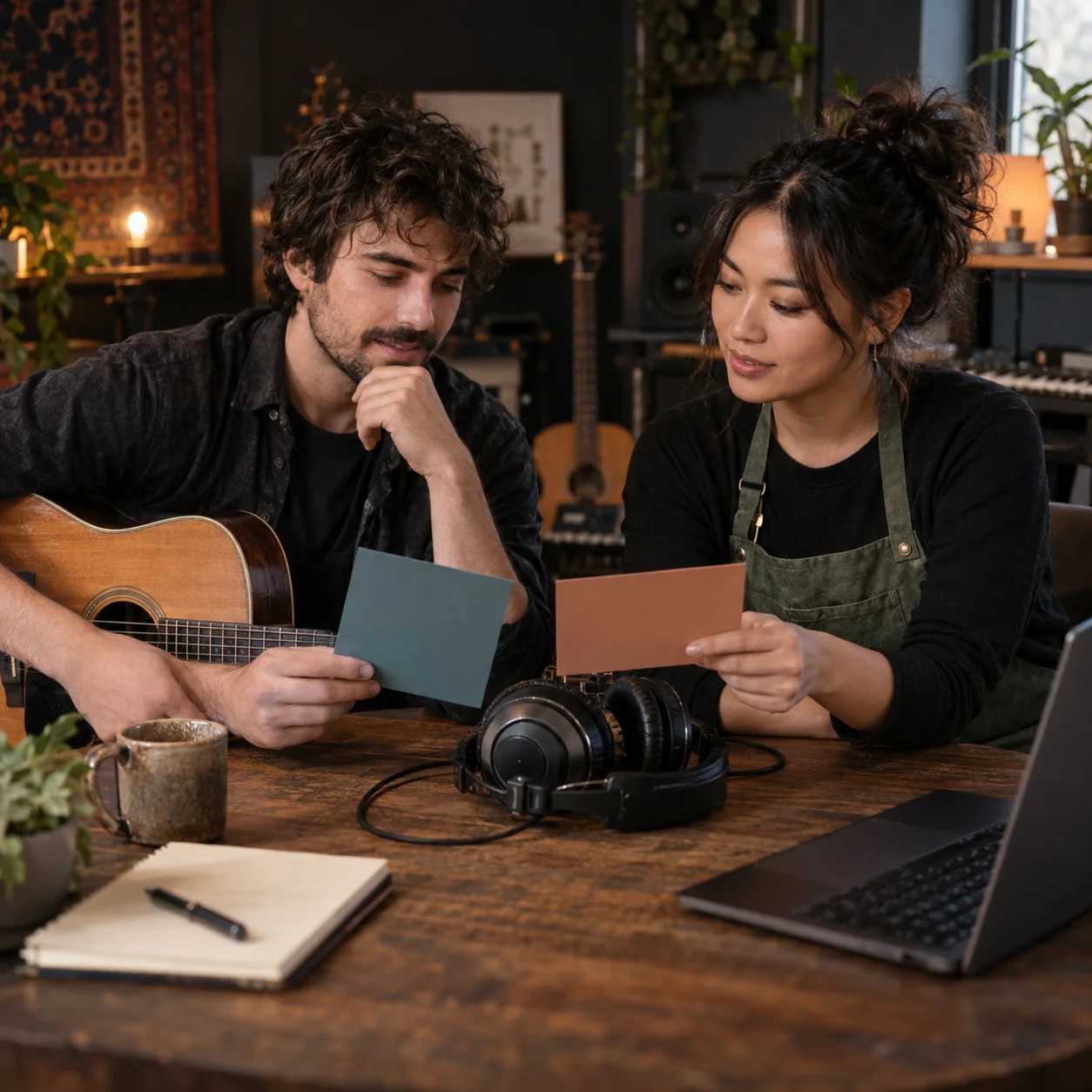
Freelancers presenting brand options
Give a client two focused musical directions rather than one vague request: perhaps friendly acoustic and bright electronic. Record which brief produced each version and invite feedback on the name, hook, mood, and placement. Verify the relevant plan and license terms before offering any generated track as a commercial deliverable.
AI Jingle Generator FAQs
Answers about prompts, sung names, instrumental cues, exact ad timing, access, and commercial use.
Start with the name, one message, and the sound you want people to remember. Generate a track, listen to it in your ad or intro, and refine the brief before choosing a final version.