
Listen for the sound you want this Christmas
Explore these general AI-generated examples for vocal clarity, instrumental color, and musical energy. Then give the Christmas song generator your own holiday idea. These recordings are listening references, not demonstrations of Christmas-specific results.

Glass on the Avenue

Palm Skin Summer

Pressure Forward

Paper Cups and Rain

Skyline Morning

Midnight Slipstream
Why use a Christmas song generator for a personal gift?
A personal holiday song starts with details a familiar playlist cannot provide. Choose the memory, message, and musical feeling that belong to your gathering, then hear how they work together.
Move beyond a generic greeting
What makes a Christmas song feel like it was made for someone?
One recognizable detail can carry more meaning than a long list of holiday words. Describe the crooked paper star, the recipe someone always brings, or the first celebration in a new home. Let that memory support one message, such as gratitude or welcome, so the Christmas song has a clear emotional center.
Give the humor a shared setting
How can a funny Christmas song feel welcoming at a party?
Build the joke around something the group recognizes: missing wrapping tape, a tangled string of lights, or the mystery of the last cookie. Say whether the tone should be gentle, silly, or dry. A small shared mishap gives the song a story without needing to turn one guest into the target.
Describe the Christmas you actually celebrate
Does every holiday song need snow, a choir, and a big orchestral finish?
No. Tell the generator whether your setting is a summer barbecue, a quiet apartment, a busy kitchen, or a family call across countries. Choose warm guitar, swinging brass, soft piano, or another palette that suits it. Festive details should support your story rather than replace it with an unfamiliar scene.
Make the message easy to hear
What if the names and memories get lost in a busy arrangement?
Request a clear lead voice and leave the most important words in a short line or refrain. A smaller instrument palette can provide a useful starting direction. Judge the actual recording afterward: a detailed written prompt does not guarantee understandable vocals, accurate names, or every requested story detail.
Hear your holiday idea with the Christmas song generator
The Christmas song generator gives your idea a recording to evaluate. Listen for the feeling and message you intended, then decide what to keep or change before using it in a gift, activity, or video.
Give a memory a musical form
Hear a shared moment as melody and words rather than another written greeting. A first Christmas together, a familiar family recipe, or a welcome for someone coming home can become the focus. Listen to whether the recording communicates that memory before deciding it is ready to give.
Compare different festive moods
The same story might suit a gentle acoustic song or a playful swing arrangement. Try focused briefs and compare the recordings for warmth, pace, and vocal character. Change one important direction at a time so you can hear which choice brings the holiday message closer to what you imagined.

Prepare something to sing together
A simple chorus can give friends or family a common phrase to join. Keep the words brief, listen for a comfortable melody, and test the recording with the people who will use it. An AI song is a candidate for the gathering; it does not automatically become a suitable children's or group performance.
Find a musical direction for a holiday edit
An instrumental recording lets you test the festive mood beneath a family montage, narrated greeting, or seasonal project. Compare it with the actual speech and picture. Choose a useful passage after listening, and finish precise timing in an editor when the video needs a particular length.
How to use the Christmas song generator
Start with a specific holiday idea, choose how to supply the words, and review the generated recording before sharing or publishing it.
Describe the people and one Christmas memory
In Prompt mode, explain who the song is for and what you want them to recognize. Add names, one shared memory, and the feeling you want: a warm welcome, playful party song, or quiet thank-you. Include only personal details you want to appear in the song. The inspiration button supplies editable fictional examples when you need a starting point.
Choose lyrics, voice, and festive sound
Use Own Lyrics when you already have words, or review a draft from the lyric generator before making music. Describe a focused sound such as acoustic guitar with soft bells or swing with brass and brushed drums. Choose instrumental when you want music without sung words. Style tags add direction to your brief; they are not separate instrument or choir tracks.
Generate, listen, and adjust the important details
Submit your Christmas song request; guests are asked to sign in. Follow the task in your workspace, then listen for names, story details, vocal clarity, and the ending. Revise the words or style for another version if needed. Check the account's credits, available downloads, and applicable usage terms before planning further generations or publishing a result.
Two ways to use the Christmas song generator
Use a story prompt for an open starting point, or combine your own lyrics with a musical brief. The Christmas song generator uses the existing song creation workflow, with festive examples to help you describe what matters.

Create a Christmas song with names and memories
Put the people and the scene into Prompt mode: who is coming home, what you always cook, or which small event defined your year. Add the musical feeling and two or three sounds you want to hear. Names can be part of the creative direction without adding a separate name field. If the exact wording matters, move your draft into Own Lyrics and place the name in a short line that is easy to check. Listen to every important phrase in the generated vocal. For music ideas beyond the holiday, use the AI music generator.
Write a Christmas Story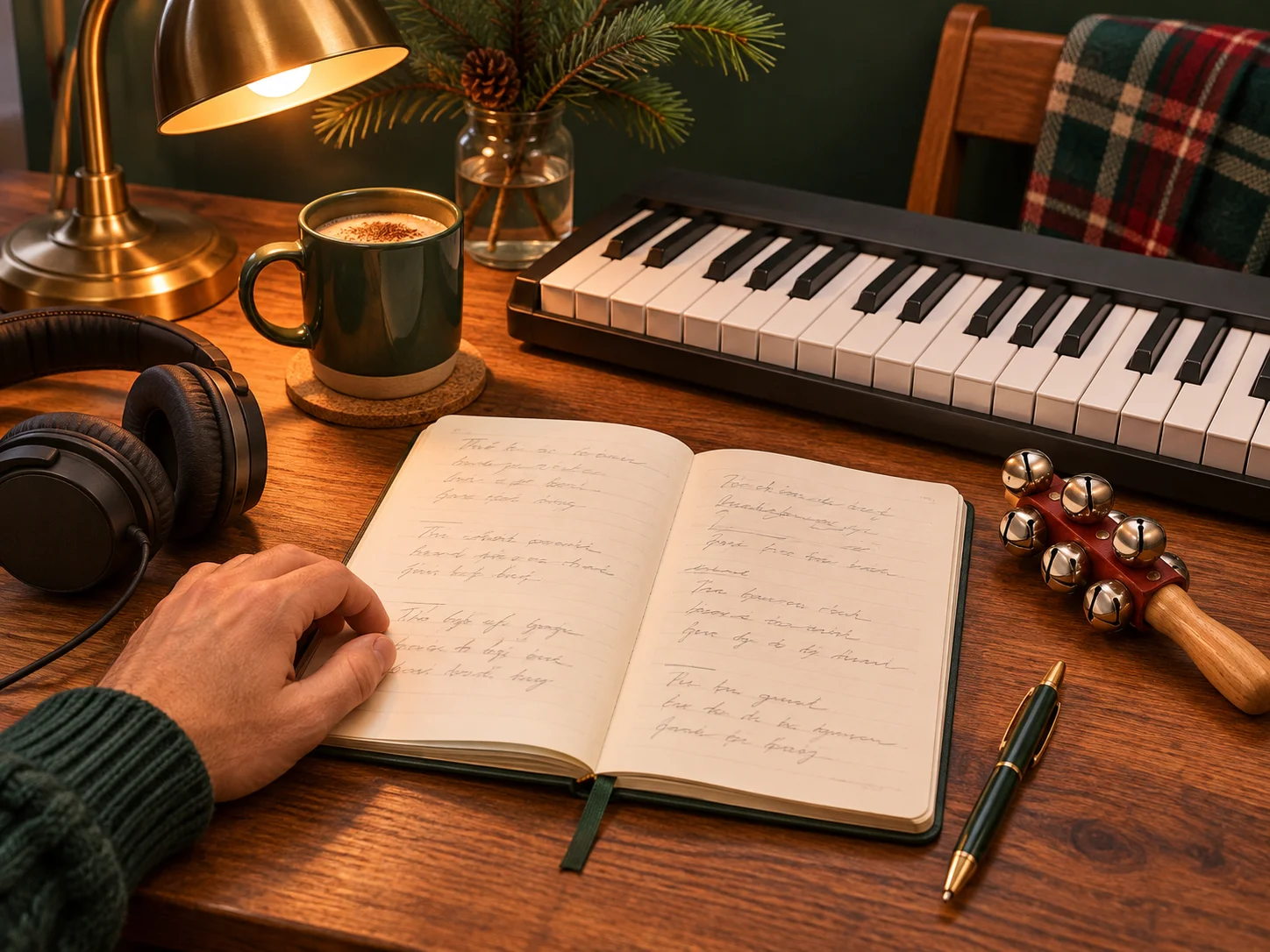
Pair your own Christmas lyrics with a festive arrangement
Enter your original verse and chorus in Own Lyrics, then describe the music separately. A gentle welcome could use acoustic guitar and warm strings; a party song could use swinging brass and light percussion. The instrumental option changes the task to music without sung lyrics, which can suit a narrated greeting or holiday video. These directions do not create editable choir parts or guarantee exact timing. Need words before choosing the sound? Draft them with the AI lyrics generator, then review them before making a recording.
Try Your Christmas LyricsA Christmas song for your kind of celebration
Give each request a clear audience and listening setting. A gift, a gathering, a children's activity, and a holiday video call for different words and musical choices.
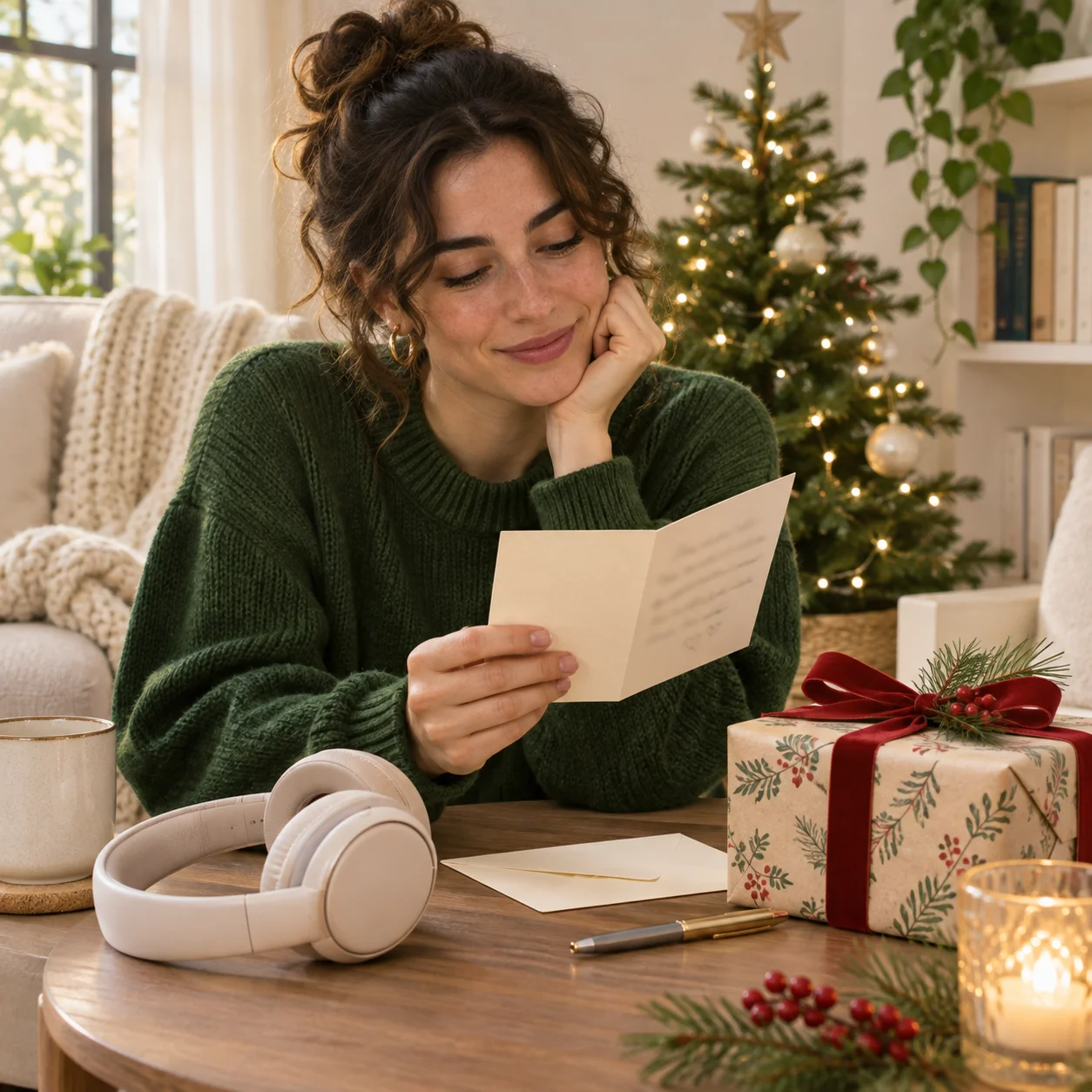
Families making a personal holiday gift
Turn a family memory or a thank-you into a Christmas song for someone you know. Choose a few recognizable details rather than a complete family history. Keep a copy of the words, listen to the names carefully, and check download access before planning how to deliver the finished recording.

Friends and teams planning a gathering
Use a shared story to give a Christmas party its own musical moment. Ask for a warm singalong or a playful arrangement that suits the room. Review the words with the organizer and try the recording through the speaker you will use, so the joke and the chorus are actually understandable.
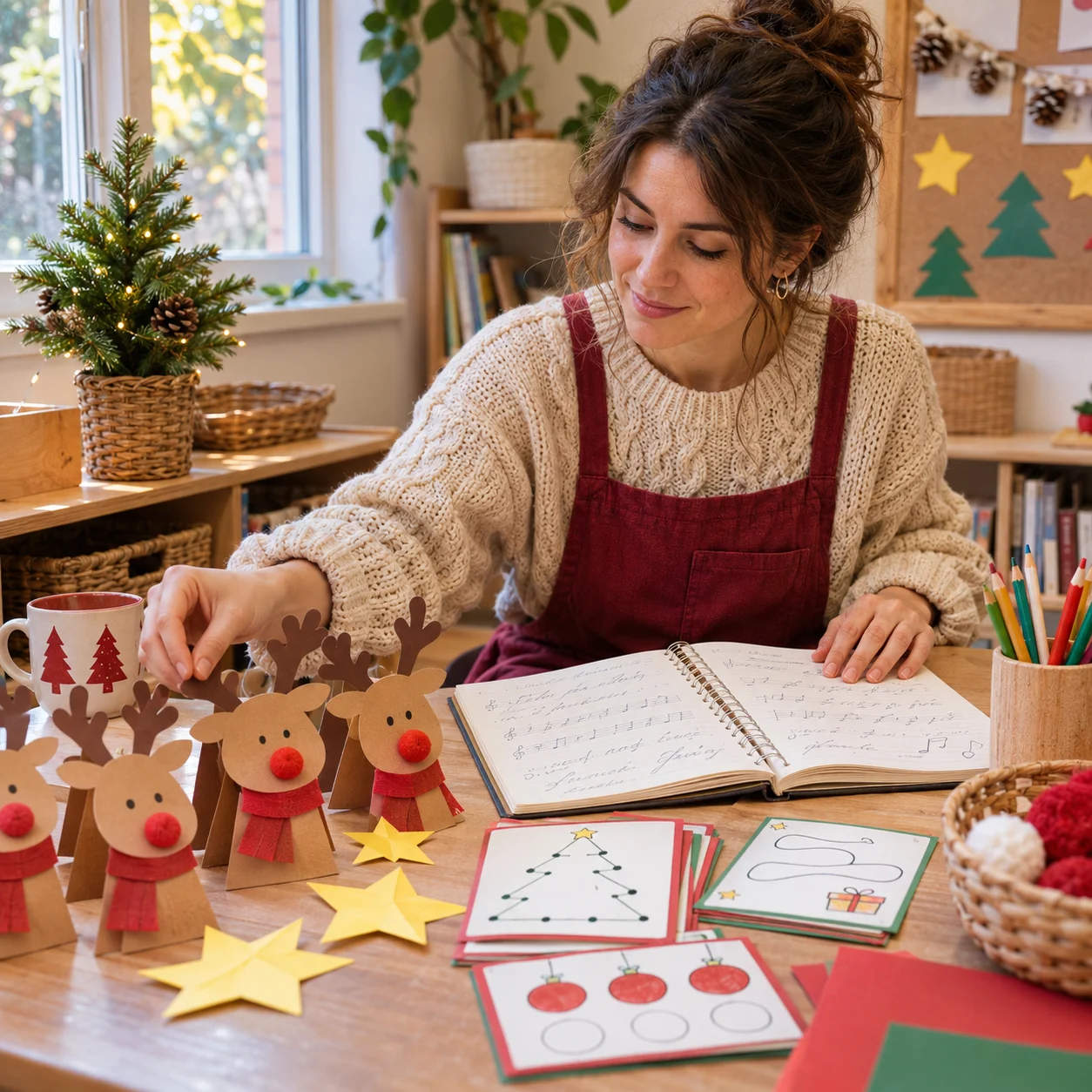
Adults organizing children's activities
Draft a Christmas song around a craft, an invented character, or a simple story. Ask for short phrases and a repeated refrain. An adult should review the lyrics and listen to the entire recording for appropriate wording, melody, and pacing before using it in an activity or inviting children to sing along.

Creators editing holiday videos
Describe the feeling of a family montage, a narrated seasonal greeting, or a festive project. Try an instrumental when the spoken message needs room. Match the chosen recording to the edit, adjust the length separately, and review the plan and terms for your intended publication or commercial use.
Christmas Song Generator FAQs
Answers about creating new songs, names, your own words, instrumentals, account access, and practical holiday uses.
Start with the people, one memory, and the festive sound you want. Use the Christmas song generator to hear that idea, then listen and refine the recording before choosing how to share it.