
Hear AI-generated music before shaping your reggae brief
Preview verified AI-generated tracks for inspiration, then use the AI Reggae Music Generator to define your own riddim, bass, instruments, vocals, dub space, and arrangement. General examples are not presented as dedicated reggae demos.

Glass on the Avenue

Palm Skin Summer

Pressure Forward
Build a focused track with an AI Reggae Music Generator
The AI Reggae Music Generator turns a specific prompt or lyrics you own into a complete music track. Define the reggae lane, purpose, drum feel, bass movement, offbeat rhythm, supporting instruments, vocal role, production space, section contrast, and ending. A prioritized creative brief gives the generator a clearer target than a genre label mixed with every reggae sound at once.
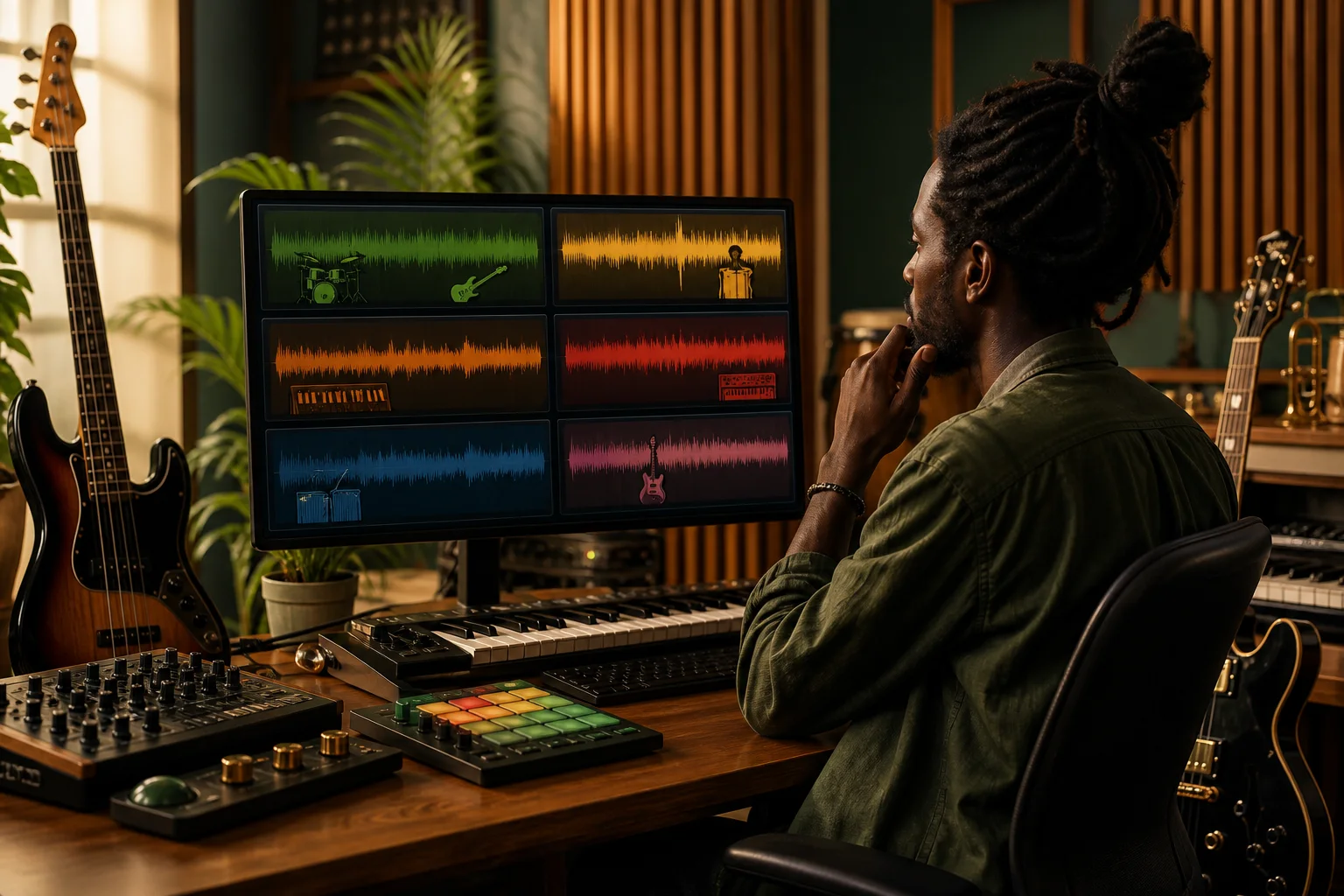
Choose one reggae lane and a real purpose
Begin with roots reggae, dub, dancehall, ska, rocksteady, lovers rock, or an intentional fusion, then state what the track needs to do. A reflective roots song for a community story requires a different pocket and vocal approach from an energetic ska cue for a travel edit or a bass-heavy dub instrumental for a nighttime scene. Give the AI Reggae Music Generator one center of gravity before adding detail. That choice helps the drums, bass, guitar, keys, horns, vocals, effects, sections, and ending support the same musical direction instead of competing for attention.
Choose the reggae lane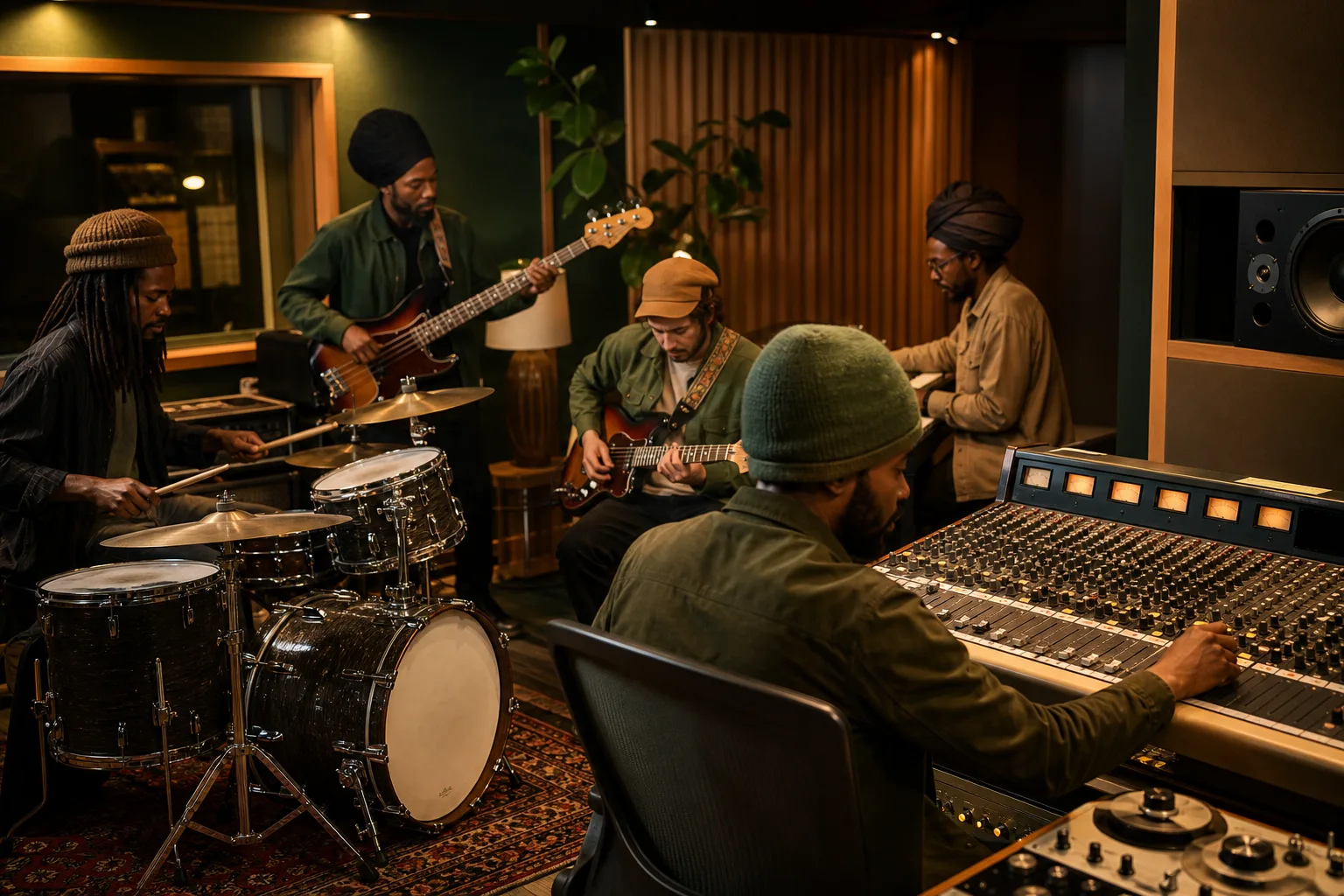
Direct the riddim, bass, and sonic space
Describe whether the drums use a one drop, steppers, rockers, ska, or dancehall feel, then explain how the bass should carry the groove. Add offbeat guitar skank, bubble organ, piano, percussion, horn answers, tape delay, spring reverb, or a dub breakdown only when each part has a job. Tell the AI Reggae Music Generator which element stays foregrounded and where the arrangement should open up for vocals, dialogue, or an effects passage. Exact tempo, notes, and mix moves remain creative direction, but concrete priorities are more useful than asking only for an authentic island vibe.
Direct the riddim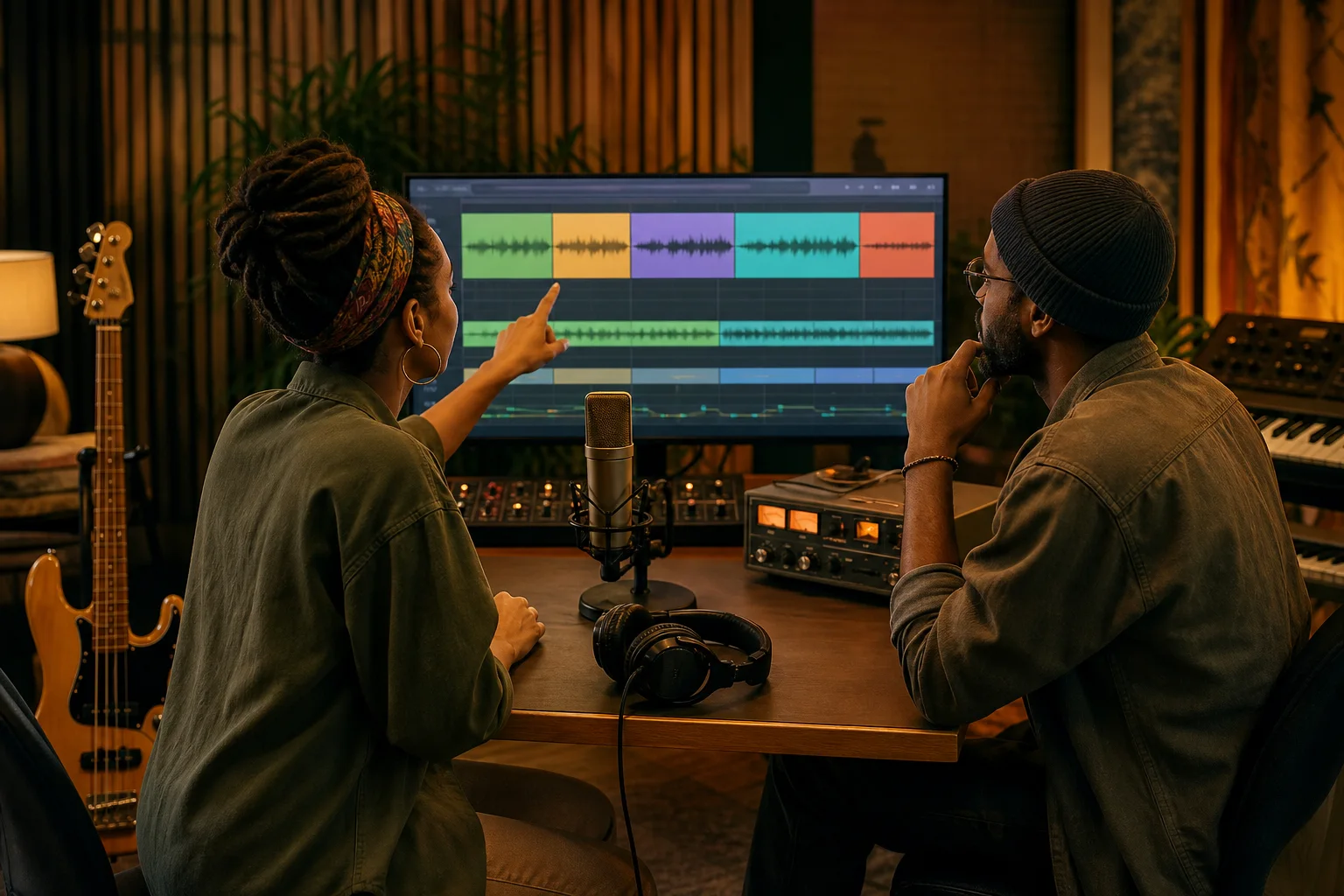
Plan lyrics, vocals, sections, and the ending
Choose instrumental mode or provide lyrics you own, then describe the vocal role, phrasing, call-and-response, harmony, verse density, chorus lift, instrumental break, dub passage, final return, and ending. The AI Reggae Music Generator creates a complete track rather than an isolated drum loop, bass stem, MIDI arrangement, chord chart, or editable studio session. If the idea is not centered on reggae language and you need a genre-neutral starting point, use the broader AI Music Generator instead.
Explore the AI Music GeneratorWho uses an AI Reggae Music Generator?
An AI Reggae Music Generator helps creators hear how a subgenre, riddim, lyric, vocal direction, and arrangement might work together before they commit to a detailed production. The same prompt-or-lyrics workflow can support several creator tasks when each brief names a specific purpose.
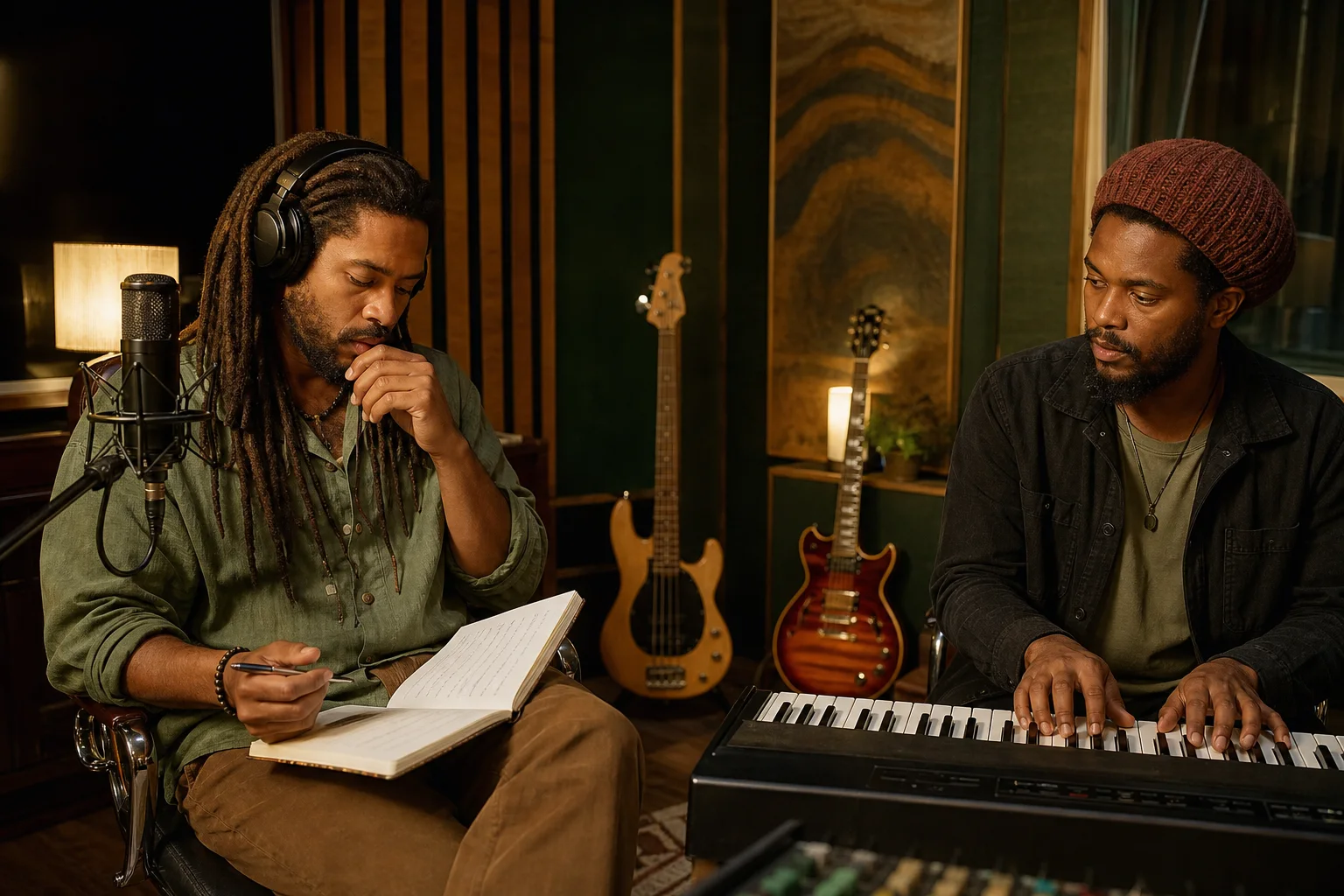
Songwriters and vocalists
Turn lyrics you own into a complete demo direction, or start with a story when the words and melody are still open. Specify whether the verse should feel conversational, meditative, rhythmic, romantic, or urgent; whether the chorus needs a single lead, harmonies, or group response; and how the bass and drums should support the message. The AI Reggae Music Generator can help compare roots reggae, lovers rock, rocksteady, dancehall, or a focused fusion without asking it to imitate a named singer, band, producer, accent, or recognizable recording.
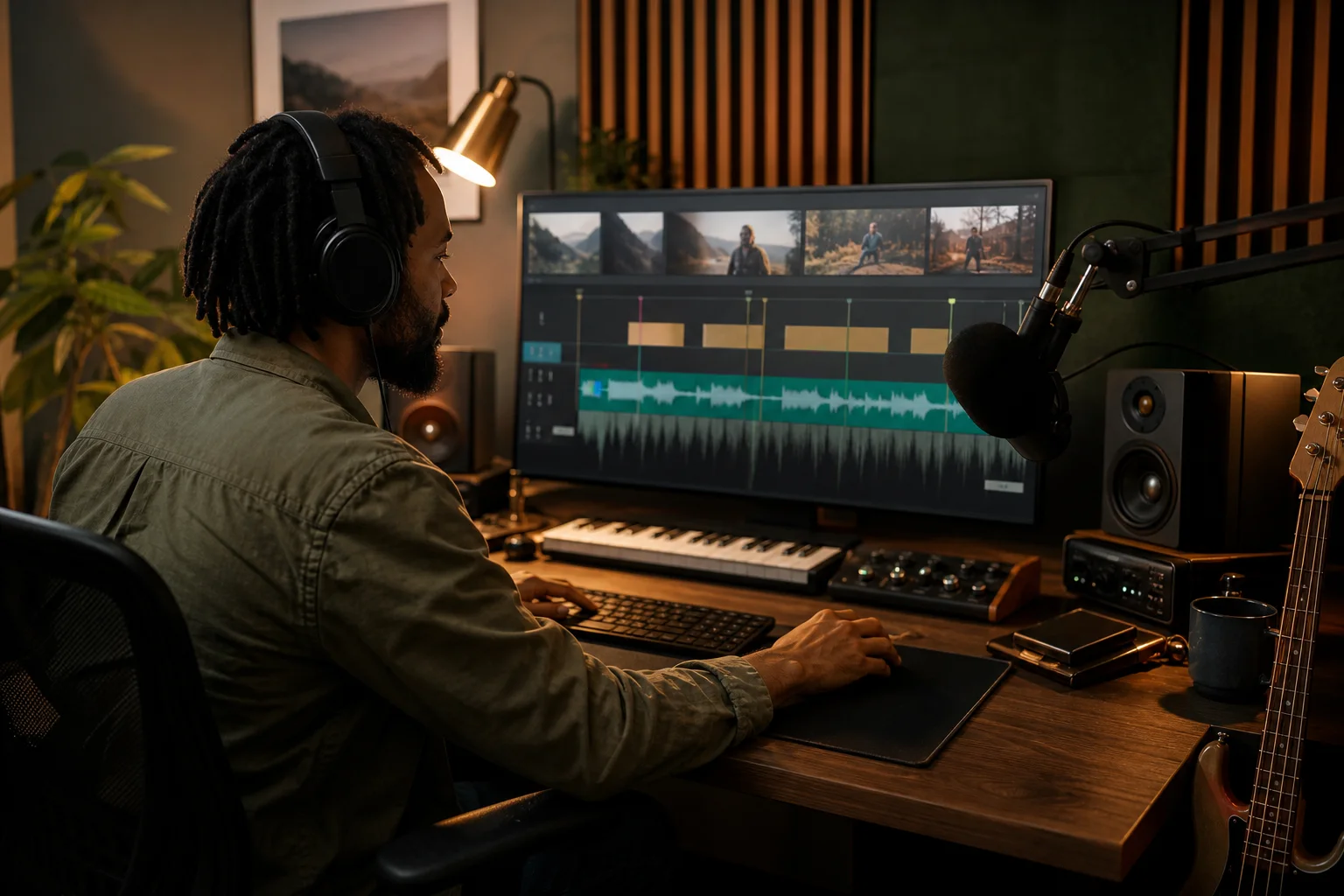
Video and podcast creators
Draft an instrumental reggae cue for a travel sequence, documentary transition, community story, podcast opening, event recap, product scene, or relaxed background moment. Tell the AI Reggae Music Generator where narration needs space, when the bass should enter, whether horns may answer the edit, how wide a dub passage can become, and whether the ending should loop, fade, resolve, or stop cleanly. Instrumental mode prevents a lead vocal from competing with dialogue while still allowing a detailed rhythmic and tonal brief.
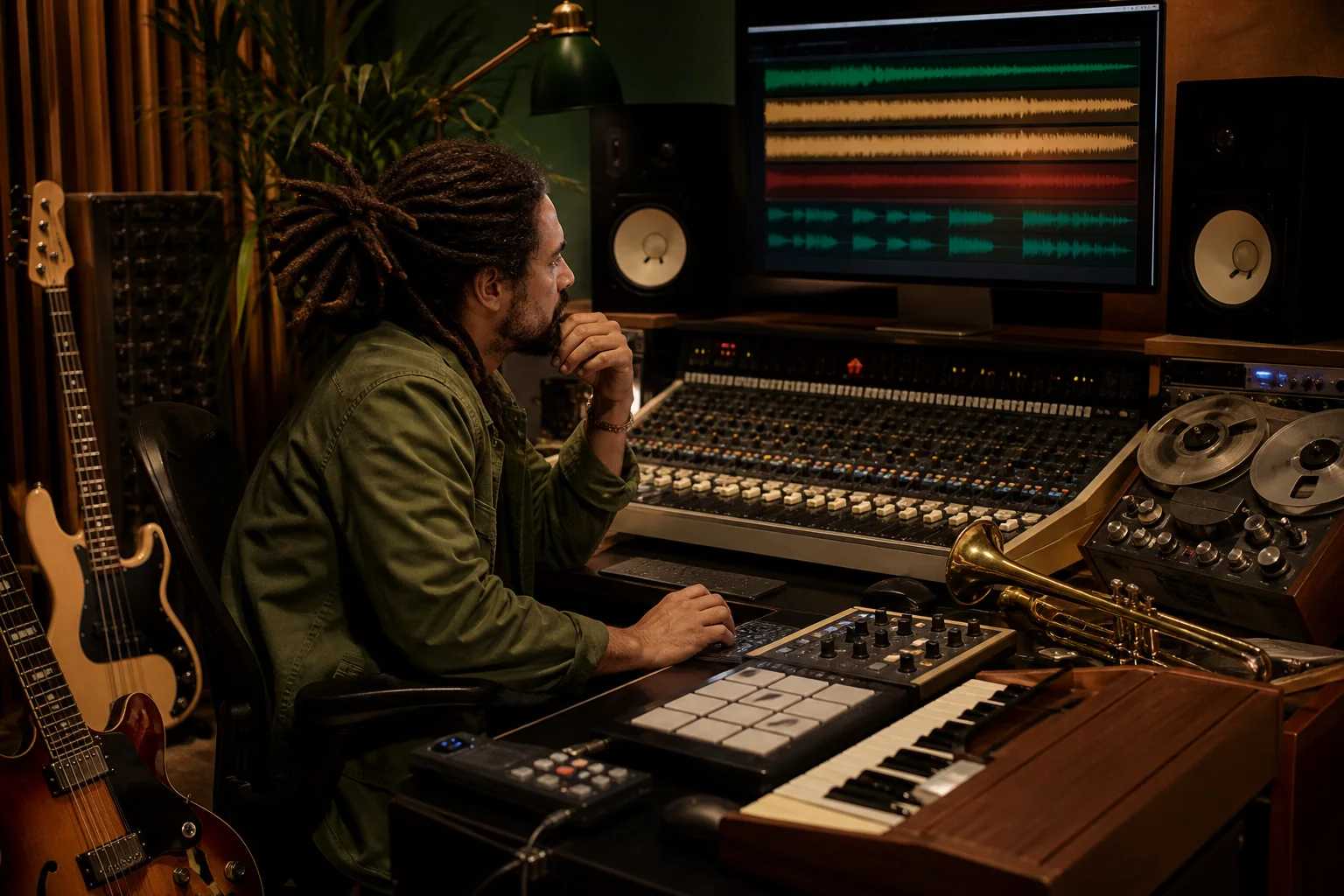
Producers and beatmakers
Use a focused generation as a reference for drum feel, bass movement, guitar placement, organ rhythm, horn answers, vocal space, effects, arrangement density, and transitions. Compare one drop with steppers, a dry roots arrangement with a spacious dub treatment, or a relaxed rocksteady pocket with a faster ska direction. The AI Reggae Music Generator returns a complete track rather than isolated drums, bass, stems, or project files, so evaluate the result as creative direction and rebuild any production elements you need in your own tools.
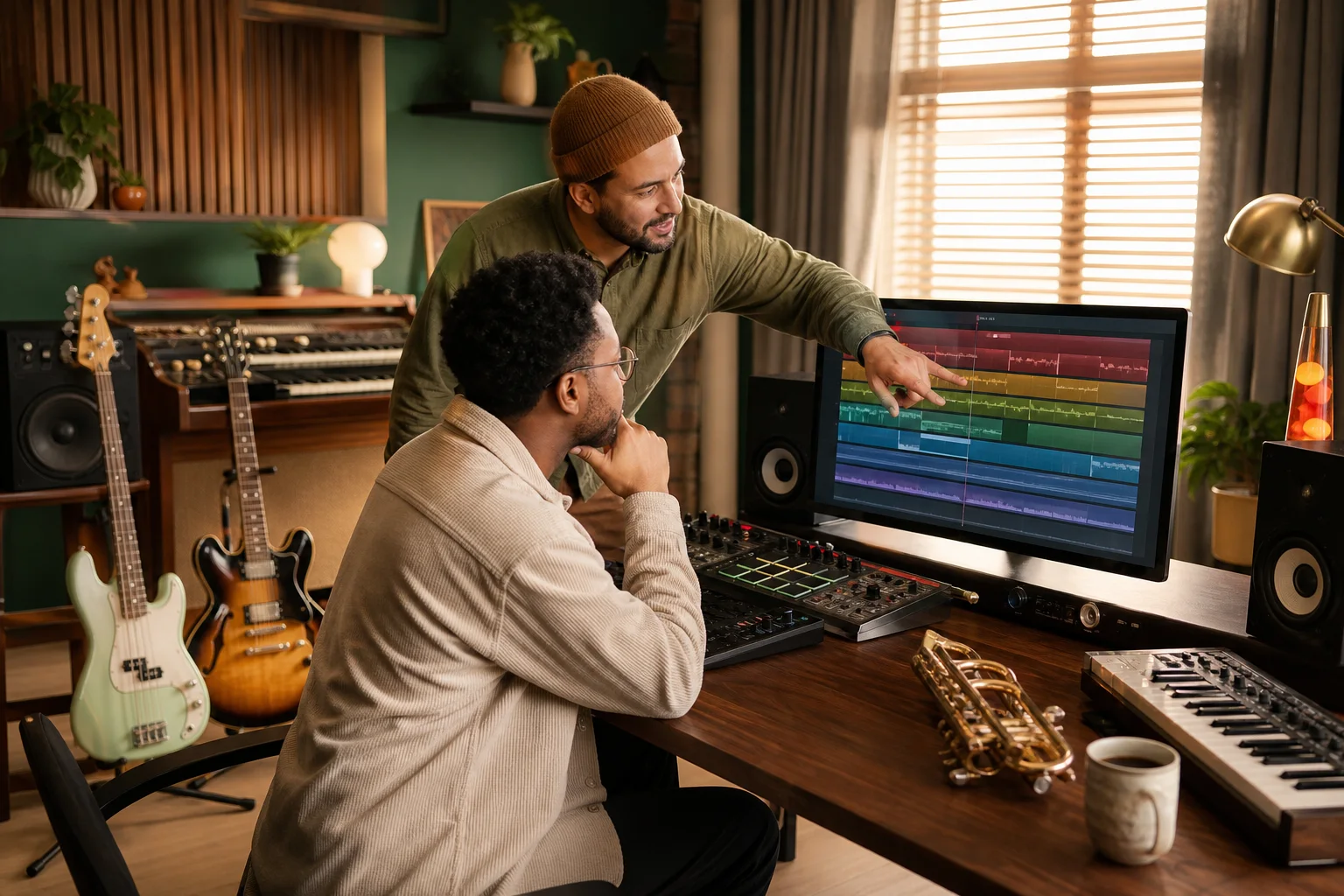
Creators learning arrangement
Study how drums and bass establish the pocket, how offbeat guitar and bubble organ divide rhythmic space, how horns answer rather than crowd a vocal, and how an effects break can change the track before a final chorus. The AI Reggae Music Generator gives beginners a complete result to compare and revise while remaining separate from instrument lessons, cultural history, vocal coaching, detailed mixing, mastering, notation, or a full digital audio workstation. Use each generation as a listening exercise, then change one musical priority and compare the difference.
How to use an AI Reggae Music Generator
Treat the AI Reggae Music Generator like a collaborator receiving a compact production note. Establish the reggae lane and project purpose, identify the rhythmic and sonic priorities, then generate, listen, and revise the few choices that most affect the result.
Define the reggae lane and the moment
Choose roots reggae, dub, dancehall, ska, rocksteady, lovers rock, or a deliberate hybrid. Add the story, listener, scene, emotional purpose, and whether the AI Reggae Music Generator should create a vocal song or instrumental cue. Avoid named artists, copied recordings, accents, stereotypes, and vague requests for an authentic hit. Describe musical qualities such as grounded, spacious, bass-forward, relaxed, urgent, celebratory, reflective, dry, echoing, acoustic, electronic, or communal instead. One clear lane and purpose creates a better boundary for every later choice.
Add riddim, instruments, voice, and movement
Tell the AI Reggae Music Generator how the drums and bass interact, where offbeat guitar or keys sit, whether organ, percussion, horns, tape delay, or spring reverb should appear, and how verse, chorus, break, dub passage, final return, and ending should differ. In custom mode, use only lyrics you own or have permission to use. Put the most important decisions first. Do not combine every subgenre, rhythm, instrument, mood, vocal style, and effect in one prompt, because the direction becomes harder to prioritize.
Generate, listen, and revise one priority
Check whether the pocket supports the intended purpose, the bass leads without masking other parts, the guitar and organ leave useful space, the vocal role fits the lyric, and the arrangement develops rather than repeating without direction. Revise one or two priorities in the AI Reggae Music Generator prompt—such as drum feel, bass weight, guitar density, organ rhythm, horn frequency, vocal warmth, chorus response, dub space, breakdown position, or ending shape—then compare the new result with the first instead of replacing the entire brief at once.
AI Reggae Music Generator FAQ
Answers about complete reggae tracks, subgenres, prompts, owned lyrics, instrumentals, beats, stems, artist imitation, cultural claims, and usage rights.