
Split Any Song into Stems with an AI Stem Splitter
A powerful AI stem splitter built for creators who need fast, practical audio separation without a complex studio workflow. Upload any song, let AI separate vocals, drums, bass, and instruments, then download clean stems for remixing, learning, or music production.
Split Songs into Stems with an AI Stem Splitter Online
The AI stem splitter is designed for creators who need fast and practical audio separation without opening complex studio software. Simply upload a song and let AI analyze the mix in seconds. Instantly separate vocals, drums, bass, and other instruments into clean stems that you can use for remixing, music production, practice, content creation, or educational purposes.
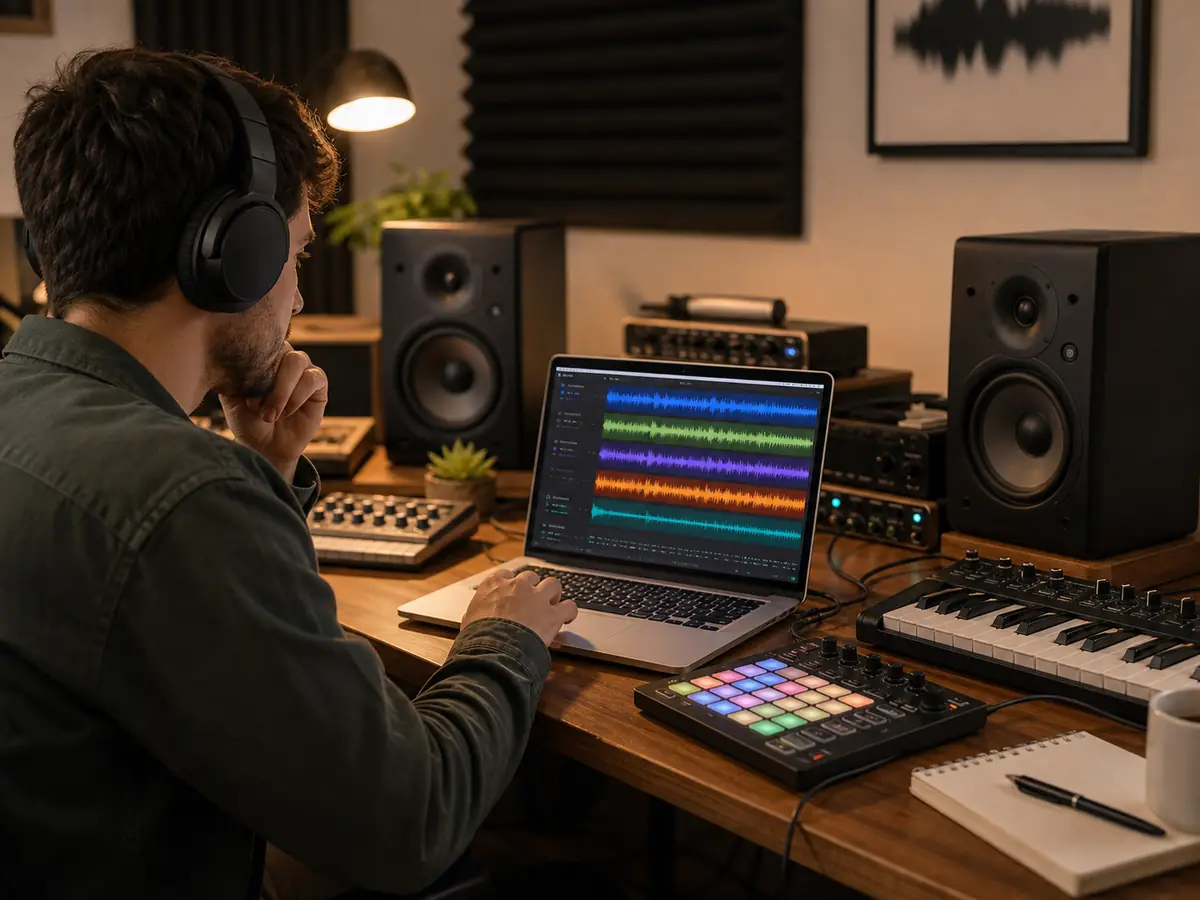
Isolate Vocals, Drums, and Bass
Use the AI stem splitter to turn a finished song into clearer audio parts. This helps when you need vocals, drums, bass, other instruments, remix layers, lesson material, and production references. Only need vocals and an instrumental version? Use the AI Vocal Remover.
Try AI Stem Splitter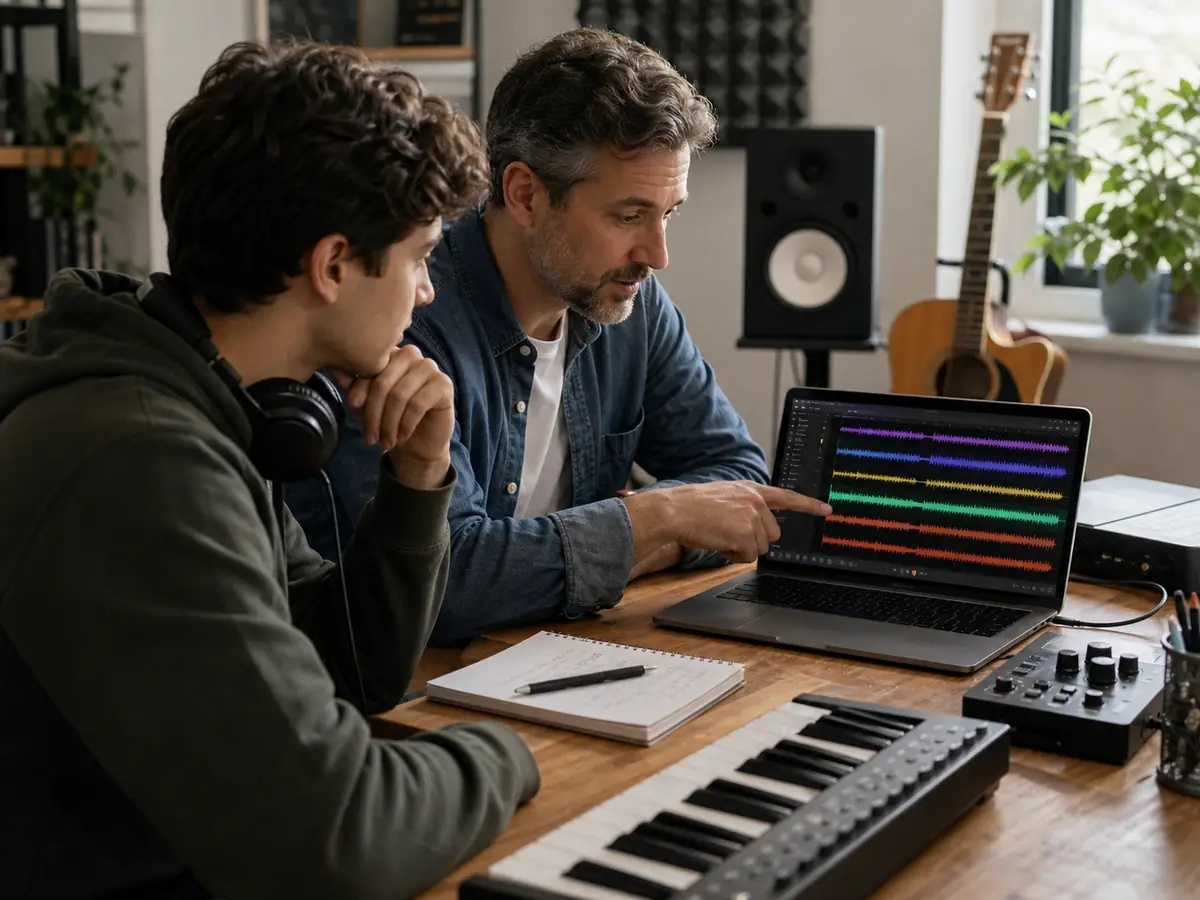
Study Song Arrangements
The AI stem splitter gives singers, editors, DJs, teachers, and producers a direct way to test ideas from the recording they already know. You can preview the output, compare the layers, and decide whether the file is ready for karaoke, remixing, arrangement study, or video work.
Analyze Stems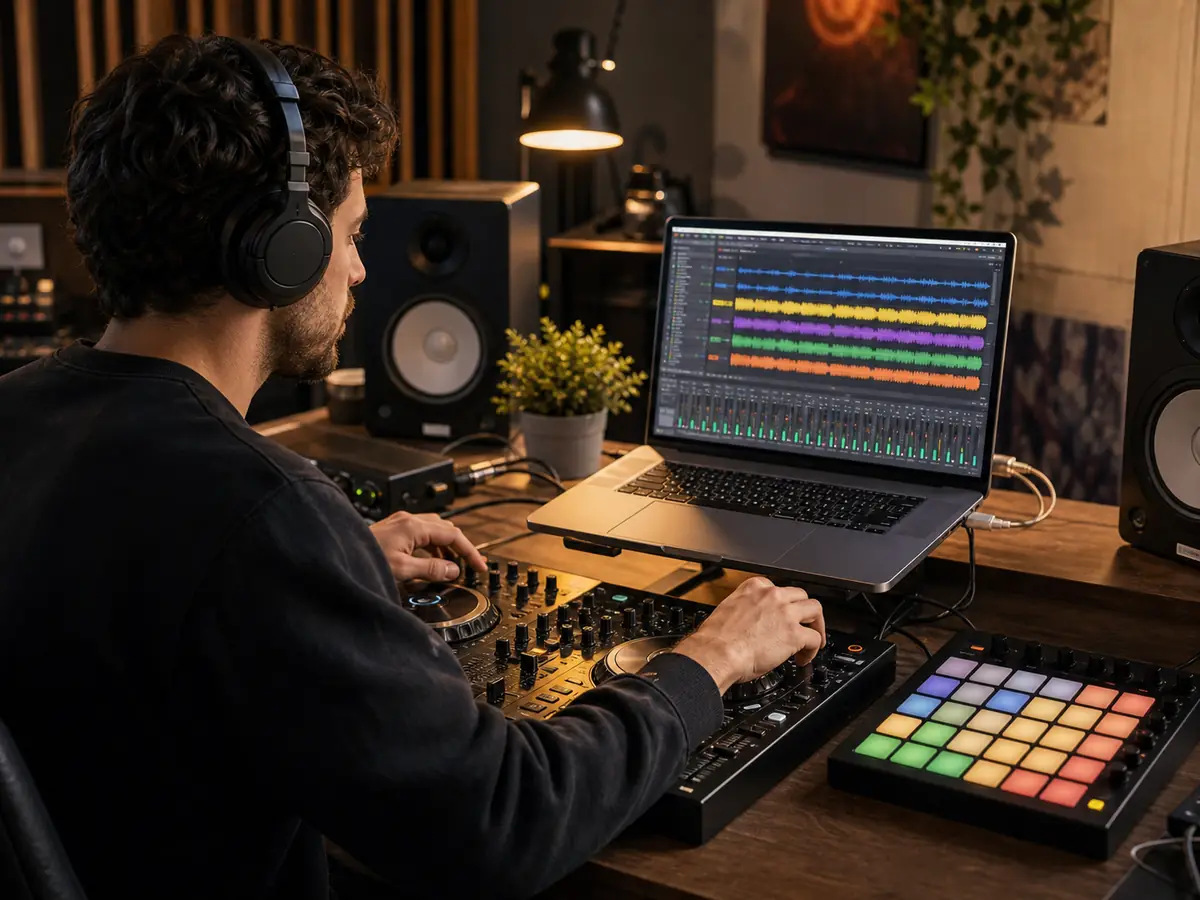
Speed Up Remix Work
Editors often need audio that leaves space for narration, captions, dialogue, or a new beat. The AI stem splitter helps you test a cut, prepare a client draft, build a short-form edit, or check an arrangement before spending time in advanced software.
Split Stems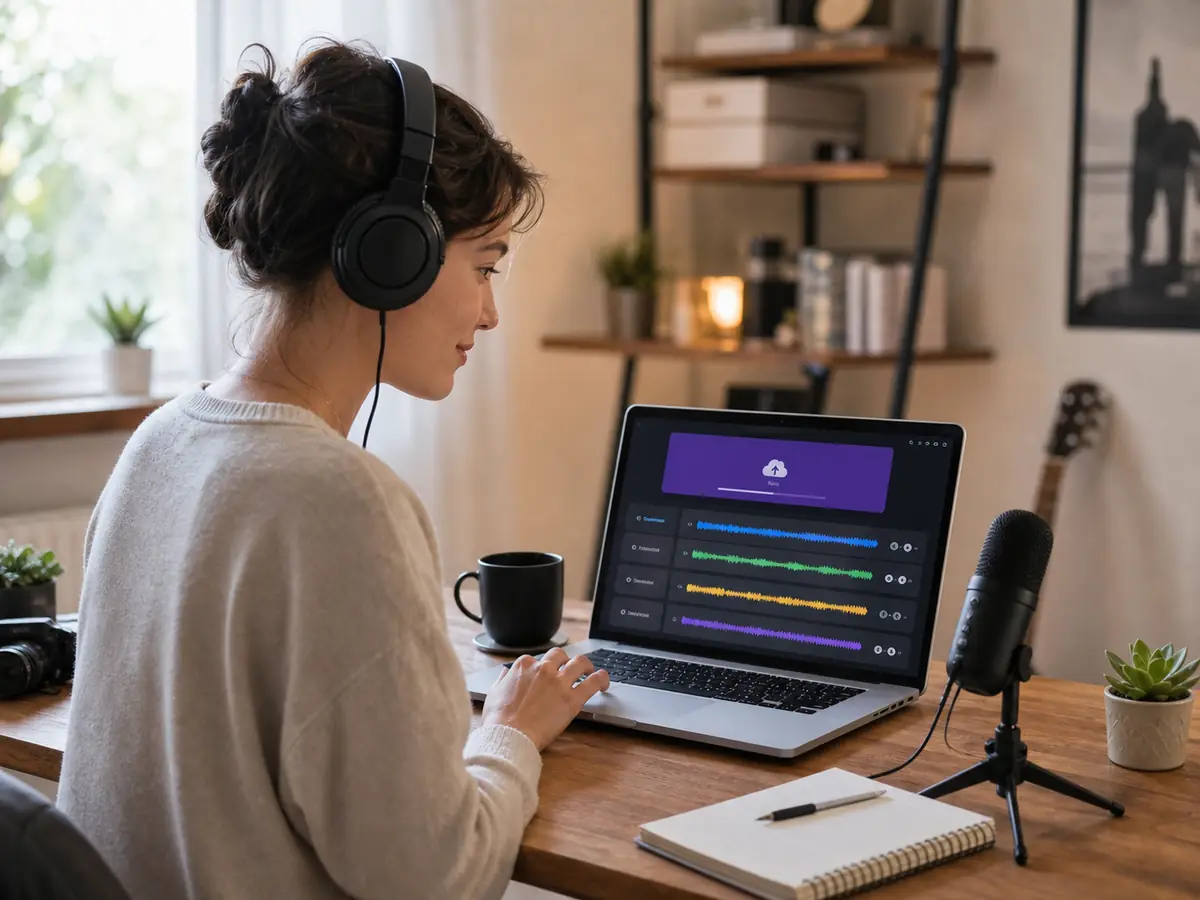
Simple for Everyday Creators
You do not need production training to use the AI stem splitter. Choose audio, run the separation, listen to the result, and download the part you need. If you need an original source track first, create one with the AI Music Generator.
Start SplittingWho Uses an AI Stem Splitter?
An AI stem splitter is used by anyone who needs fast, accurate audio separation without complex music production software. From beginners to professionals, it helps turn any song into usable stems like vocals, drums, bass, and instrumentals in seconds.
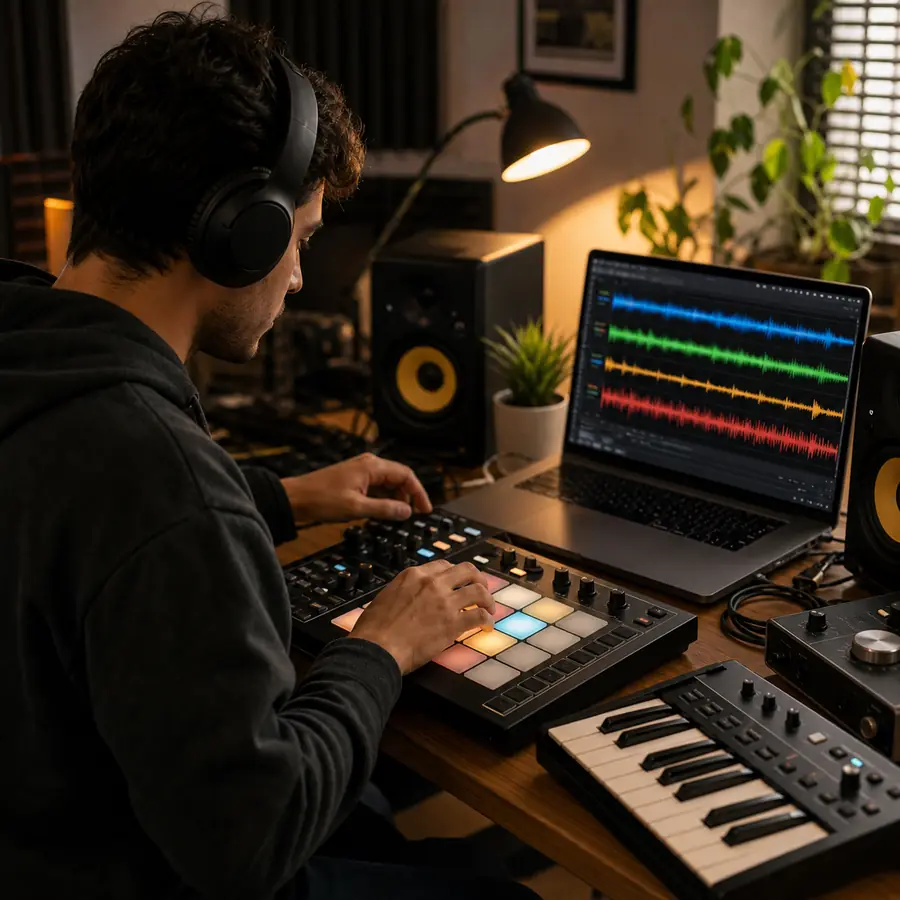
Producers and beatmakers
These users rely on the AI stem splitter when a finished song needs to become editable audio. It supports fast tests, performance preparation, music study, and content production without rebuilding every part from scratch.
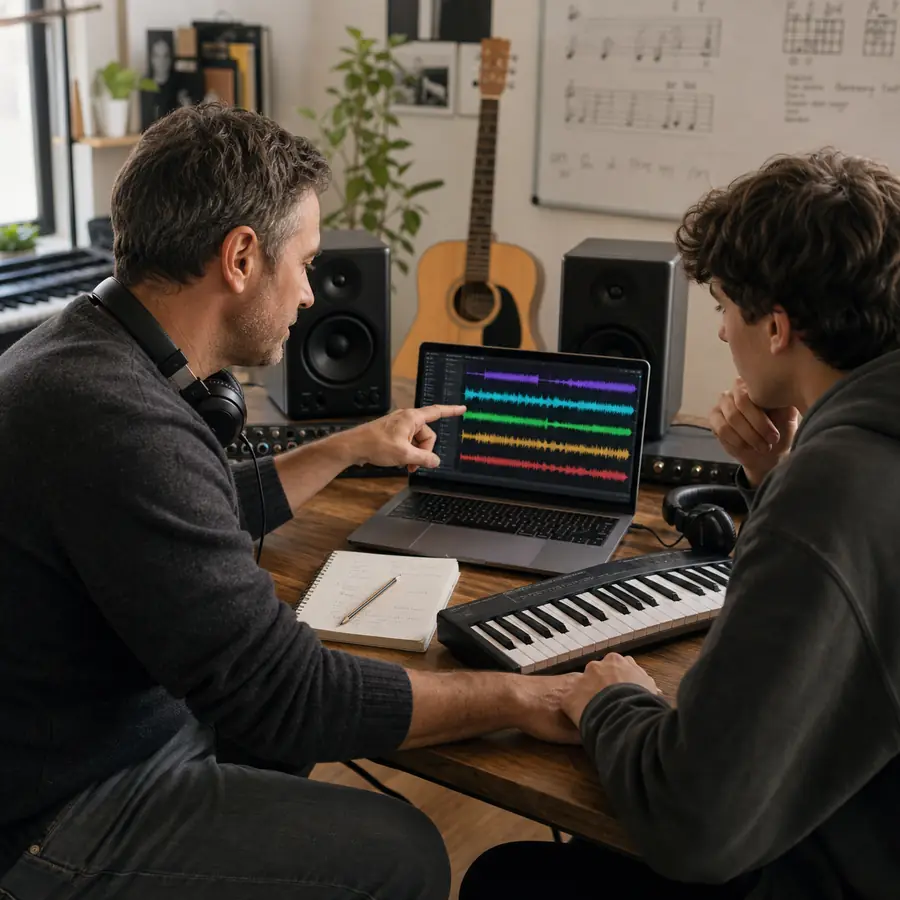
Music students and teachers
The AI stem splitter is useful when practice material must stay close to the original recording. It helps users keep the structure, timing, and feel of the song while working with a cleaner layer.

DJs and live performers
For content work, the AI stem splitter helps shape music around spoken words, scene changes, hooks, and pacing. Creators can keep musical energy while reducing parts that distract from the message.
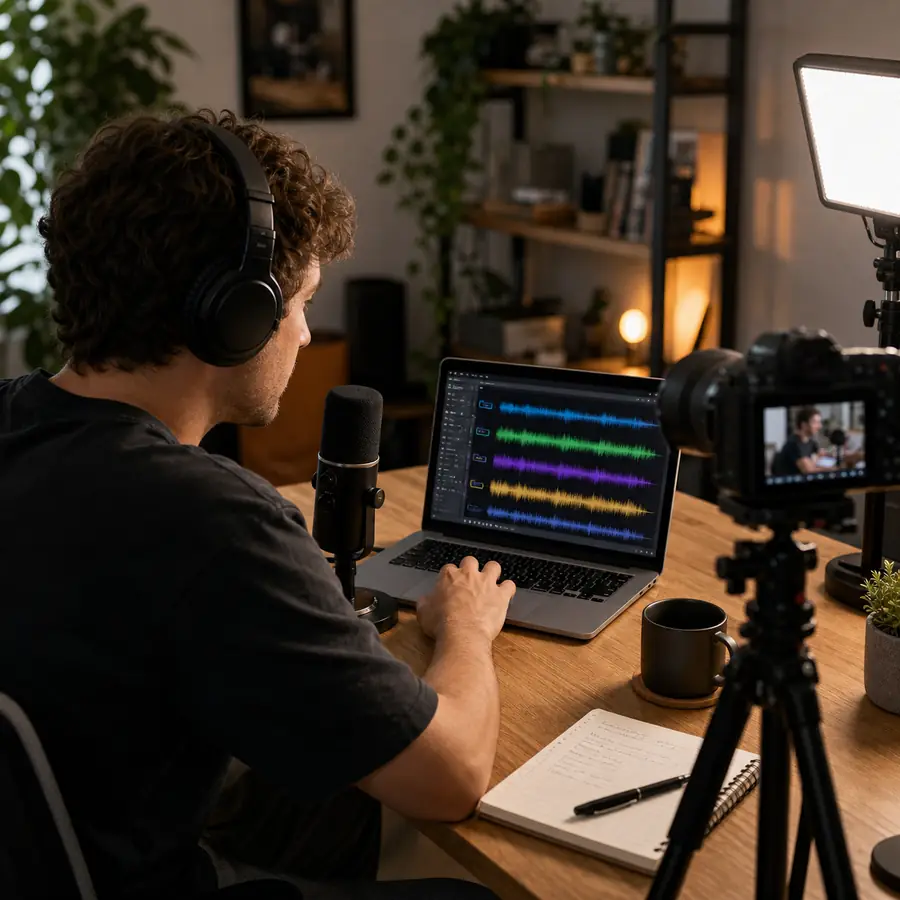
Content creators
Musicians and producers use the AI stem splitter to inspect melody, rhythm, arrangement, and mix choices. The output is not a replacement for original multitracks, but it is a fast reference for creative decisions.
How to Split a Song into Stems
Splitting a song into stems is now much easier with AI. Instead of using complex audio software, you can instantly separate a full track into vocals, drums, bass, and instrumentals in just a few steps.
Upload the song
Start with the best source file you can legally use. The AI stem splitter usually performs better when the upload is clear, complete, and not damaged by heavy noise, distortion, or extreme compression.
Run the AI split
Run the selected mode and let the AI stem splitter analyze the mix. The page will prepare separated audio that you can preview before deciding which version belongs in your workflow.
Download and use the stems
Listen carefully before downloading. Use the AI stem splitter output for drafts, lessons, practice, video, DJ preparation, or production, and check the rights attached to the source audio before public release.
Why Use an AI Stem Splitter?
Compare traditional stem separation workflows with an AI-first online workflow built for speed, quality, and accessibility.
Instant AI Processing vs Manual Editing
Separating vocals and instruments manually often requires hours of editing inside complex DAW software. Users need to adjust frequencies, apply filters, and fine-tune audio layers step by step.
AI automatically analyzes the song and separates vocals, drums, bass, and instruments in seconds. Just upload your track and get clean stems instantly with one click.
Complex Studio Software vs Beginner-Friendly Workflow
Most traditional workflows require professional music production tools, plugins, and technical knowledge. Beginners can struggle with complicated interfaces and setup processes.
AI stem splitting works directly online without studio software or advanced audio engineering skills. Anyone can isolate stems quickly from desktop or mobile devices.
Expensive Production Setup vs Accessible Online Tool
Professional audio separation often depends on paid DAWs, expensive plugins, and powerful hardware, making the workflow costly for many creators.
AI-powered stem separation removes the need for expensive studio setups. Everything runs online, giving creators fast access to professional-quality results at a lower cost.
Slow Creative Workflow vs Faster Content Creation
Creating remix-ready stems, karaoke tracks, or instrumentals manually can slow down music production and content publishing workflows.
AI accelerates the entire process, helping creators produce remixes, DJ edits, karaoke versions, and social media content much faster and more efficiently.
AI Stem Splitter FAQs
Questions about AI stem splitter, source quality, downloads, rights, and practical workflows.