
Hear AI-generated music before shaping your rock brief
Preview verified AI-generated tracks for inspiration, then use the AI Rock Music Generator to define your own guitar language, rhythm, vocal role, and arrangement. General examples are not presented as dedicated rock demos.

Glass on the Avenue

Palm Skin Summer

Pressure Forward
Create a complete track with an AI Rock Music Generator
The AI Rock Music Generator turns a focused prompt or your own lyrics into a complete music track. Define the rock lane, riff character, drum feel, bass movement, vocal role, section contrast, and intended use so the AI Rock Music Generator receives a practical production brief instead of one broad genre label.
Build the track around a clear guitar idea
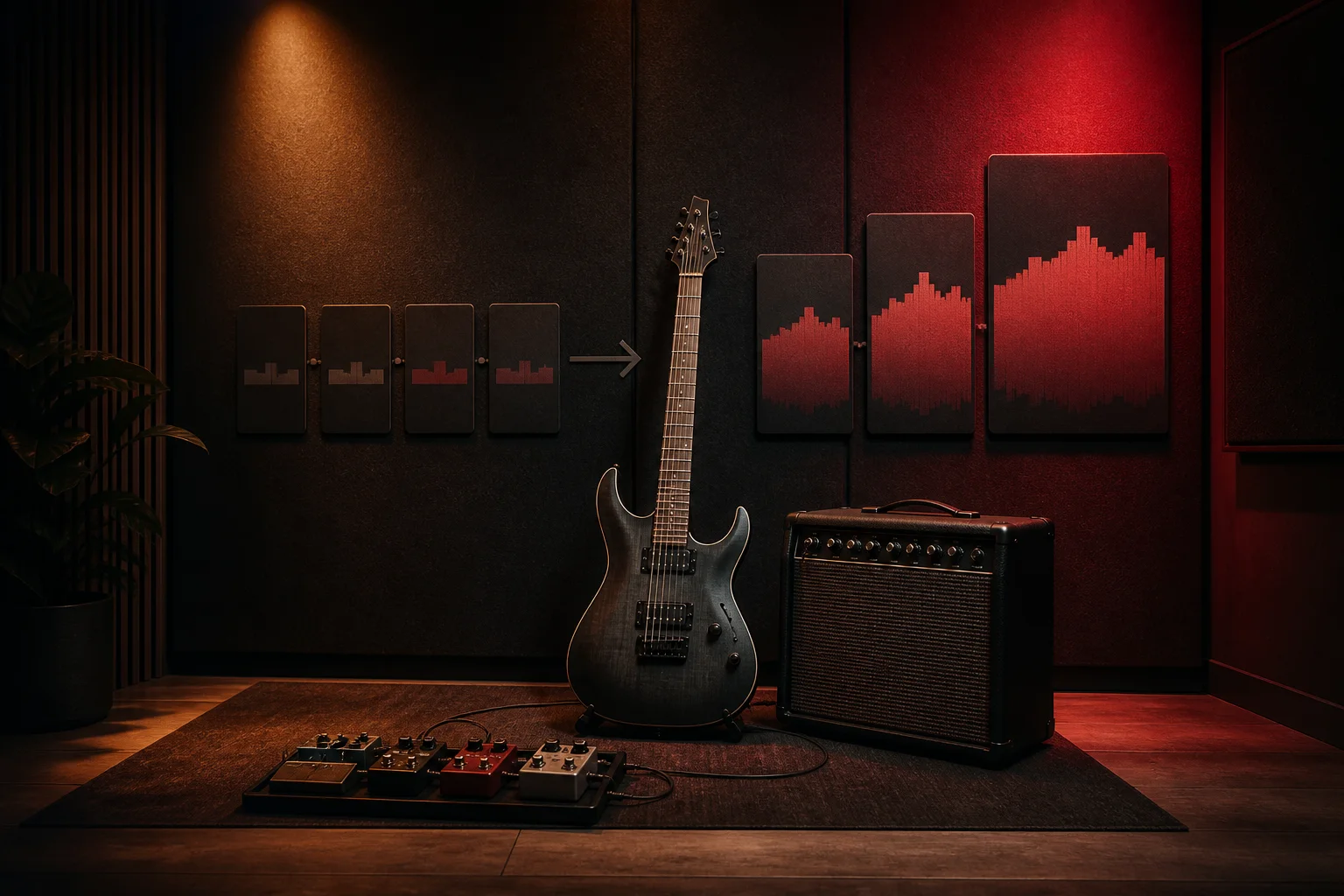
Start with the role of the guitar: a repeating driving riff, palm-muted verse, open power chords, clean delayed pattern, garage texture, melodic lead, or a restrained acoustic layer. The AI Rock Music Generator works best when you name the lead texture and explain how it changes between verse, chorus, bridge, and solo rather than stacking every rock sound at once.
Write the riff brief
Direct drums, bass, and the energy curve
Tell the AI Rock Music Generator whether the groove should feel tight, loose, fast, half-time, tom-heavy, restrained, or explosive. Add how the bass supports or answers the riff, where the drums should open up, and which transition carries the main lift. A clear energy curve helps the generated track serve a road scene, workout, game trailer, podcast intro, or full vocal song.
Shape the rhythm section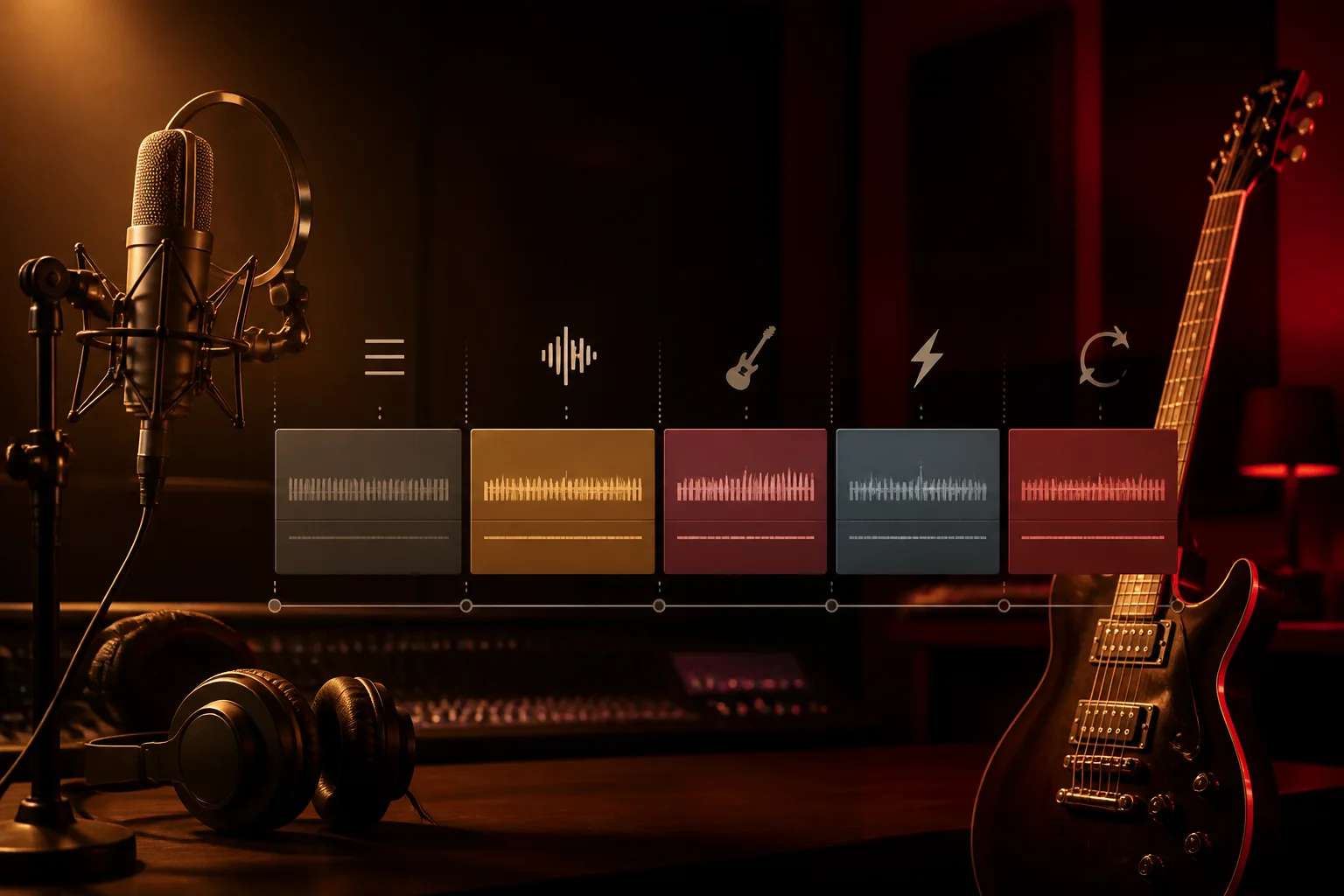
Plan vocals, hooks, and song structure
Choose instrumental mode or provide lyrics you own, then describe the delivery, hook, verse density, chorus width, bridge, solo, breakdown, and ending. The AI Rock Music Generator can interpret musical direction, but exact tempo and studio engineering remain creative guidance. Use the broader AI Music Generator when you need a genre-neutral starting point.
Explore the AI Music GeneratorWho uses an AI Rock Music Generator?
An AI Rock Music Generator helps creators hear a complete rock direction before committing to recording or detailed production. Each audience can use the AI Rock Music Generator with a different brief, from a vocal demo to a loopable instrumental or a scene-specific cue.
Songwriters and independent bands
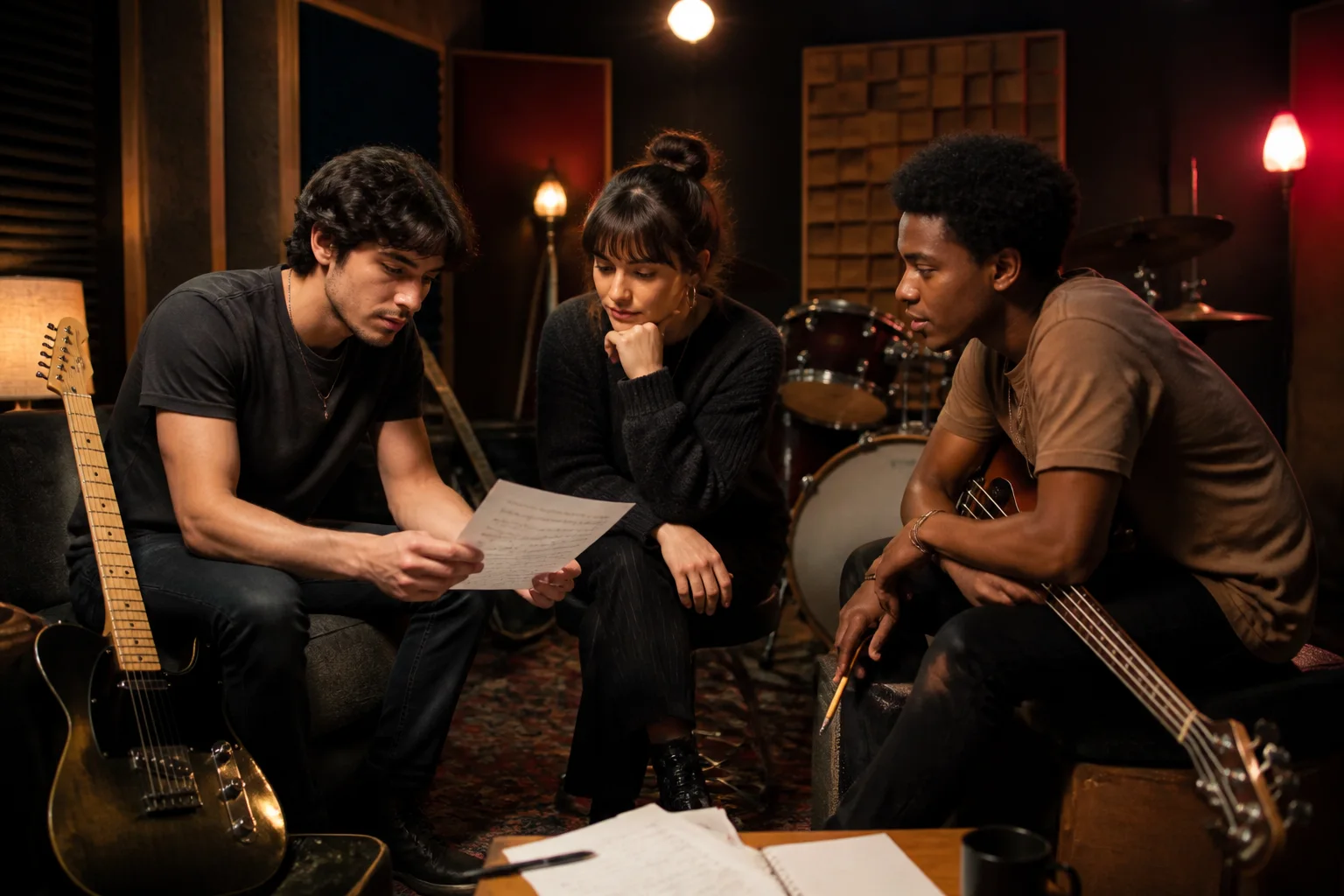
Test whether a lyric, riff, verse length, pre-chorus, and refrain belong together before rehearsal. The AI Rock Music Generator can compare alternative rock, indie rock, classic rock, pop punk, hard rock, and garage directions while keeping the prompt centered on your own musical traits instead of imitating a named artist.
Video and podcast creators
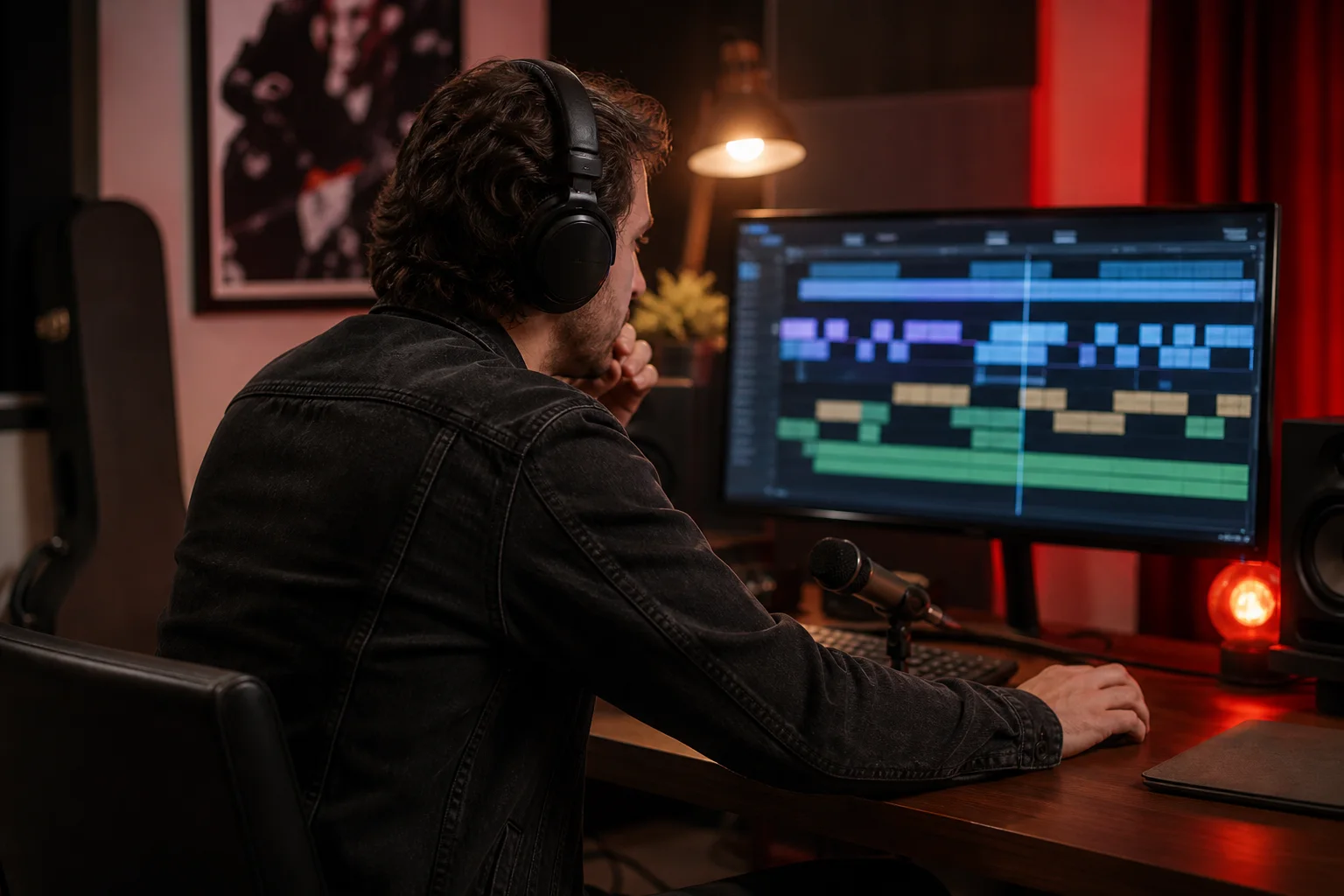
Create directions for channel intros, sports edits, road stories, product sequences, documentary transitions, and podcast openings. Tell the AI Rock Music Generator whether dialogue needs space, when the first strong hit should arrive, and whether the ending should loop, fade, ring out, or stop cleanly.

Game and trailer sound designers
Sketch music for racing, combat, character reveals, rebellious worlds, menus, boss introductions, and cinematic builds. An instrumental AI Rock Music Generator brief can prioritize rhythmic momentum, dynamic contrast, loop points, and space for effects without forcing a lead vocal into the scene.
Creators learning arrangement
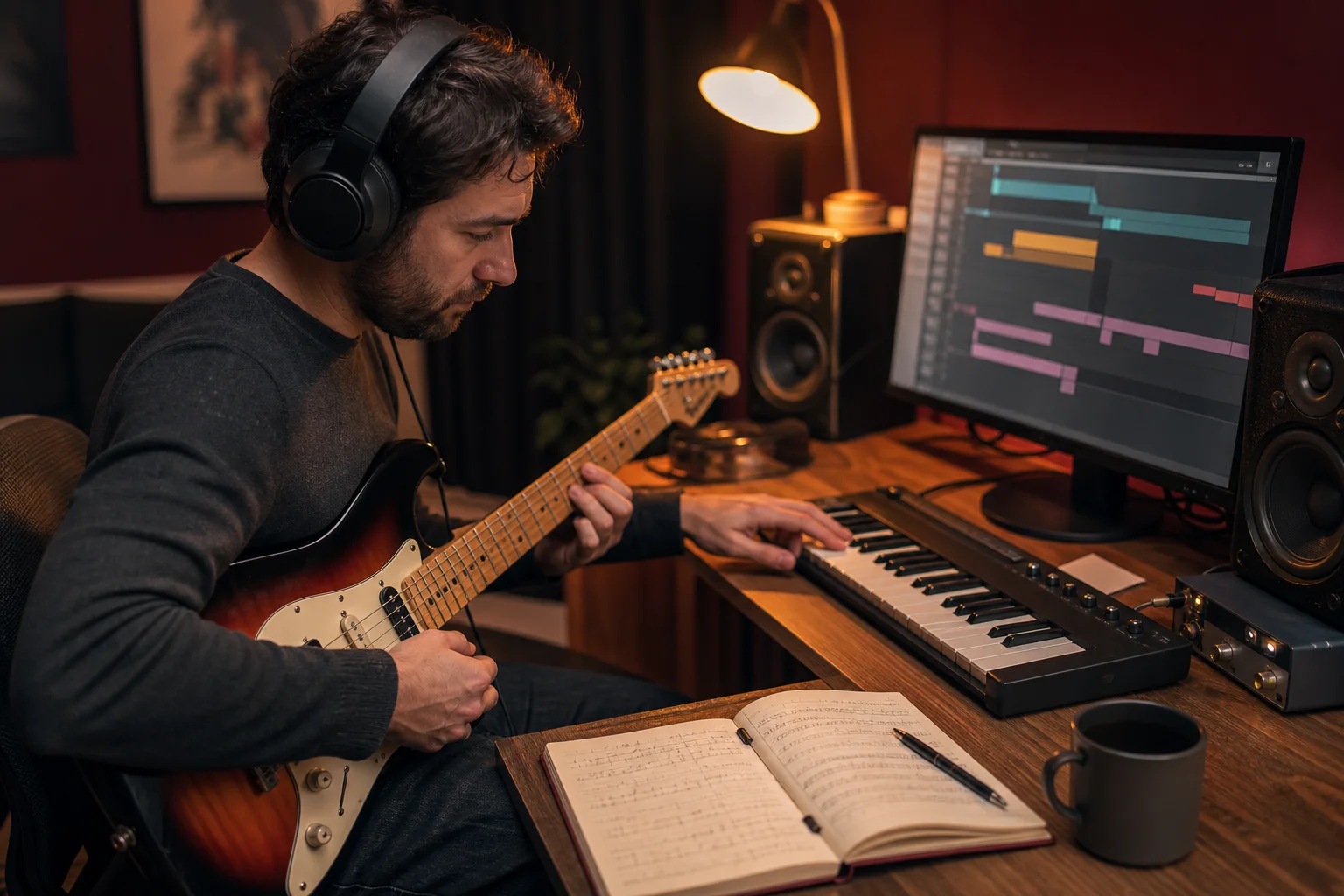
Hear how a riff can narrow for a verse, widen for a chorus, leave room for a vocal, hand focus to a solo, and return with more weight. The AI Rock Music Generator gives beginners a complete result to study, compare, and revise without claiming to replace instrument practice, mixing, or final mastering.
How to use an AI Rock Music Generator
Treat the AI Rock Music Generator like a collaborator receiving a short production note. Choose the rock lane and purpose, identify the riff and rhythm priorities, then generate, listen, and revise the few decisions that most affect the result.
Choose the rock lane and intended moment
Name alternative rock, classic rock, indie rock, pop punk, hard rock, garage rock, post-rock, or a deliberate hybrid. Add the listener, scene, emotional direction, and whether the AI Rock Music Generator should make a vocal song or instrumental cue. Avoid artist names; describe tone, energy, instrumentation, and performance qualities instead.
Add riff, rhythm, voice, and structure
Tell the AI Rock Music Generator which guitar texture leads, how bass and drums move, whether the verse is restrained or raw, how the chorus expands, and whether you need a bridge, breakdown, solo, loop, fade, or clean stop. If you use custom mode, provide only lyrics you own or have permission to use.
Generate, compare, and revise one priority
Listen for whether the riff remains memorable, the rhythm supports the intended scene, the vocal has space, and the chorus earns its lift. Change one or two priorities in the AI Rock Music Generator prompt, such as guitar texture, drum intensity, section contrast, or ending, then compare the new result with the first.
AI Rock Music Generator FAQ
Answers about complete rock tracks, prompts, lyrics, riffs, vocals, instrumentals, artist imitation, and usage rights.