Chord Finder from Audio: What It Does
A chord finder from audio estimates the harmony that moves through a recording, then places each detected change on a simple timeline. Use Chord Finder from Audio as a focused first pass before practice, arranging, transcription notes, or a closer listen. The audio chord finder is built for decisions that start with a file: where the progression changes, which sections deserve replay, and which labels need checking against bass, melody, and voicing. That makes the Chord Finder from Audio useful when the audio is a rough export, a rehearsal take, or a backing track and you only need enough structure to decide what to check next. For heavier notation work, treat the chord finder as preparation, not the final source. The result is a practical map, not a promise of perfect notation: dense mixes, inversions, altered chords, modulation, and ambiguous sections still need musical judgment.
Find the likely progression
See chord labels in time order so an intro, verse, chorus, bridge, or loop can be checked as a moving progression instead of one whole-song label.
Use timestamps for changes
Each detected segment starts with a timestamp, making it easier to replay the exact place where the harmony changes or where the estimate needs checking.
Read key and BPM as context
The page keeps estimated key and BPM beside the progression so you can understand the chord map without turning this task into a separate key or tempo check.
Work from your own files
Start with a song, demo, rehearsal take, backing track, or private export that your browser can decode, even when public song metadata is not available.
Expect a first-pass estimate
Automatic labels can be wrong in complex sections, so the chord finder is best used to narrow the listening task before you confirm bass, melody, and voicing by ear.
Stay focused on harmony
Use the Chord Finder from Audio page when chord movement is the main question. If the whole-track key or tempo is the only thing you need, a dedicated key or BPM tool is clearer.
How to Use Chord Finder from Audio
Move from a recording to a working harmony reference in four clear steps. In the Chord Finder from Audio workflow, you do not need to know the song key before uploading, and you can compare up to 5 files in the same queue. The chord finder returns a progression you can scan, timestamps you can revisit, and supporting values that help you decide what deserves a closer listen.
Add an audio file
Select or drop up to 5 browser-playable tracks. FreeMusicCreator.ai checks the format, file size, and duration before adding each one to the analysis queue.
Let the browser analyze it
Each file is decoded and analyzed one at a time. The result row fills in with a timestamped chord progression, estimated musical key, and BPM when the pass is ready.
Listen and use the map
Read the chord names from left to right, jump to the listed timestamps in your player, and compare the estimate with the bass, melody, and voicing you actually hear.
Turn the clue into a decision
Use the map to start practice, outline sections, test a cover, plan a transposition, or open a more detailed notation workflow. Keep your ears in the loop before publishing or rehearsing a final part.
Make the Next Musical Check Faster
Use Chord Finder from Audio to reduce replaying and move into practice or arranging with a clearer starting point.
Spend less time hunting changes
Start from likely change points instead of replaying the whole track while guessing where the harmony moved.
Keep better rehearsal notes
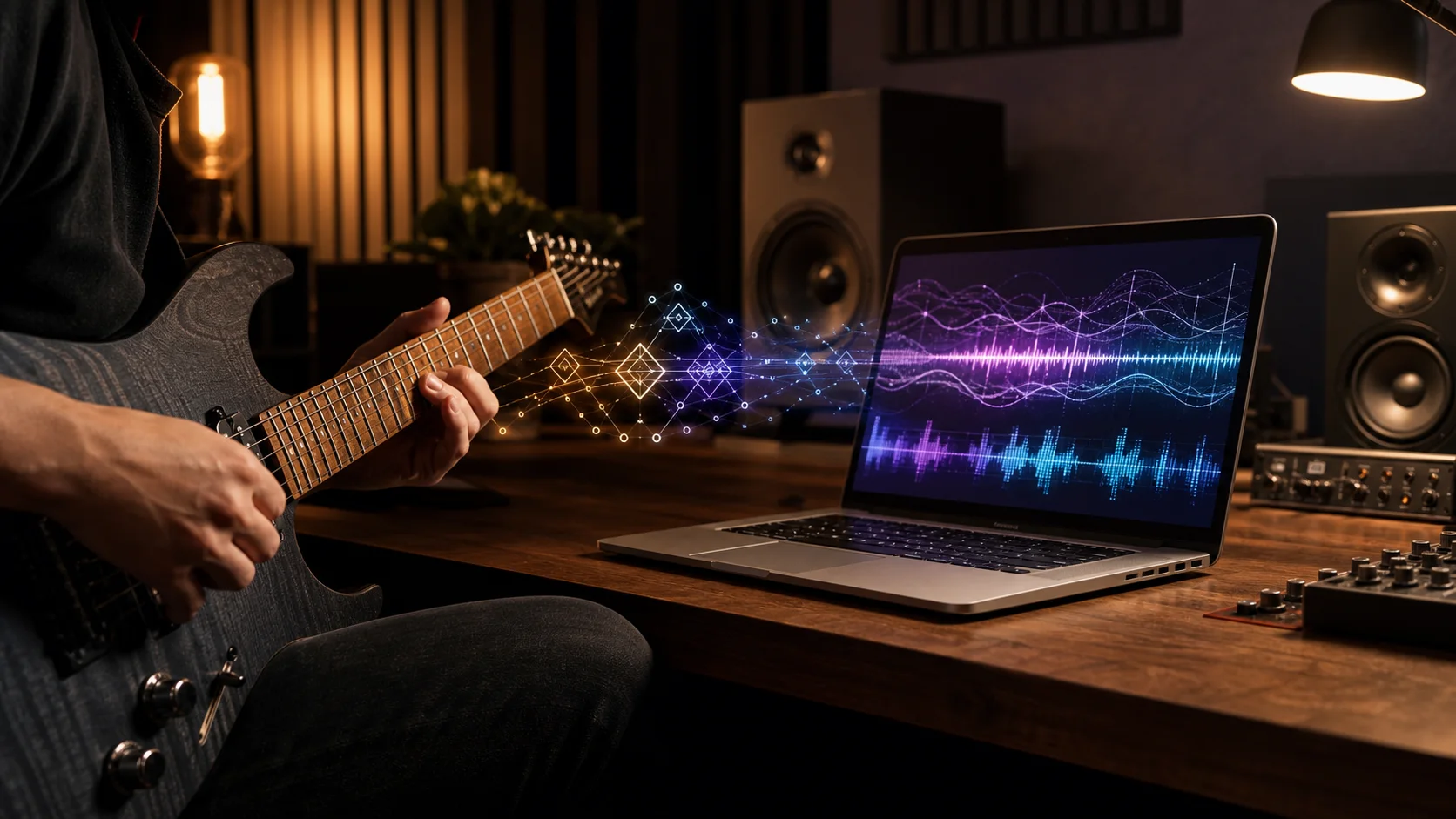
Write down chord labels with timestamps so a rough reference is ready before you test the part on guitar, piano, or voice.
Compare ideas with context
Check chord movement beside key and tempo when you are planning a cover, sketching accompaniment, or testing a loop.
Avoid overbuilding too early
Use a quick map before committing time to full transcription, detailed notation, or a heavier DAW session.
Chord Finder from Audio Questions
Questions about Chord Finder from Audio, the chord timeline, estimated labels, and the browser files this audio tool can handle.
Upload your audio, scan the Chord Finder from Audio result, then verify the important changes by ear.