
What Is Tap Tempo?
A tap-based tempo finder measures the time between your clicks and turns steady rhythm input into a beats-per-minute estimate. Tap Tempo is useful when you can hear a beat but do not have reliable metadata or analysis software nearby.
Estimate Tempo Quickly
Tap along with any song and get a real-time beats-per-minute estimate that updates as your rhythm becomes steadier.
No Audio Upload Needed
Measure the tempo from playback around you without uploading files, connecting accounts, or moving audio away from the service you are already using.
Easy for Everyone
Perfect for musicians, DJs, producers, dancers, teachers, editors, and beginners who need a quick reference instead of a full analysis workflow.
Works on Any Device
Use the tempo tool on desktop, tablet, or mobile browsers, whether you prefer clicking, tapping the screen, or using the spacebar.
Practice Better Timing
Use tempo feedback to improve rhythm, timing, and pace awareness during practice, rehearsal, warmups, or lessons.
Support Creative Workflows
Find tempo references for songwriting, remixing, video editing, choreography, DJ preparation, and production notes.
How to Find Song Tempo by Tapping
Find a song's tempo in just a few simple taps, then use the estimate as a practical reference for your next creative step.
Play Your Music
Start any song, beat, rhythm, rehearsal recording, metronome pattern, or audio source with a steady pulse.
Tap with the beat
Click or press the spacebar in sync with the pulse so the tool can estimate the tempo from your timing. Keep tapping for several beats to smooth out early mistakes.
Use Your Tempo
Apply the result to production, mixing, practice, editing, set planning, or tempo notes for a project.
Perfect for DJs and Live Performers
Match song tempos faster, prepare smoother transitions, and keep live sets moving with quick tempo checks. A BPM finder is especially helpful when track notes are missing, imported metadata looks wrong, or a remix has a different groove than expected.
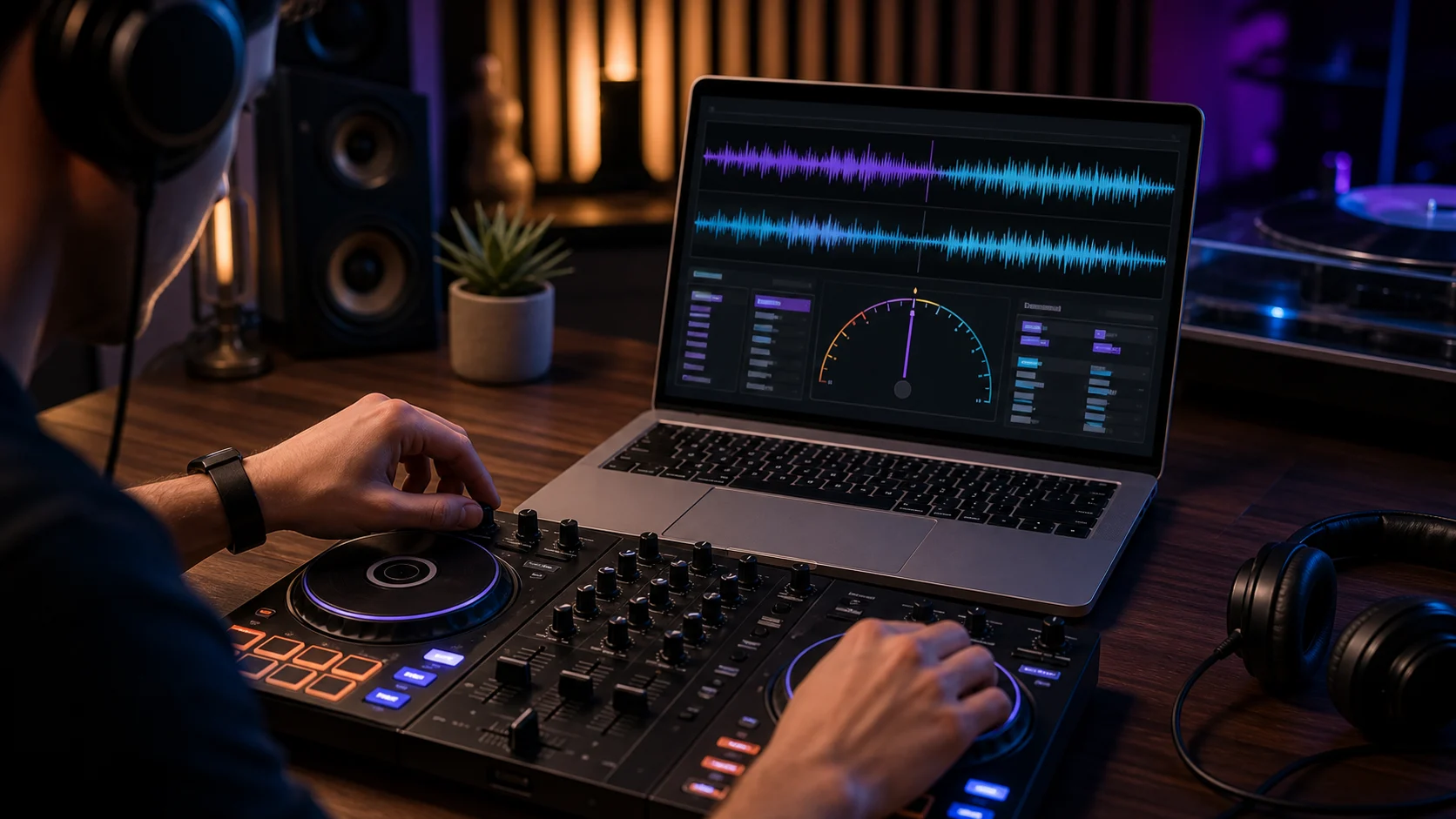
Beat Matching
Estimate the tempo before transitioning between tracks so blends feel tighter and the next cue lands with confidence, even when you are preparing outside your main DJ software.
Match Beats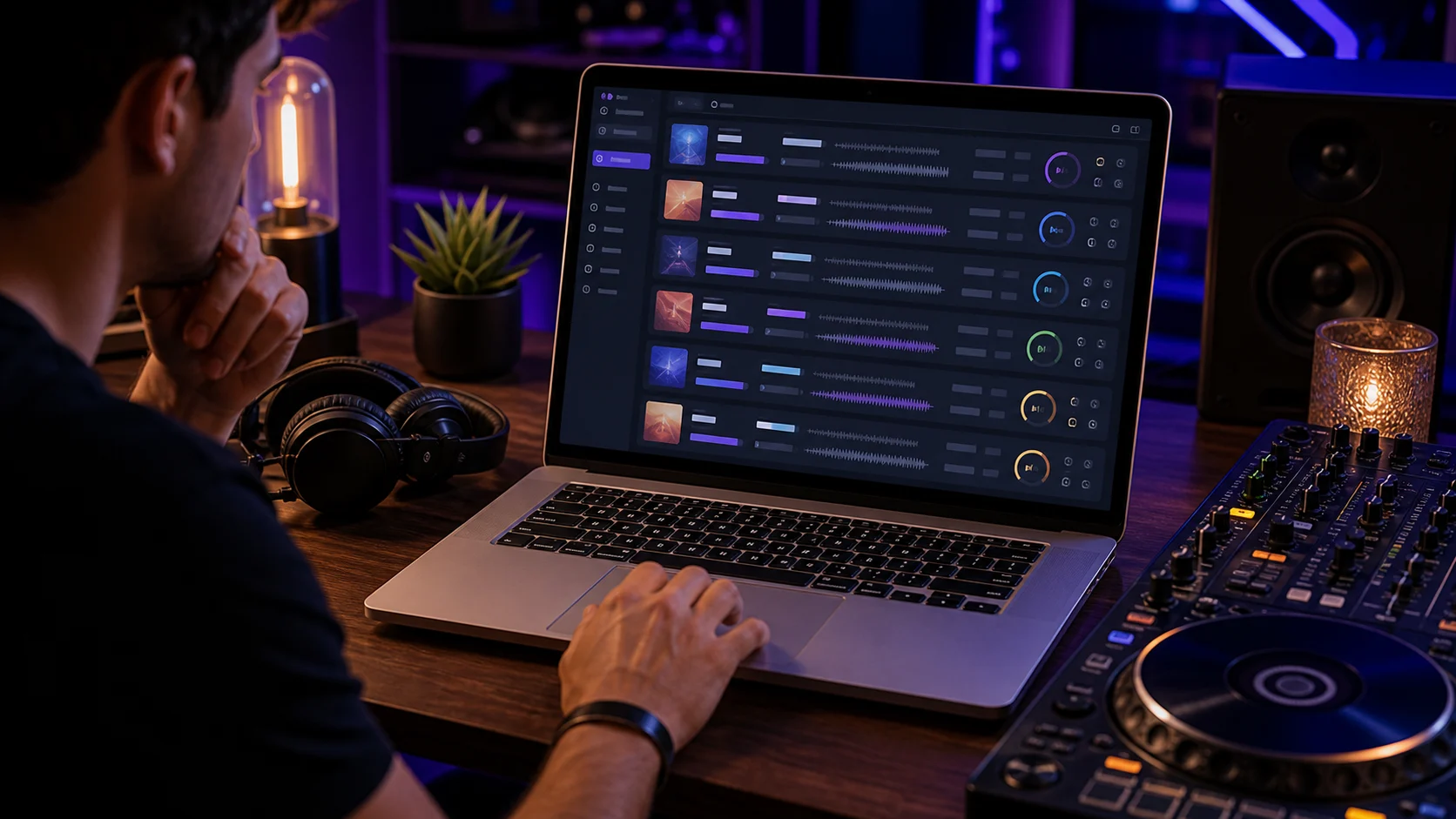
Faster Track Selection
Choose compatible songs faster by checking rhythm speed instead of relying on memory, track notes, or incomplete metadata during a set, rehearsal, or playlist review.
Find Track Tempo
Smooth Live Mixing
Reduce tempo mismatches during performances by confirming the beat before you cue the next track, loop a section, shift into a new groove, or rebuild a transition.
Check Tempo
Better Audience Flow
Maintain consistent energy throughout your set by moving between songs with tempos that support the room, the mood, and the crowd's momentum instead of forcing abrupt changes.
Keep the FlowWhy Use a BPM Finder?
Quickly identify the tempo of any song or rhythm when you need a useful reference faster than a full audio analysis pass.
Save Production Time
Skip manual calculations and get a tempo estimate in seconds, especially when you are comparing many tracks or working against a deadline.
Improve Accuracy
Use steady taps to improve the reliability of your tempo reading. Longer, more even tapping usually produces a more helpful result.
Stay Consistent
Match tempo across projects and music sessions so edits, loops, practice routines, and cue notes stay easier to align.
Increase Workflow Speed
Focus on creativity instead of repetitive tasks by checking rhythm speed quickly and returning to the mix, edit, lesson, or rehearsal.
Who Uses a Tempo Finder?

DJs
Estimate tempo and match tracks more smoothly during live performances, playlist preparation, recorded mixes, and quick booth checks.
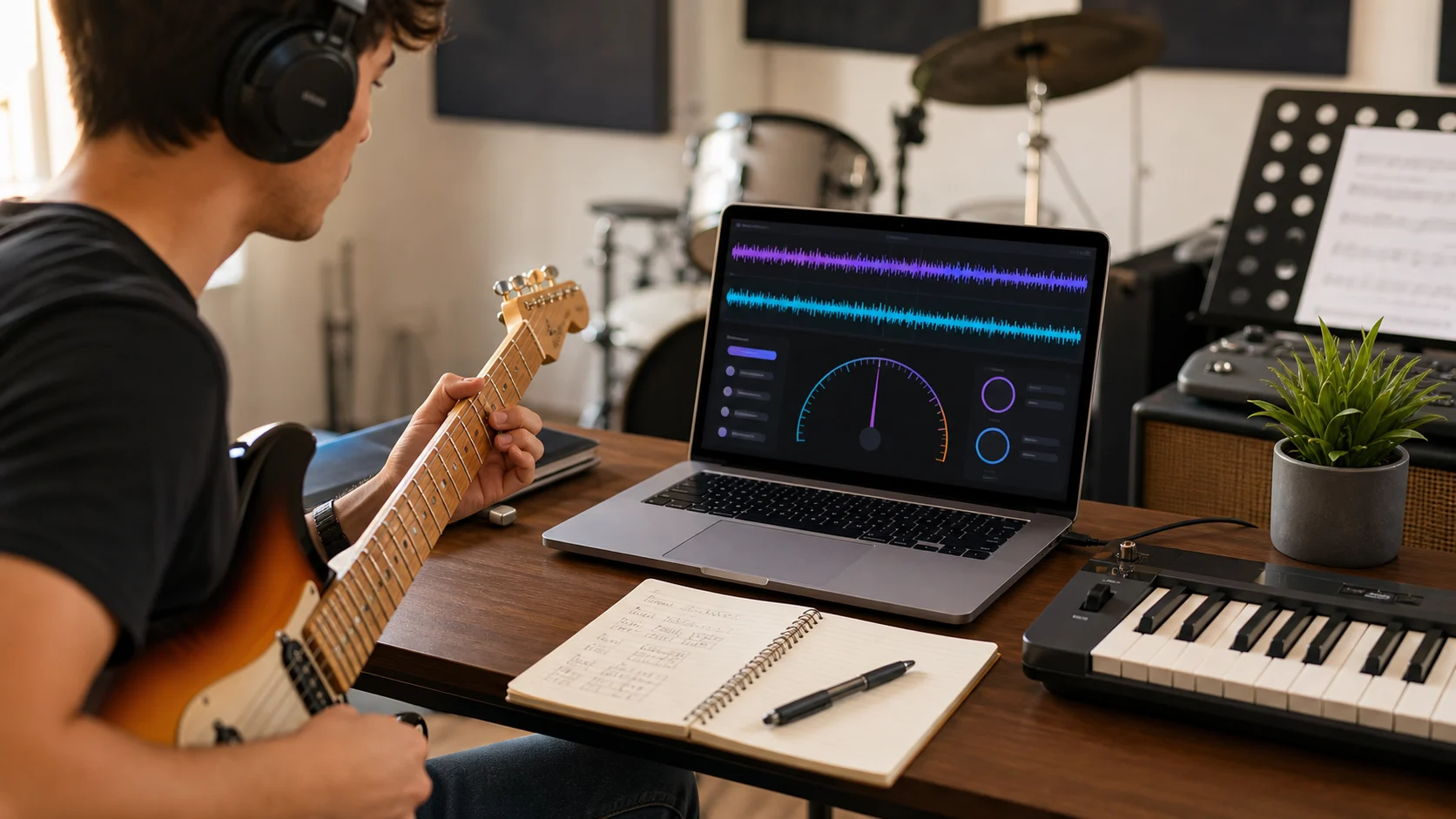
Musicians
Identify song speed for practice sessions, rehearsals, live performances, cover arrangements, and shared notes with bandmates.
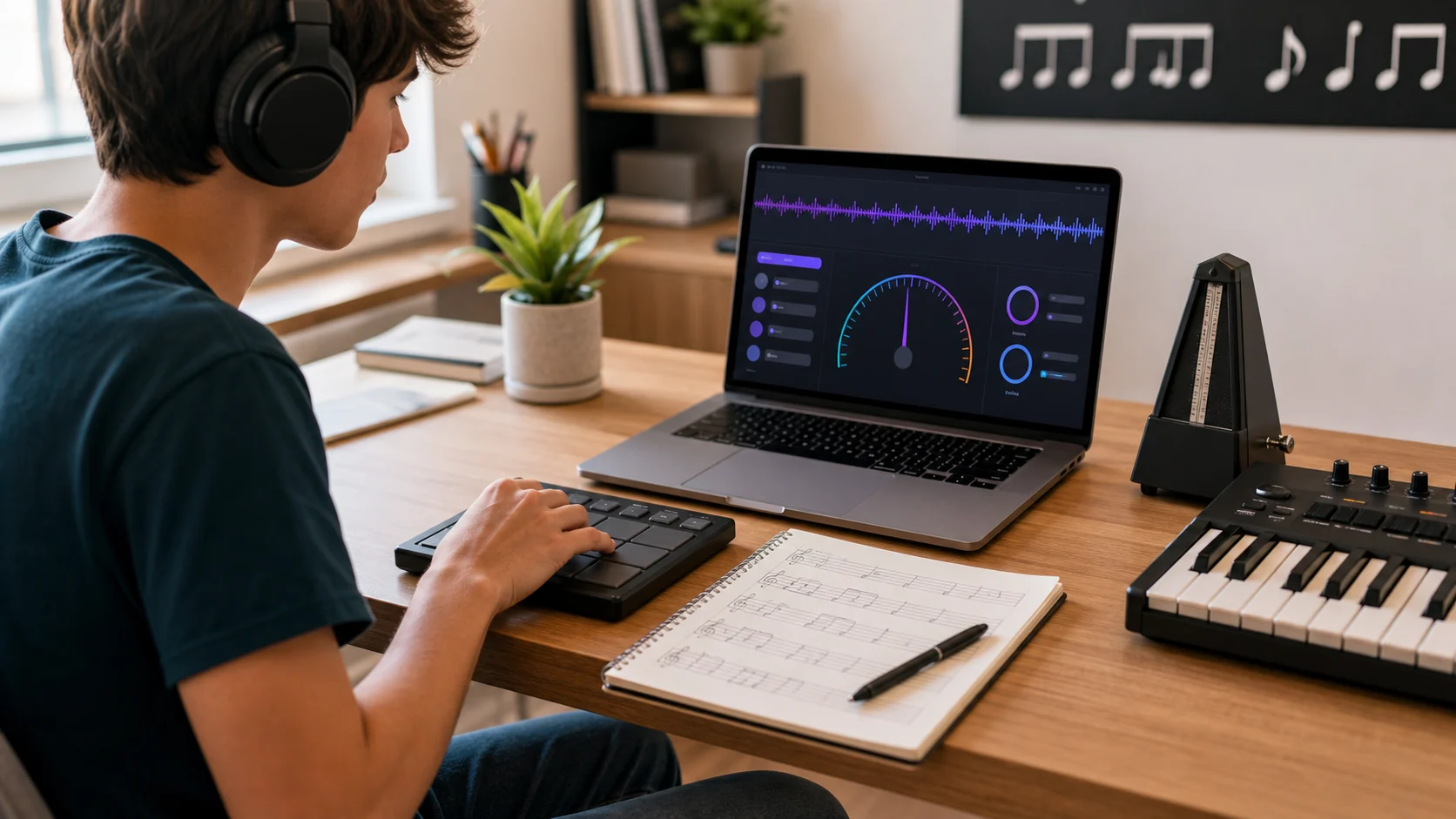
Music Students
Learn rhythm, tempo recognition, and timing through interactive tap-based measurement that connects listening skills with a visible tempo estimate.
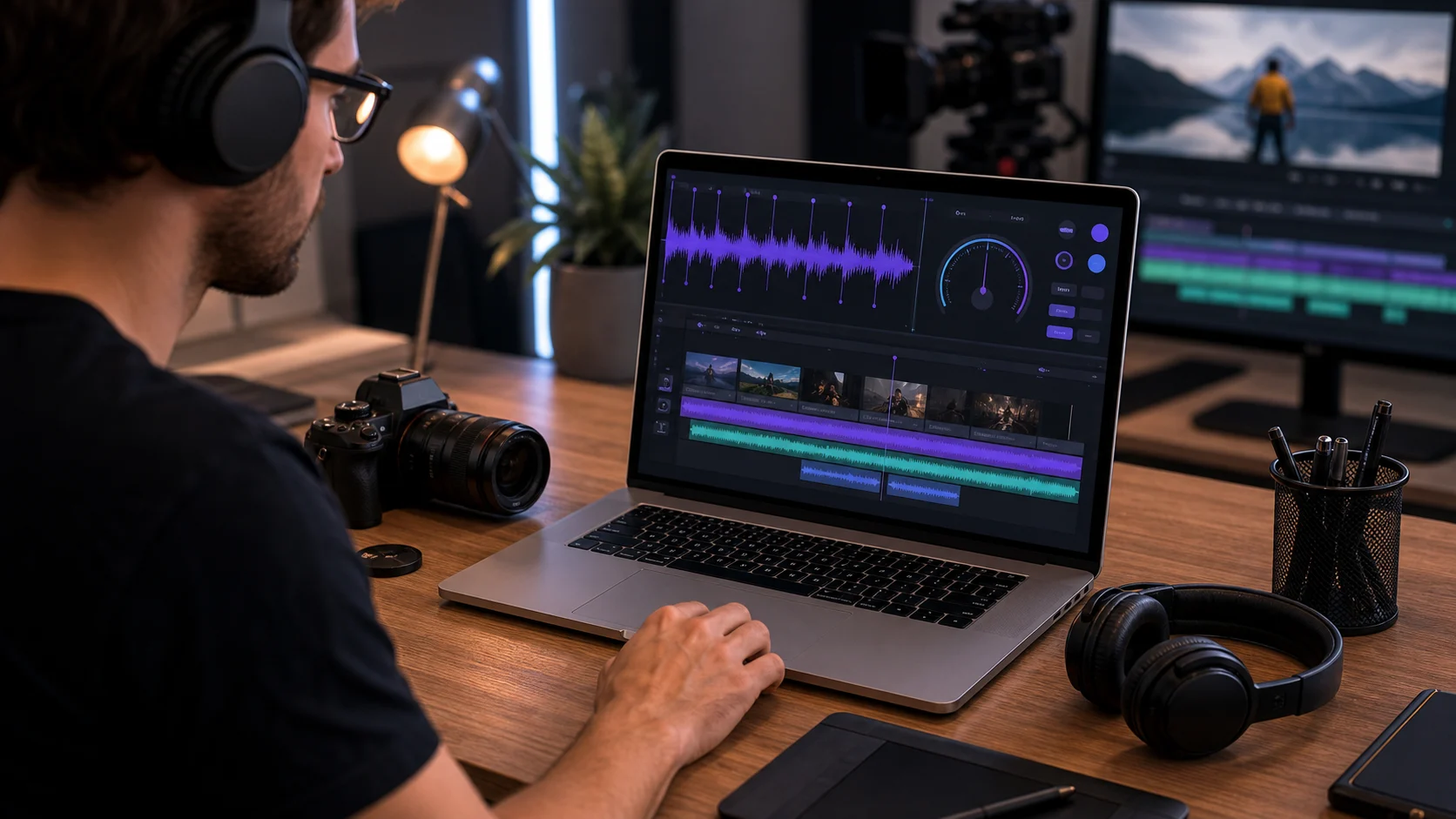
Video Creators
Synchronize music and video content by finding a practical tempo reference for background tracks, edits, cuts, and motion changes.
Tempo finder FAQ
Common questions about finding song tempo by tapping along with music, using the estimate, and improving the reliability of each reading.
Use Tap Tempo with your favorite music and get a quick tempo estimate. A short Tap Tempo check can give you the reference you need before you mix, practice, or edit.